Known Participant
April 6, 2022
Question

Illustrator pathfinder

  • April 6, 2022
  • 2 replies
  • 328 views

Hi,

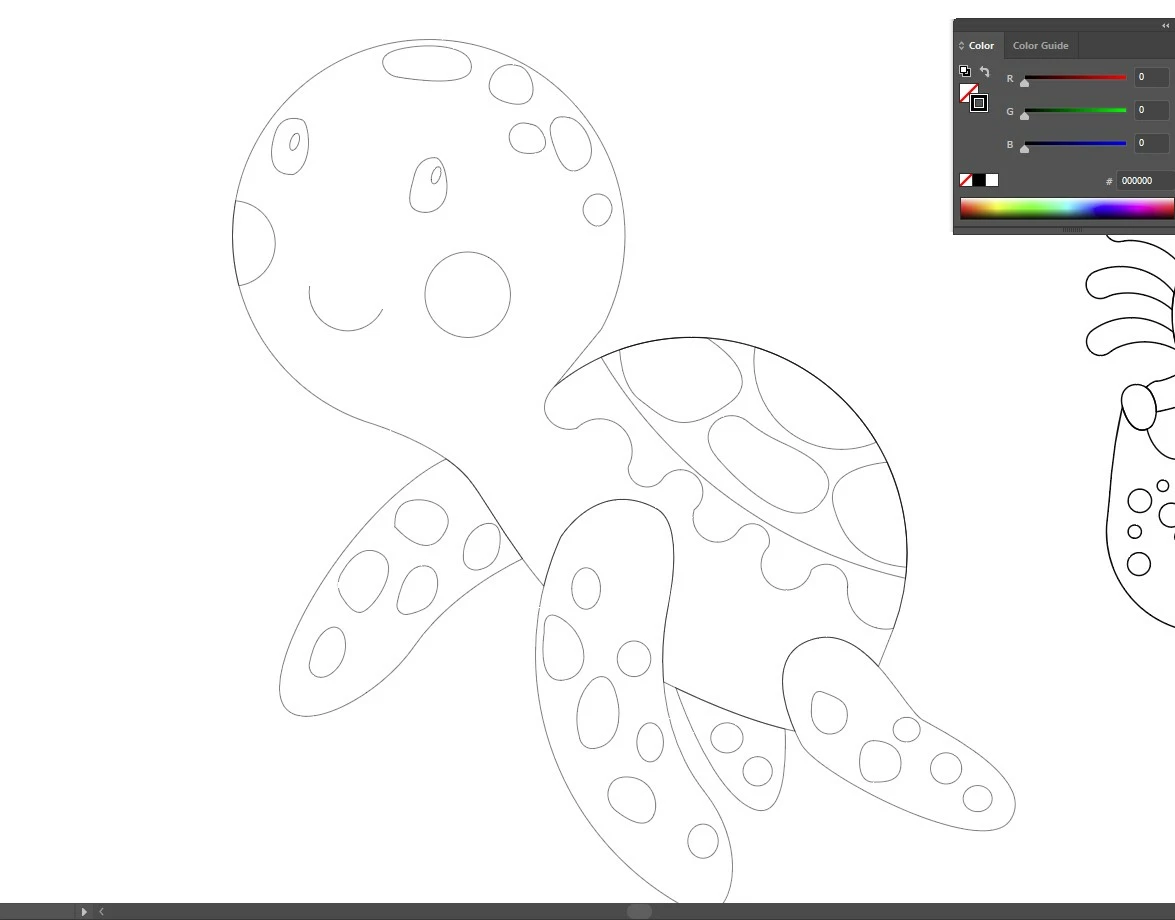
I am applying pathfinder- minus front to cut out some shape. Then I notice the common border the shapes share are more bold/thick than rest lines/borders.


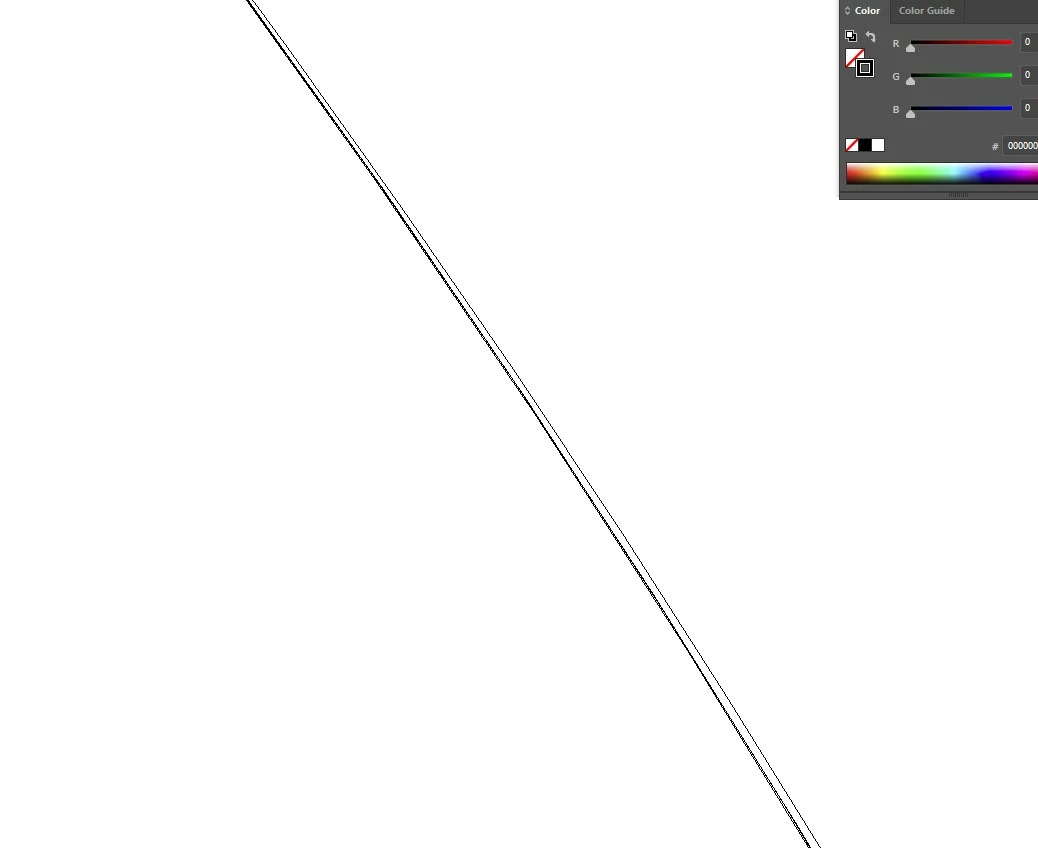
At first I thought am doing something wrong, Then I activated outline mode, zoomed 64000% and then I notice lines are not placed on each other accurately! Common lines are slightly away from each other and very tiny gaps are between lines.


pathfinder-minus front should place common lines above each other with 100% accuracy, right? and doesn't make the common lines bold/thick -that was my understanding. Or am wrong?

I dnt want this to happen. am worried what if it is visible if my client prints it?

Any solution?

Thank you.
 

This topic has been closed for replies.

2 replies

Ton Frederiks
Community Expert
Community Expert
April 7, 2022

And check the Pathfinder Options if precision is set to a small value like 0,001 pt

Rainy_SkyAuthor
Known Participant
April 8, 2022

Thank you so much. I am gonna check that.

Brad @ Roaring Mouse
Community Expert
Community Expert
April 6, 2022

If your objects weren't lined up exactly before (or overlapping beyond the edge of the rear object), you might get a shape within a shape. What did your objects look like BEFORE you applied the minus front?.

As for stroke width, the rearmost object usually defines the fill and stroke of the resulting object.

In any case, you are getting duplicate strokes. Suggestion: once you do the minus front, immediately "hide" the resulting object (Cmd/CTRL-3) while its anchors ae still visible, and this will reveal where any errant duplicate line is coming from.

Rainy_SkyAuthor
Known Participant
April 8, 2022

I was so angry that I delted the file. So I cant show you how it was before the operation. My bad. I am gonna follow your instructions.


Thank you so much.