
Peekaboo Panda Studio
Participant
August 11, 2018
Answered

Illustrator pressure sensitivity grayed out

  • August 11, 2018
  • 2 replies
  • 1015 views

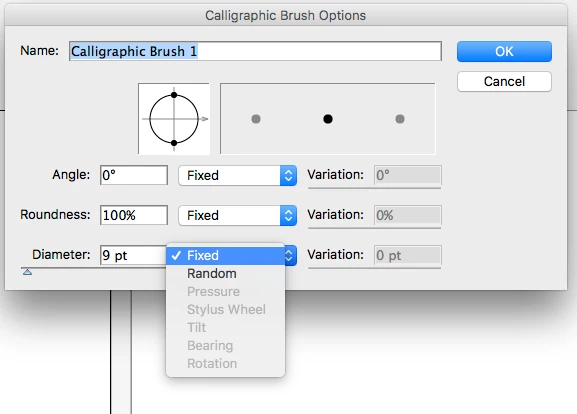
I have a Yiynova MVP 22U and I am tying to get pressure sensitivity to work in adobe illustrator CS5. I Have a Mac 10.12.6 operating system. The pressure sensitivity works in Photoshop, Clip Studio Paint, and Sketch Book Pro. I've tried uninstalling and reinstalling with no results. I also tried installing a Wacom Driver too but that just made all tablet functions not work.
This topic has been closed for replies.
Correct answer Monika Gause

Font previews work when you turn off system transparent overlays.

You might need to check if a 2015 iMac can run on Mountain Lion.

2 replies

Peekaboo Panda Studio
Participant
August 26, 2018

Maybe I should downgrade my imac 2015 to os x mountain lion? Is that compatible with adobe cs5 suite? I've been trying to find a chart that has a list of compatibility for CS5 this is one but it doesn't say which software version.

Adobe product operating system compatibility

I've noticed other bugs like the font previews aren't visible on sierra or yosemite.

Monika Gause
Community Expert
Monika GauseCommunity ExpertCorrect answer
Community Expert
August 26, 2018

Font previews work when you turn off system transparent overlays.

You might need to check if a 2015 iMac can run on Mountain Lion.

Monika Gause
Community Expert
Community Expert
August 11, 2018

CS5 is not officially compatible with 10.12, which might be part of your problem.

With the Wacom drivers sometimes the  version is an issue. You might try an older one. But if it doesn't work, then that's that.