keweid62870472
Participant
November 13, 2021
Respondido

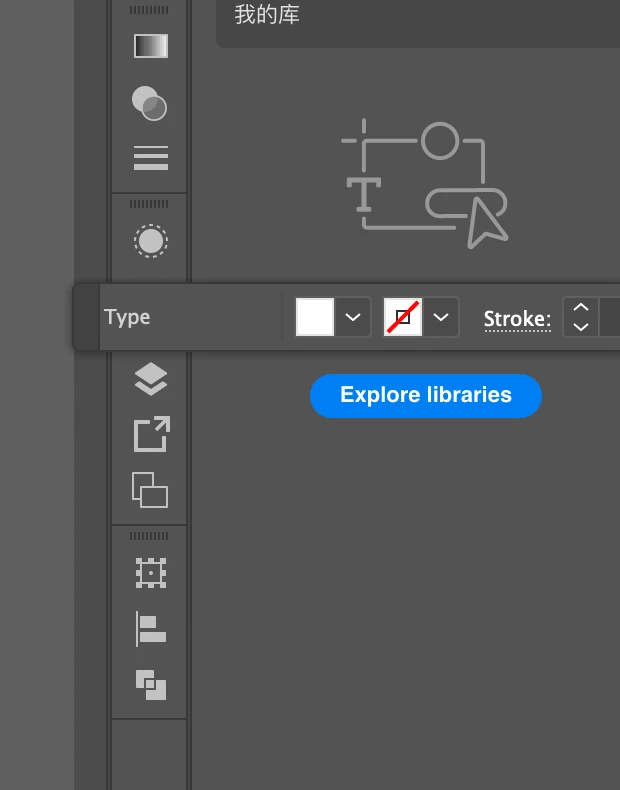
illustrator "Type" window can only be docked to top or bottom panel

  • November 13, 2021
  • 1 resposta
  • 509 Visualizações

Can stupid product developer quit forcing your own habits to users?


Why everytime, Adobe updates, there gotta be some stupid updates that doesn't really improve the product, but forcing developer's own habit to users?

WHY the F that the "Type" window can only be docked to top or bottom panel?

I just could NOT figure it out why ???? This is sooooooooo STUPID!

Can't you see, when you dock the type window on top, it blocks the view on the canvas!!!!!


Like, seriesouly, whoever updated this, deserved "the worst product develop ever" award!!Congratualtions, like you should quit your job forever, and never work again. 

this is just so disgusting, i wanna throw up.  
Este tópico foi fechado para respostas.
Melhor resposta por Rob de Winter

Hey, first of all: try to be kind when you post something here, even when you're frustrated because something doesn't work like you want, ok?


There are several solutions to your problem:


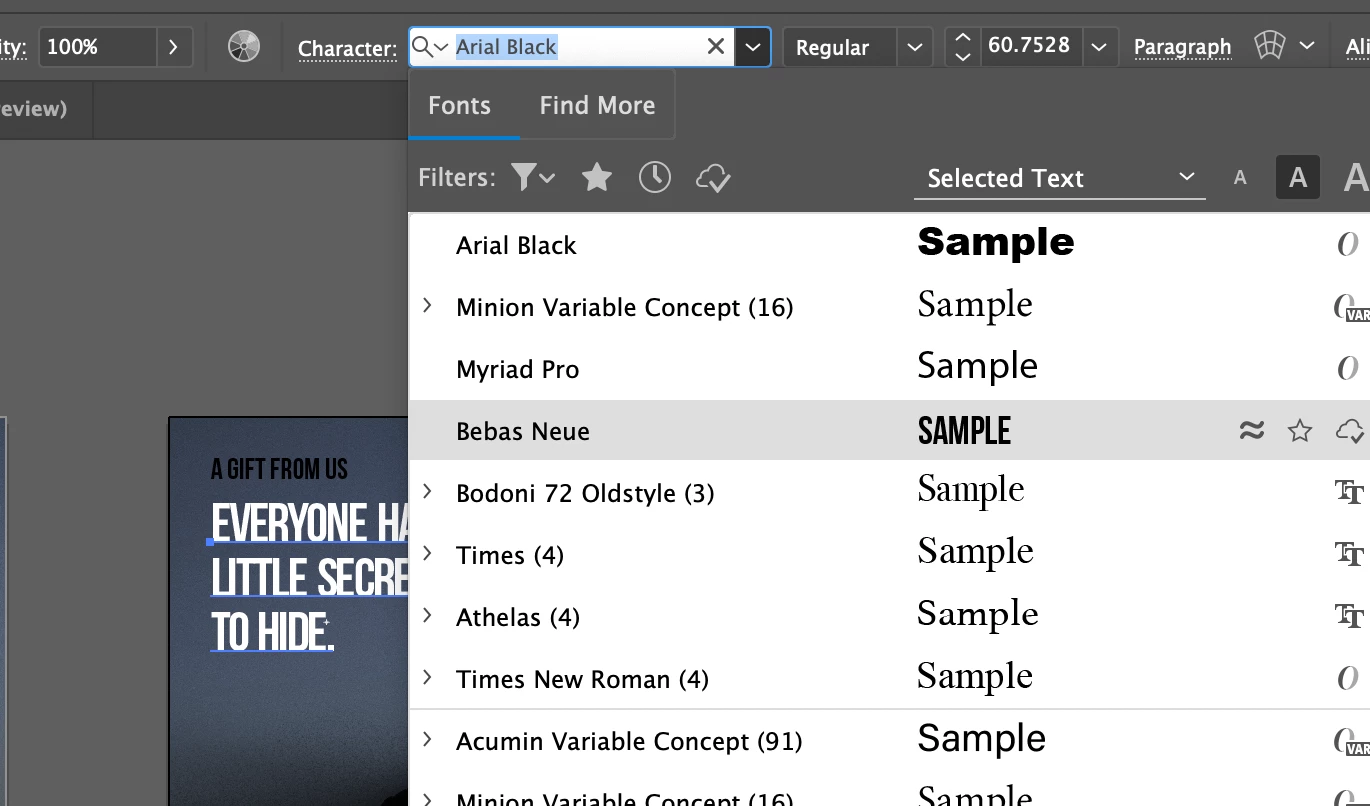
  • You can still open the Character or Paragraph panel and place it anywhere you like: go to Window > Type > Character
  • By the way: the Control Panel you're referring to has always been on the position you're showing (top or bottom). But: since a few Illustrator versions, there's also the Properties panel that you can use instead: go to Window > Properties
  • If you've never seen this top bar before (the Control Bar), maybe you're in the wrong Workspace? You might want to use the Essentials workspace by going to Window > Workspace > Essentials. And then reset it, by going to Window > Workspace > Reset Essentials. Then open all the extra panels you like by going to the Window menu. 
  • So as you can see, there are multiple options to solve your problem. In fact, it seems plausible to me that the Illustrator team isn't causing your problem at all 😉


I hope this helps! 

1 Resposta

Community Expert
November 13, 2021

Hey, first of all: try to be kind when you post something here, even when you're frustrated because something doesn't work like you want, ok?


There are several solutions to your problem:


  • You can still open the Character or Paragraph panel and place it anywhere you like: go to Window > Type > Character
  • By the way: the Control Panel you're referring to has always been on the position you're showing (top or bottom). But: since a few Illustrator versions, there's also the Properties panel that you can use instead: go to Window > Properties
  • If you've never seen this top bar before (the Control Bar), maybe you're in the wrong Workspace? You might want to use the Essentials workspace by going to Window > Workspace > Essentials. And then reset it, by going to Window > Workspace > Reset Essentials. Then open all the extra panels you like by going to the Window menu. 
  • So as you can see, there are multiple options to solve your problem. In fact, it seems plausible to me that the Illustrator team isn't causing your problem at all 😉


I hope this helps! 

keweid62870472
Participant
November 13, 2021

Thanks! I was been stupid.


I aplogize to the developer who didn't do nothing, there goes "best developer award" to him/her/them. BTW, how do I delete this post? 


Community Expert
November 13, 2021

Haha glad that helped, thanks for your sporty answer. I think the Illustrator team will be happy to get the Best Developer Award 😉


At the moment I can't delete this post, but probably it'll also help others.