
New Participant
December 5, 2019
Answered

Illustrator - Rasterize to clipping mask

  • December 5, 2019
  • 3 replies
  • 6775 views

Is there a way to rasterize an object without having any transparency around the edges, ie. rasterizing to the edges of a cliping mask.


Example. I've got this (vector) logo with a clipping mask on the water part that goes outside the circle area:
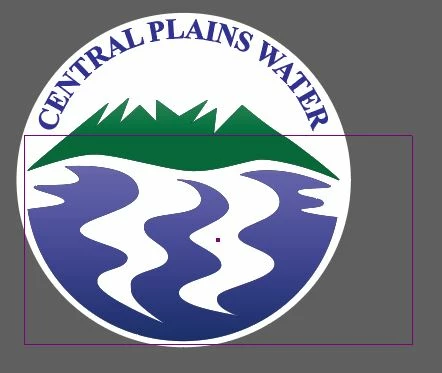
 

So, when I rasterise it, I get this transperant area to the side of the image which I don't want:
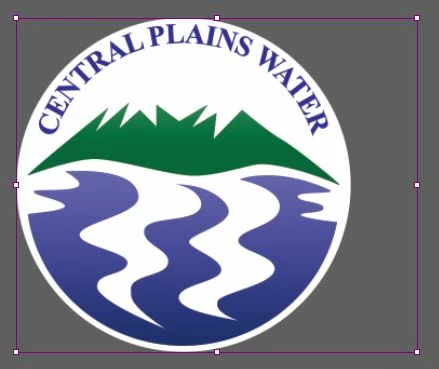
Then I always have to crop it afterwards.


This is a big problem when you clip a small area on a big image. You get a huge transperant around the image.


Any help would be appreciated. Thx!

This topic has been closed for replies.
Correct answer Danny Whitehead.

It's just an annoying behaviour of Illustrator. It bounds rasterised clipping masks using the content of the mask rather than the mask itself.


You can get around it by creating the desired shape using Pathfinder functions instead.


Or if your goal is a raterised logo for screen use, you could make your artboard match the dimensions of the circle, and Export For Screens.

3 replies

Danny Whitehead.
Danny Whitehead.Correct answer
Braniac
December 6, 2019

It's just an annoying behaviour of Illustrator. It bounds rasterised clipping masks using the content of the mask rather than the mask itself.


You can get around it by creating the desired shape using Pathfinder functions instead.


Or if your goal is a raterised logo for screen use, you could make your artboard match the dimensions of the circle, and Export For Screens.

Ton Frederiks
Braniac
December 5, 2019

Maybe it is better to rasterize this in Photoshop and Trim to transparent pixels.


Ton Frederiks
Braniac
December 5, 2019

What is the size of your clipping mask in Points (or Pixels)?

EDIT

I see you are not talking about the circle.

What are you trying to rasterize, the wavy gradient, is that vector or an image?