
Illustrator resizes my Photoshop vectors - by a few pixels
- January 9, 2023
- 2 replies
- 393 views
When I copy/paste Photoshop paths into Illustrator and then copy/paste them back into Photoshop they have changed sizes - every single time. The X axis dimension shrinks by a few pixels; the Y-axis dimension seems intact. This happens even if I don't do any work on the vectors inside Illustrator.
Work flow:
1. Create any path in Photoshop - can be simple or complex
2. Copy that path to clipboard
3. Open any Illustrator file; new or otherwise.
4. Paste that path into Illustrator (problem occurs with Compound Shape or Compound path)
5. Copy that Illustrator path from Illustrator to the clipboard
6. Return to the original Photoshop file and paste the path back into Photoshop
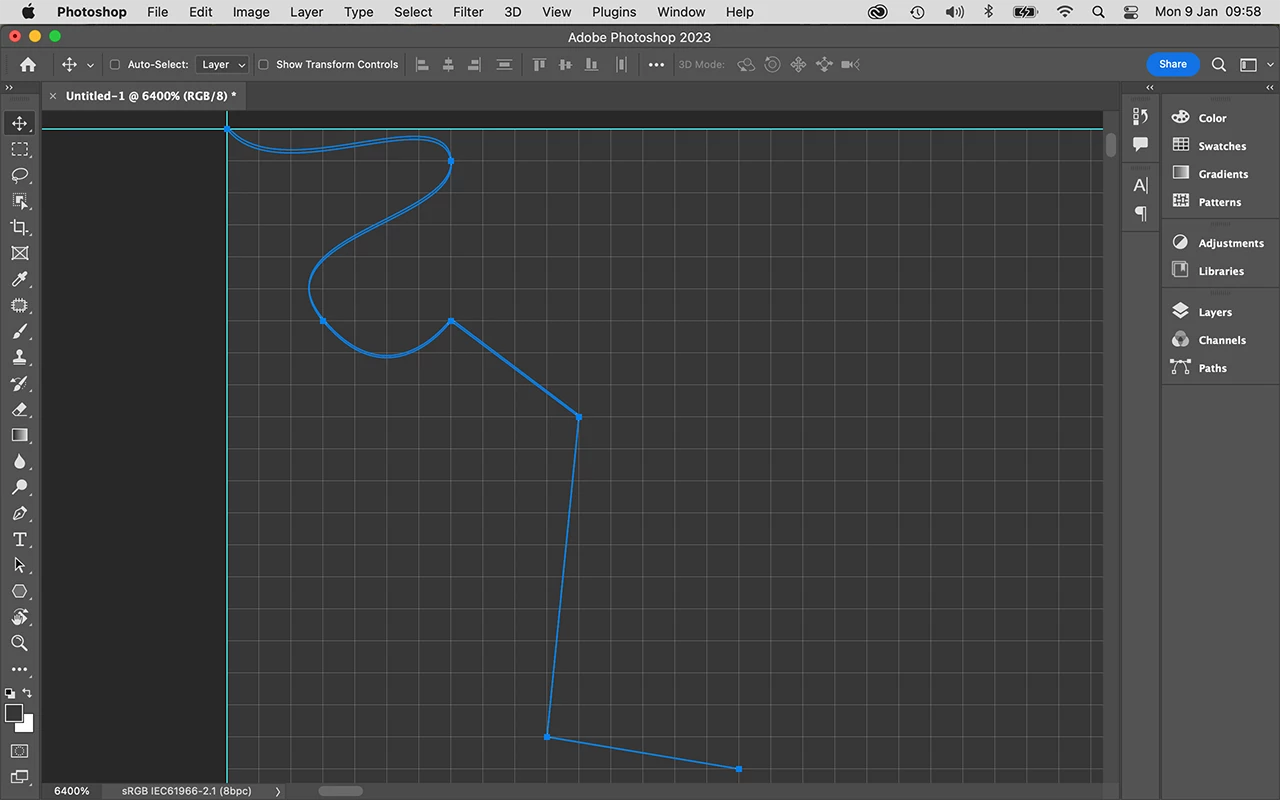
(In the screen shot, the highlighted path is the one that was pasted back from Illustrator. Both paths are aligned at the top LH corner. )
Needless to say, this is frustrating because I can't interoperate my vectors between the two programs.
Do I have a setting wrong somewhere or is this a "feature"?
 AdChoices