
Participant
July 13, 2023
Answered

Illustrator Right Tool Bar view messed up

  • July 13, 2023
  • 1 reply
  • 326 views

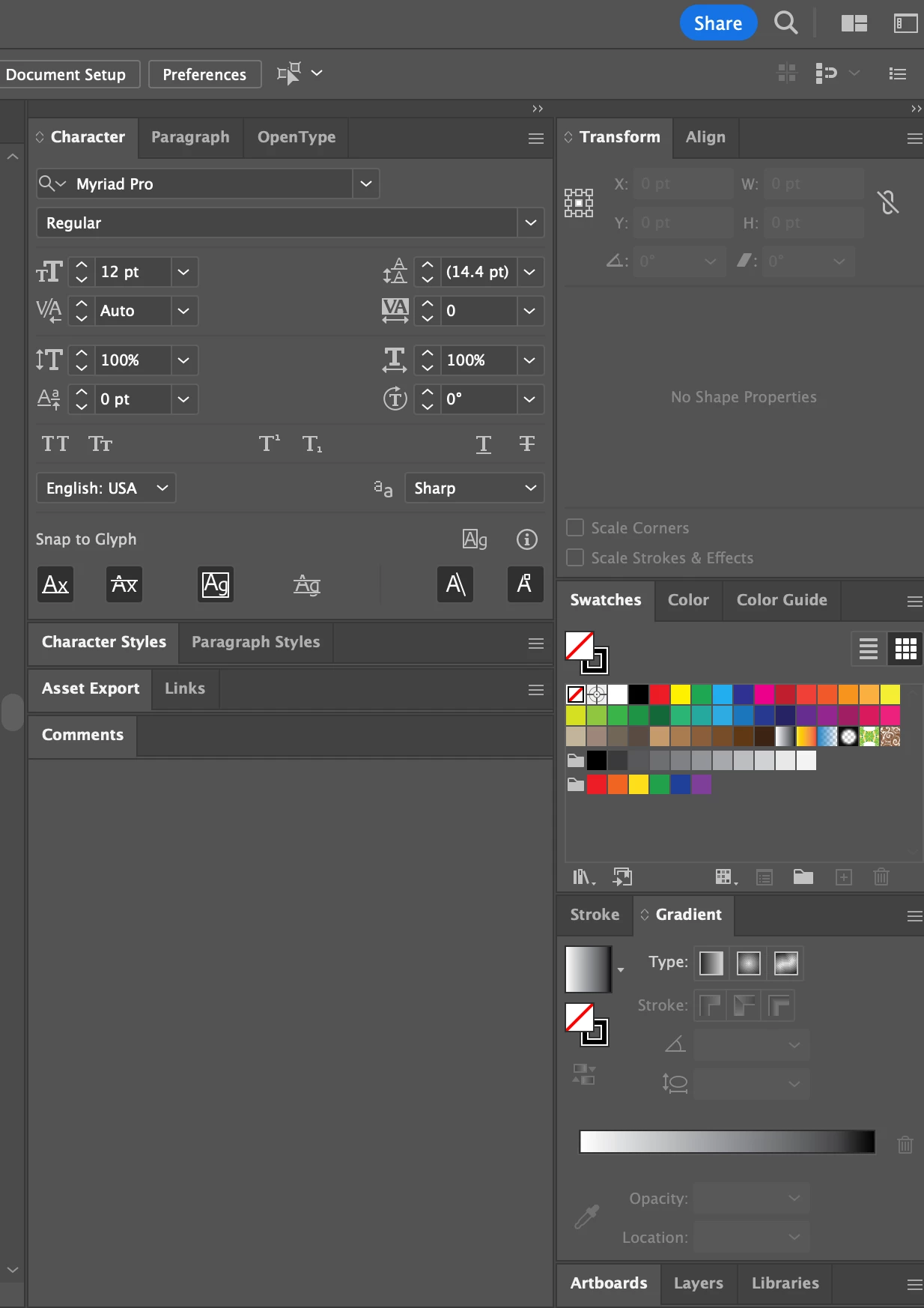
Does anyone know how to get all of these back in to the one panel? I have two panels with many tabs (picture below). I have tried reseting the panel - it is not working. I don't have a clue how this happened. I can put them into one panel but then all the tabs ("Character", "Align", etc) are really small. I just want the view I had when I downloaded and started using illustrator. Thanks for any help.
Correct answer Bobby Henderson

You can go to the Window menu and click "Workspace." The fly-out menu has several pre-set workspaces. You can select one of those presets to sort of reset the workspace view. I often use the "Essentials Classic" workspace and then modify it a little from there. Everyone will have their own preference. You can also drag and relocate palettes and do all sorts of things to customize the workspace.

1 reply

Bobby HendersonCommunity ExpertCorrect answer
Community Expert
July 13, 2023

You can go to the Window menu and click "Workspace." The fly-out menu has several pre-set workspaces. You can select one of those presets to sort of reset the workspace view. I often use the "Essentials Classic" workspace and then modify it a little from there. Everyone will have their own preference. You can also drag and relocate palettes and do all sorts of things to customize the workspace.

Participant
July 13, 2023

THANK YOU SO MUCH!!!! That did the trick!

Community Expert
July 13, 2023

You're welcome. 🙂