
Question
Illustrator Script Error at Line 20 with Compound Paths
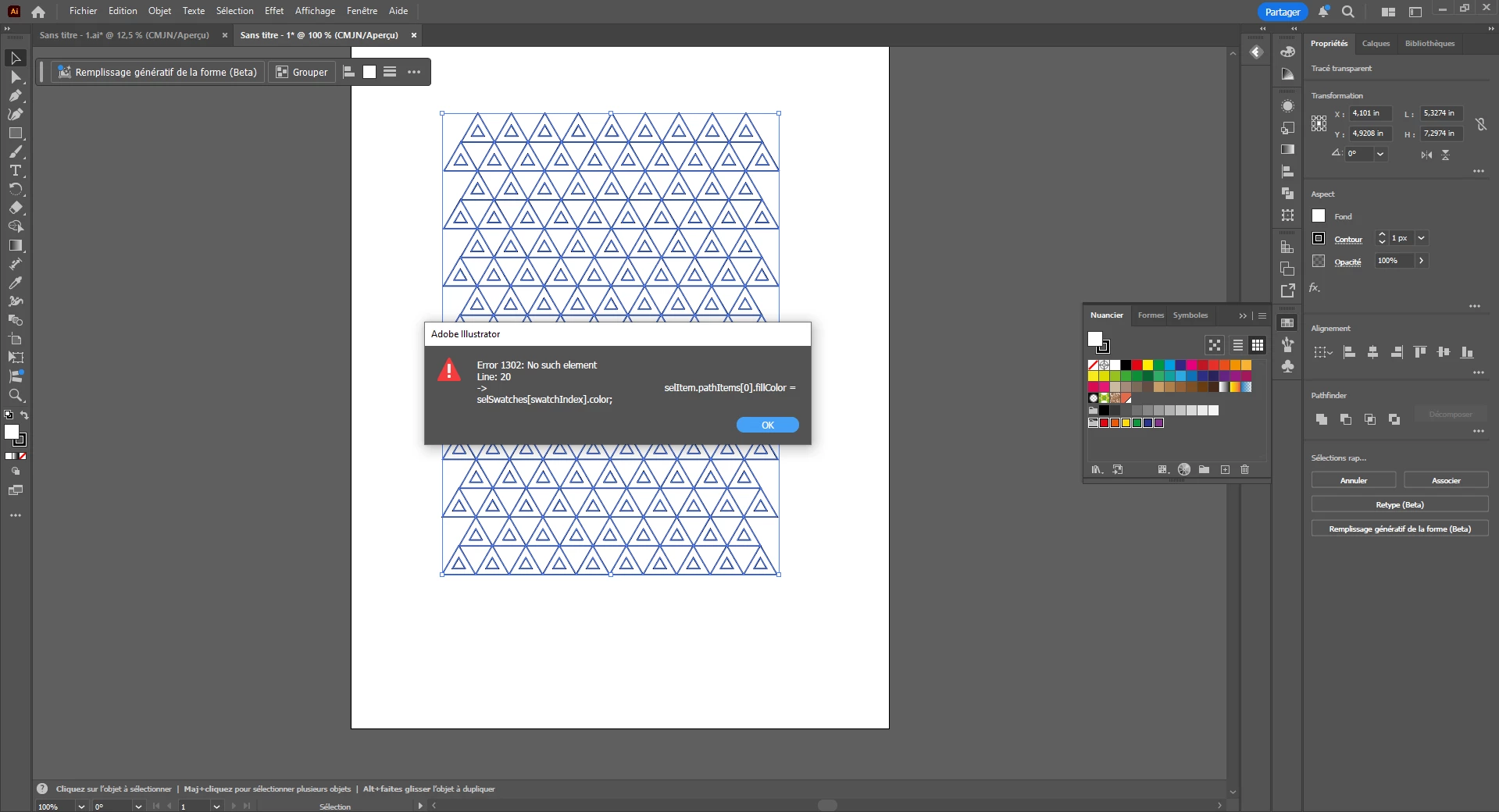
Hi, so I ran into a blocking error today while running RandomSwatchesFill.js, a well-known script for Adobe Illustrator. The goal is simple: fill the selected shapes with a random color from the swatches I have selected. It worked perfectly yesterday, but today Illustrator suddenly stops with an error on line 20. Nothing has changed in my Illustrator setup between then and now, which makes the issue even more puzzling.
The Script:
mySelection = app.activeDocument.selection;
myDoc = app.activeDocument;
if (mySelection instanceof Array)
{
    selSwatches = myDoc.swatches.getSelected();

    if(selSwatches.length != 0)
        for (i=0; i<mySelection.length; i++)
        {
            if(mySelection[i].typename == "PathItem" || mySelection[i].typename == "CompoundPathItem")
            {
                selItem = mySelection[i];
                selItem.filled = true;

                swatchIndex = Math.round( Math.random() * (selSwatches.length - 1 ));

                if(selItem.typename == "PathItem")
                    selItem.fillColor = selSwatches[swatchIndex].color;
                else
                    selItem.pathItems[0].fillColor = selSwatches[swatchIndex].color;

            }
        }
}
Illustrator reports the error at line 20:
selItem.pathItems[0].fillColor = selSwatches[swatchIndex].color;
Anyway if you can help me resolve this problem that would be great
 AdChoices