
Illustrator: Share For Review links ERROR
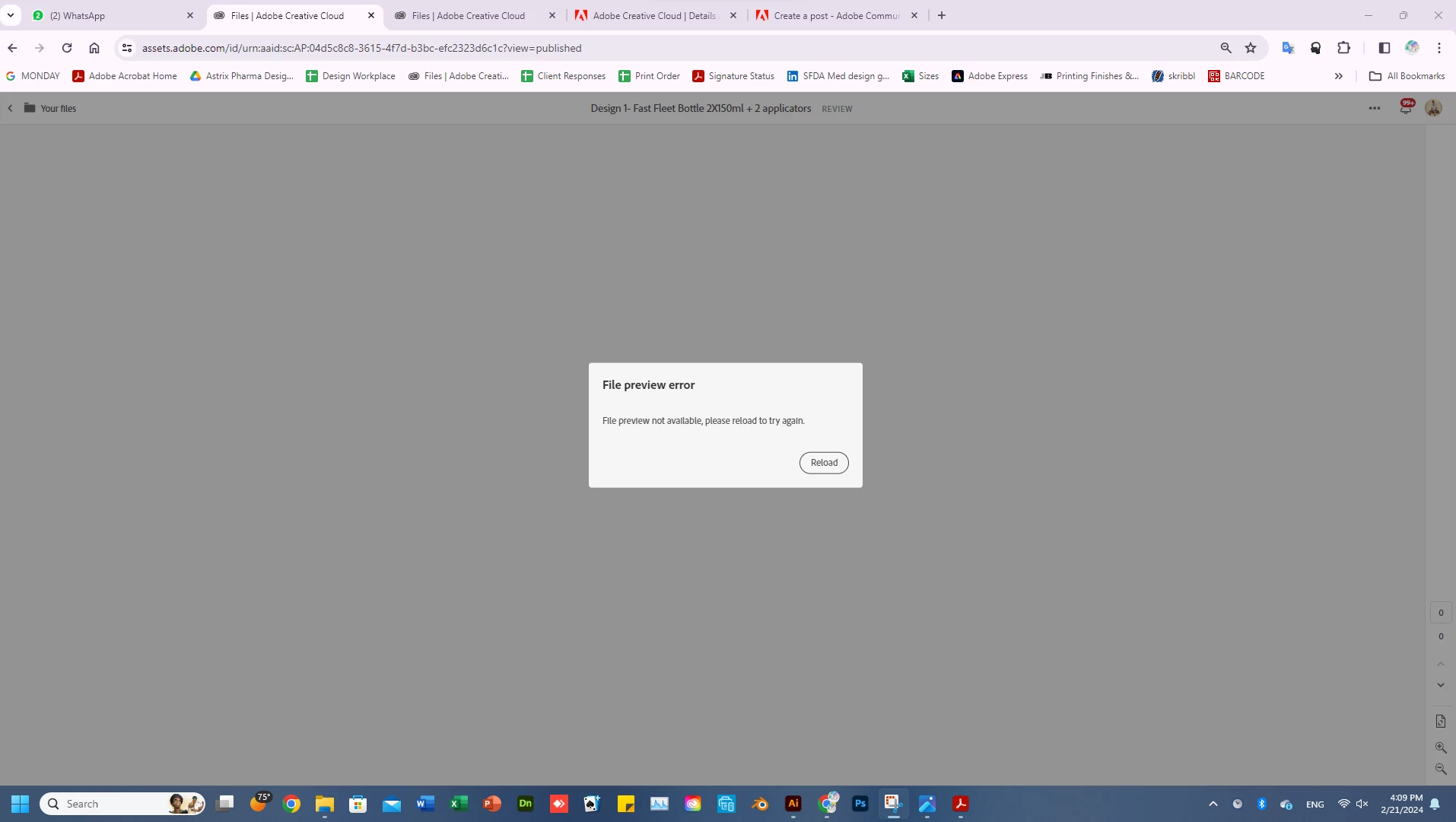
The link generated using the "Share for review" option in Ai is not opening in any browser. This is happening for random files, and sometimes happens to files that previously had a working link. The error page is attached below.
The files that show this error, show the same error even when I try generating a new link from a different PC using a different network.
This issue is happening to 3 of us users, 2 using the same adobe account, and one using a whole different account from a different country.
I have tried all the usual fixes like restarting, re-installing the application, i have also tried downgrading to different versions of illustrator.
The only thing i found is that, in one such file which is unable to generate a link preview, the design contains a vector element, which when removed from the design (or even just placed outside the artboard), makes the link work again. that particular vector makes working links when placed in a separate file, but is only causing a problem (if it is the problem) when placed in the full design.
this would mean that all files having the problem with links are due to certain elements used in the design.
even if i were to find the problematic element in each of the designs, i cannot remove it from the design as ofcourse, it is part of the design.
PLEASE HELP.
 AdChoices