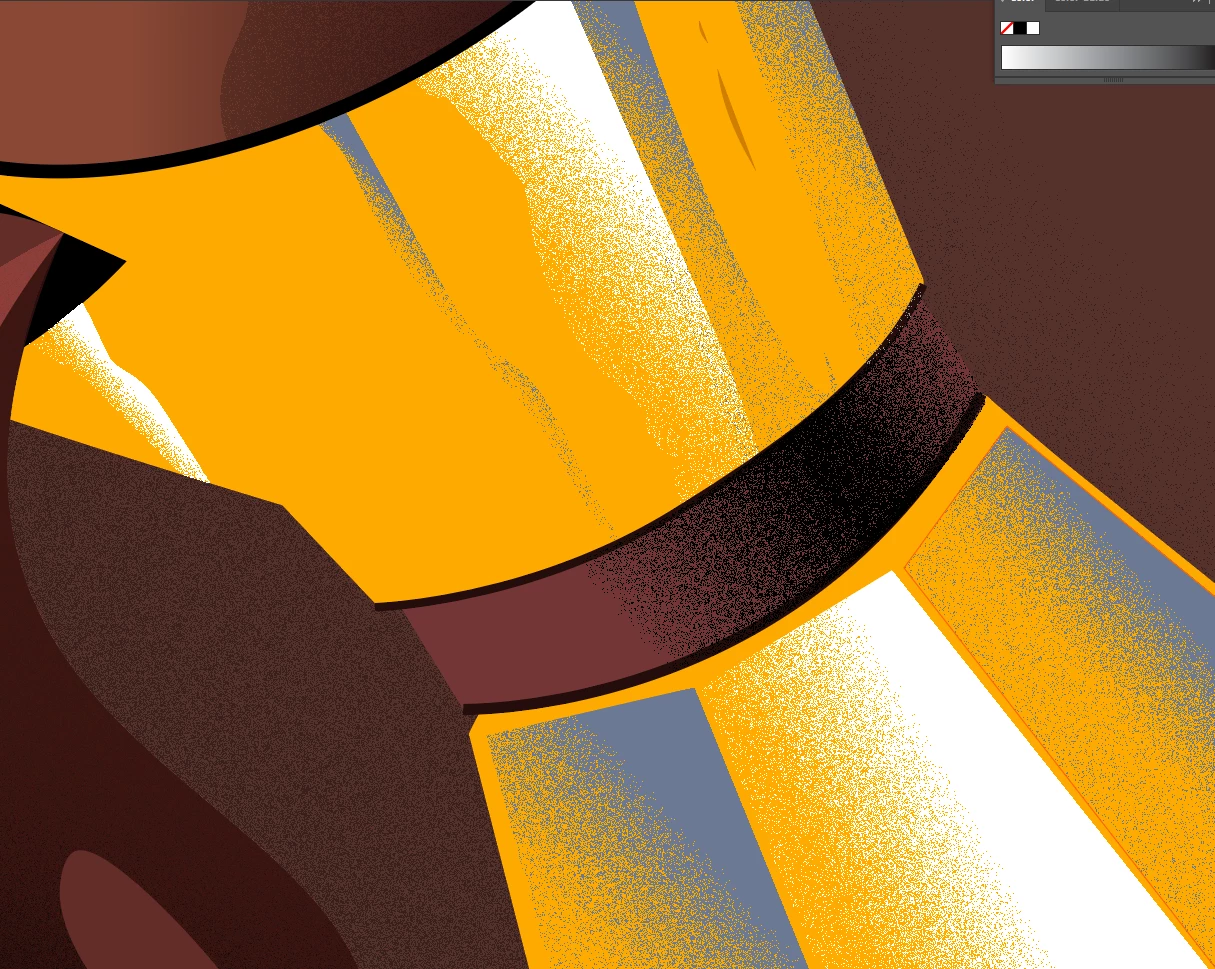
All that matters is viewing pixel-exact artwork at 100% at its native DPI. Anything outside that can simply be interpolation artifacts from the general display engine, color management or just plain and simply scaling the artwork to your screen. Getting worked up over it would be utterly pointless. You need to read up a bit on things like aliasing, Moiré effects and other visual phenomena that affect perception of colors and patterns plus of course how devices interpolate raster values when printing or viewing artwork at other sizes than its original one. It's normal stuff. If it realyl bothers you and you intent to output the artwork at different sizes and resolutions, you'll have to put in extra work, anyway, like adding additional gradient colors to neutralize the artifacts or tweaking the grain pattern for each and every output separately. that's just how it is. No simple fixes. It's a technical thing related to all computer graphics, not specific an issue with the effect or Illustrator.
Mylenium


 AdChoices