
teodorm05
Participant
October 12, 2017
Answered

Illustrator shows only black

  • October 12, 2017
  • 2 replies
  • 14997 views

Hello Community,

I've recently bought a nnew notebook (i7-7700; NVIDIA gtx 1050 ti; 16gb RAM; ; Windows 10 Pro x64) and when opening Illustrator (CC 2017) and adding a new document, there's nothing but this pitch black screen. I can use all Tools and but I see nothing but this black screen.
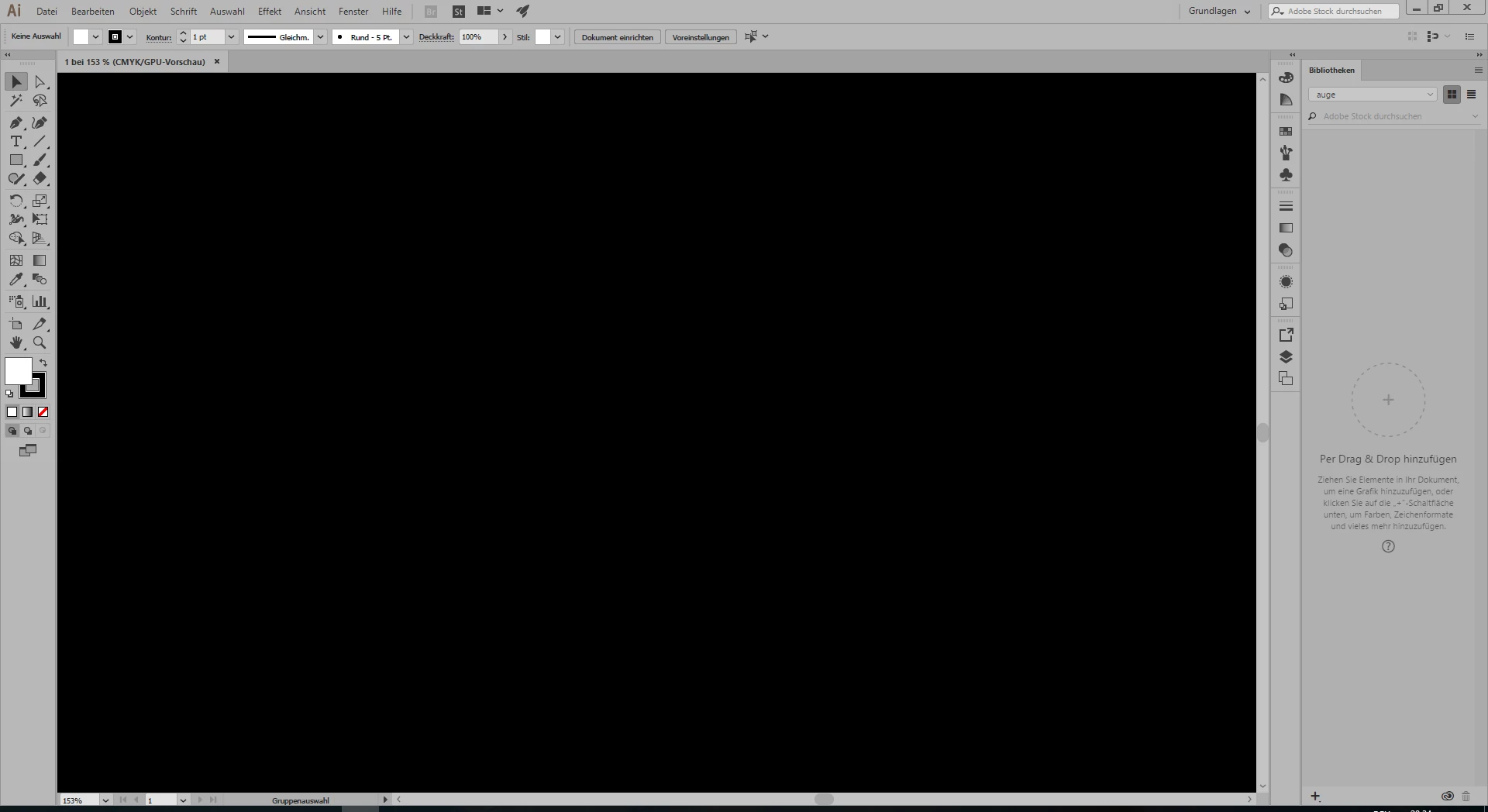
Neither changing colours of canvas / workingarea / background helps. Can anyone help me solve this problem or has an idea how it could be possibly fixed?

Regards,

Ted

    This topic has been closed for replies.
    Correct answer Ton Frederiks

    Did you try to turn off GPU performance?

    Click the Rocket Symbol at the top.

    2 replies

    Ton Frederiks
    Community Expert
    Ton FrederiksCommunity ExpertCorrect answer
    Community Expert
    October 13, 2017

    Did you try to turn off GPU performance?

    Click the Rocket Symbol at the top.

    teodorm05
    teodorm05Author
    Participant
    October 14, 2017

    YES! This works now, but it shouldn't that be contraproductive for the performance? Why does it only work without?

    Thanks for your help!

    Kind regards,

    Ted

    Monika Gause
    Community Expert
    Community Expert
    October 14, 2017

    teodorm05  schrieb

    but it shouldn't that be contraproductive for the performance? Why does it only work without?

    GPU acceleration is great because it boosts performance. But the graphic card, it driver, the system and Illustrator need to be compatible. If one of the compnonents is changed or gets an update, there might be bugs. So when four variables need to match, of course issues with stability are more likely to come up.

    Ray Yorkshire
    Participating Frequently
    October 12, 2017

    In  Edit>  Preferences > General

    does selecting that option help?

    teodorm05
    teodorm05Author
    Participant
    October 13, 2017

    Hello Ray,

    Firstly thanks for your response, but unfortunately it doesn't help, there's the same black screen. I tried selecting all the option you selected as well, but that didn't help it either... Do you have any other ideas? :/

    Regards,

    Ted