
Inspiring
May 5, 2020
Answered

illustrator start board thumbnail icons instead of preview

  • May 5, 2020
  • 2 replies
  • 3360 views

ai 24.1.2 • imac pro 10.14.6


since latest update the start board shows some preview icons instead of thumbnails (which show the content of a file which is very helpful). the files are small files, no special content.


bug?


thanks for help,

regards,

nautrino

This topic has been closed for replies.
Correct answer Charu Rajput

ok, Did you try by clearing the preferences of the Illustartor. By clearing the preferences it will delete all items from the Recent. But to test you can open these again to list them in Recent. You can delete the preferences from Preferences -> General -> Reset Preferences


Please see screenshot below for reference
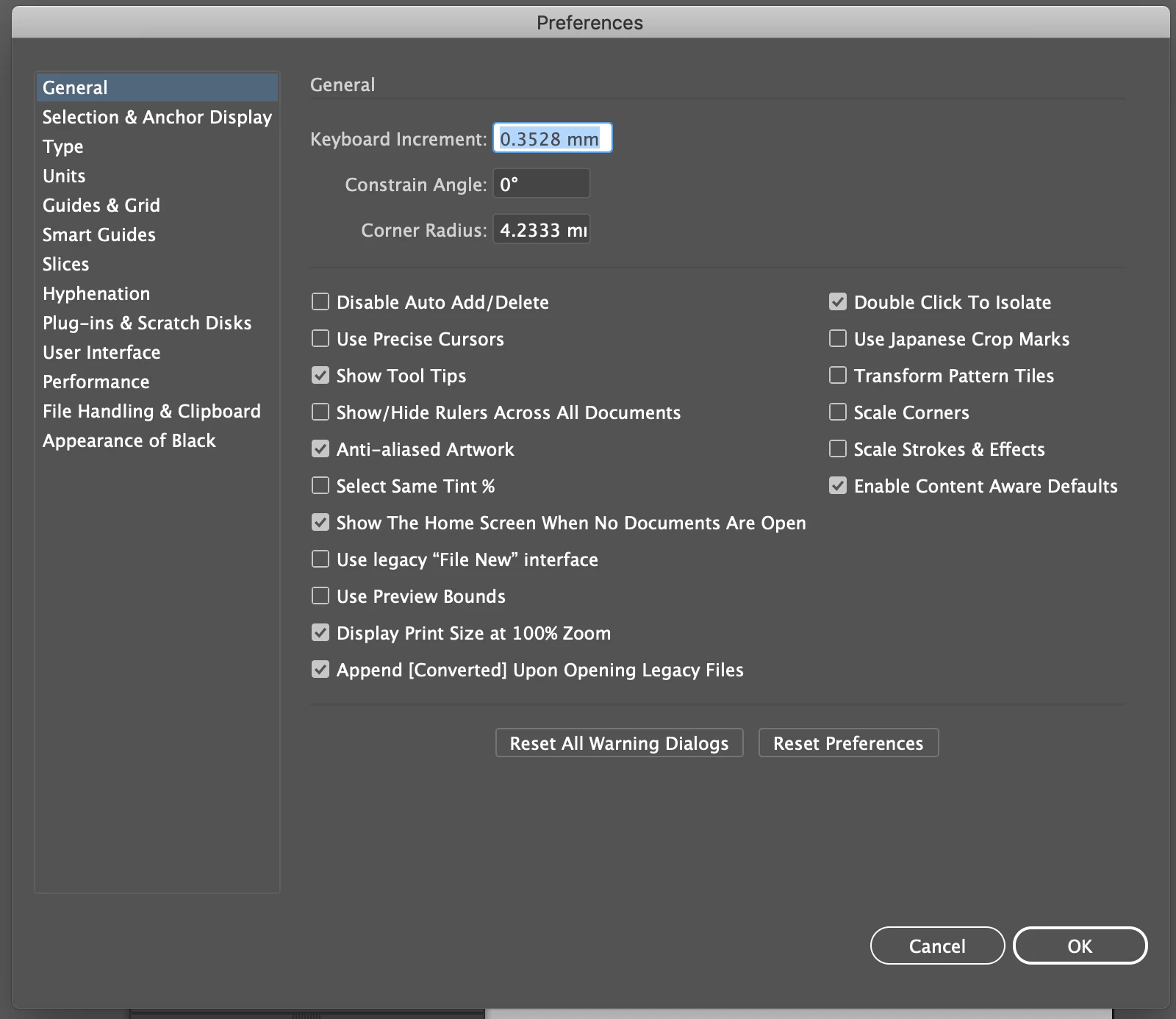


NOTE: You need to restart the Illustartor as well.


Thanks

2 replies

Charu Rajput
Community Expert
Community Expert
May 5, 2020

I noticed that, preview icon is coming for png and jpeg files if they are open in Illustartor, but ai and pdf file shows thumbail.


Best regards
Charu Rajput
Community Expert
Community Expert
May 5, 2020

Hi,

Is this for all files or some of the files?

I can also see the preview but not for all the files but some of them.


Thanks

Best regards
CatworkerAuthor
Inspiring
May 5, 2020

in my case it affects ai and pdf files - I don't have jpgs and pngs in the overview.

I can not see why there are some with a preview and some only showing the icon.


Charu Rajput
Community Expert
Charu RajputCommunity ExpertCorrect answer
Community Expert
May 5, 2020

ok, Did you try by clearing the preferences of the Illustartor. By clearing the preferences it will delete all items from the Recent. But to test you can open these again to list them in Recent. You can delete the preferences from Preferences -> General -> Reset Preferences


Please see screenshot below for reference


NOTE: You need to restart the Illustartor as well.


Thanks

Best regards