
Illustrator Stroke Width Functionality
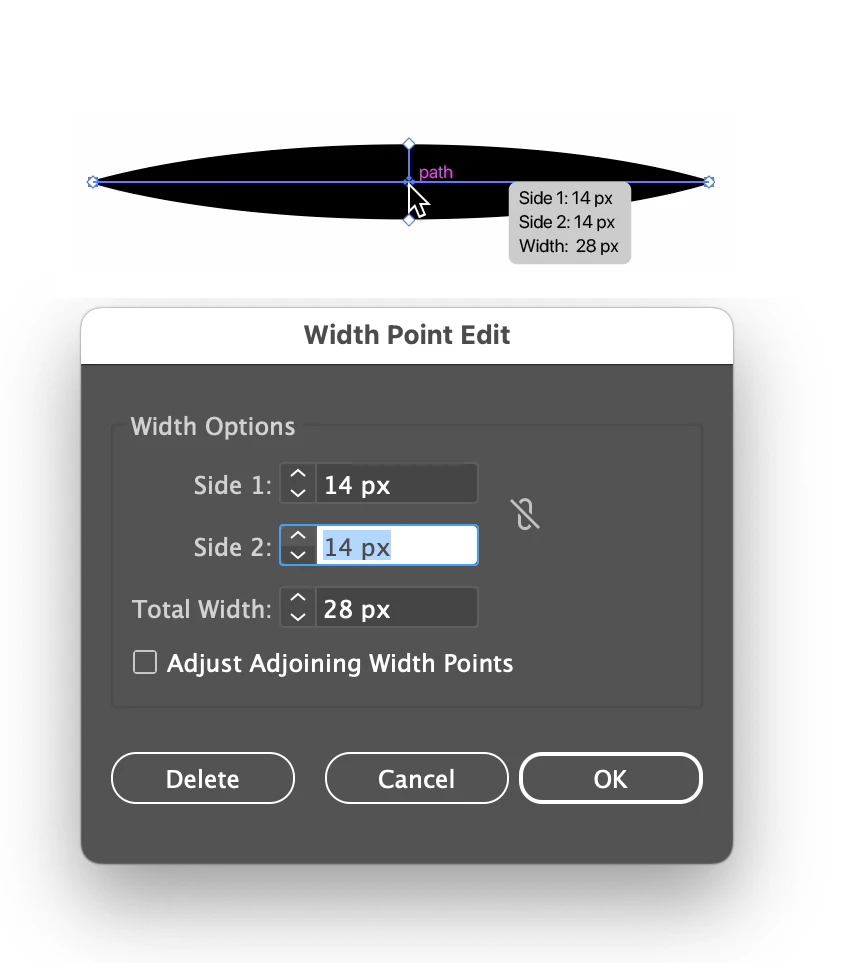
Hey, there might be a way to do this already of which I am ignorant, but I think it would be useful if, in addition to the Stroke Width Tool, there was a palette similar to the Tabs palette for text that works for Stroke Width.
It's not hard to see how the interface would work. Each time you add a node using the Stroke Width Tool it shows up on the palette. You can then slide the node back and forth in the palette, or type in an exact location on the stroke. You could also type in an exact width, and control it from side to side with a constrain button. Constrained would mean both sides are the same. Uncheck it and you can enter the width from the center of the stroke separately for each side. Default would be constrained, obvs.
I feel like the Stroke width tool as I currently understand it can be a little sloppy and hard to use, especially if you want to get the same width in multiple locations along the stroke.
Again, if this functionality exists, I'd love to hear it. It would make my workday much easier, frequently.


 AdChoices