


Answered
Illustrator / swatch pattern movement issue? (*advanced question)
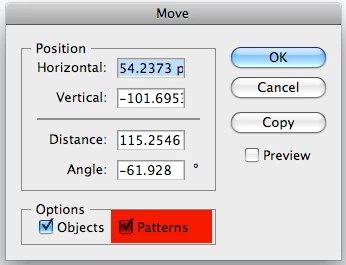
In Illustrator CS3 I often make new swatch pattern to use as a fill. When I flll an object w/ that swatch, then copy that object, then paste it into a new file, the pattern has moved inside the object. When I paste the object within the original file I copied it, the pattern doesn't move.
How do I lock the pattern from moving or prevent it from moving? (Apple+ F or B) doesn't work.
I realized I could rename the file, save it, and make changes, as a workaround solution. I'm looking for something more efficient, however.
Much appreciated, and props to whoever knows the answer!
JP

 AdChoices