Known Participant
June 14, 2024
Answered

Illustrator text color

  • June 14, 2024
  • 3 replies
  • 1460 views

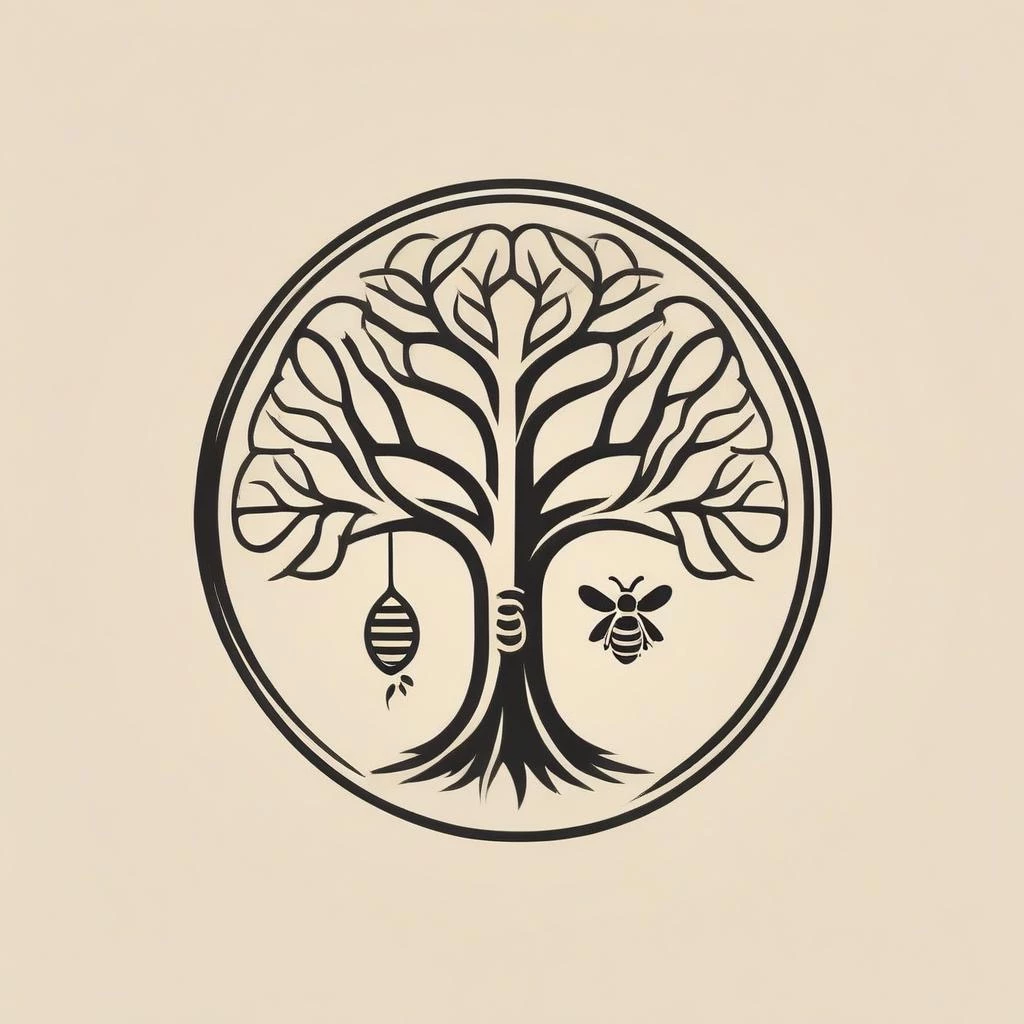
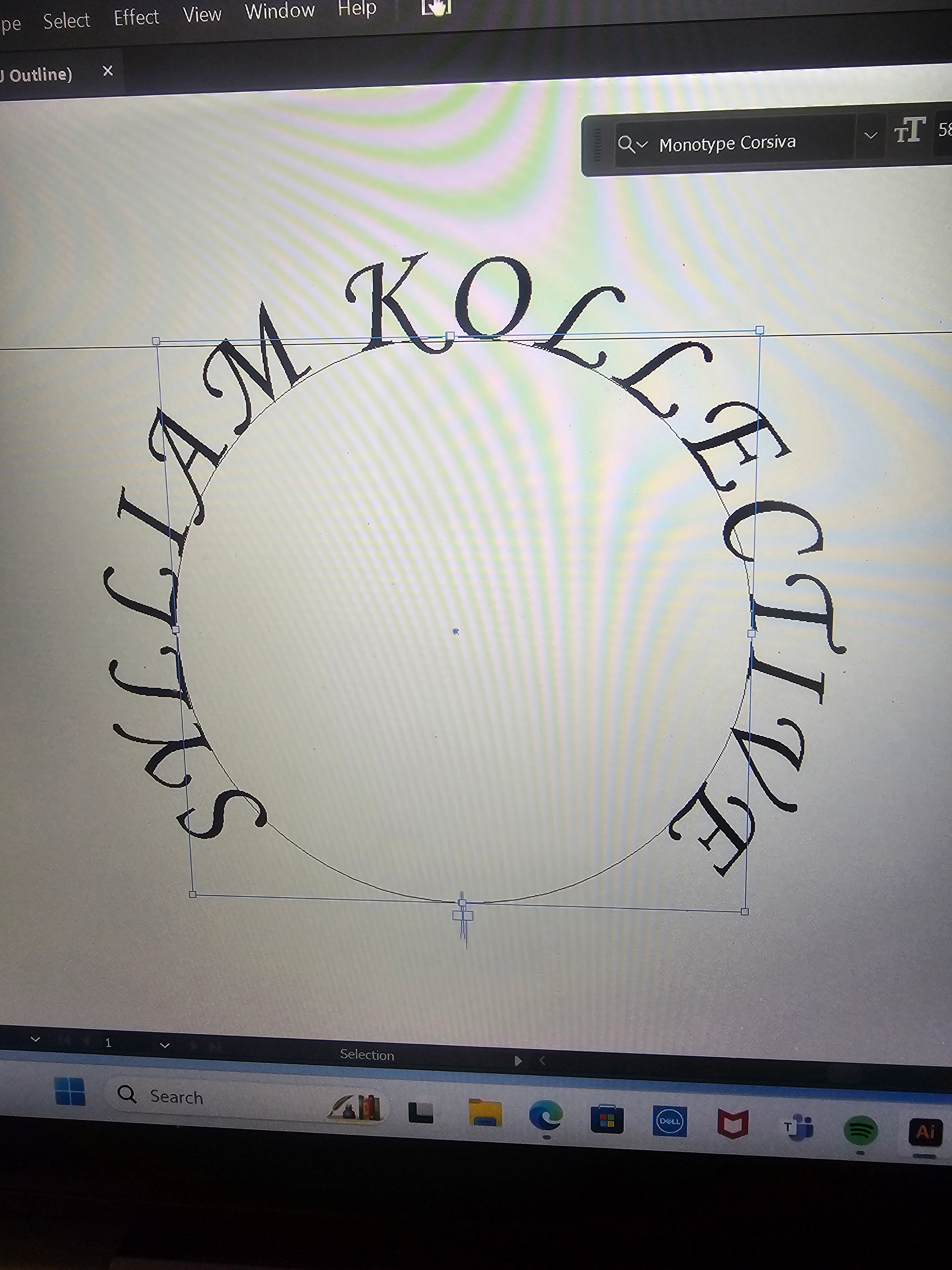
How would I fill this text with color and wrap it around this Pic? 
This topic has been closed for replies.
Correct answer Ton Frederiks

this is all that shows when I select anything. Its the entire file not the singular image of the tree and bee and beehive. How do i make this editable?


Thanks, that is an image, if you cannot get the vector version, you may want to use Image Trace.

Select the image.

From the Window menu show Image Trace.

Click the Advanced triangle in the panel to show the Ignore Color checkbox.

Select the  image background color with the eyedropper.

Choose Object > Image Trace > Expand


In t

3 replies

Ton Frederiks
Community Expert
Community Expert
June 17, 2024

I am not sure I understand your problem.

Is the tree image vector? 

Do you have trouble combining it with text on a path?

Wim.ToshAuthor
Known Participant
June 17, 2024

I don't know what it is. Someone else started on this and I've been entrusted to create from that the remaining logo and text for a website and business cards. From what I was conveyed the person who initially did it, created it with ai.

Ton Frederiks
Community Expert
Community Expert
June 17, 2024

If you don't know what it is, it is hard to help you.

What is exactly your problem?

Wim.ToshAuthor
Known Participant
June 17, 2024

This file was sent to me, how would I recreate and make this image usable for a website and business cards?

Ton Frederiks
Community Expert
Community Expert
June 14, 2024

Your screen says Outline, so you will not be able to see color.

Change it to Pview mode.

Wim.ToshAuthor
Known Participant
June 17, 2024

This file was sent to me, how would I recreate and make this image usable for a website and business cards? I believe the guy who made it for her, used Ai.