
Scott.Olling
Known Participant
August 16, 2022
Answered

Illustrator: Trying to map a stroke with gradient around a path - won't work as a Brush object

  • August 16, 2022
  • 2 replies
  • 994 views

I'm trying to make a gradient stroke map to a delta shape, so the gradient follows the delta around, sticking out in a starburst object.


I'm not having any results - the stroke won't be made into a Brush.


How is this done? I just want the stroke to march around the path - looks like I need to manually rotate and align every instance of the stroke?

This topic has been closed for replies.
Correct answer tromboniator

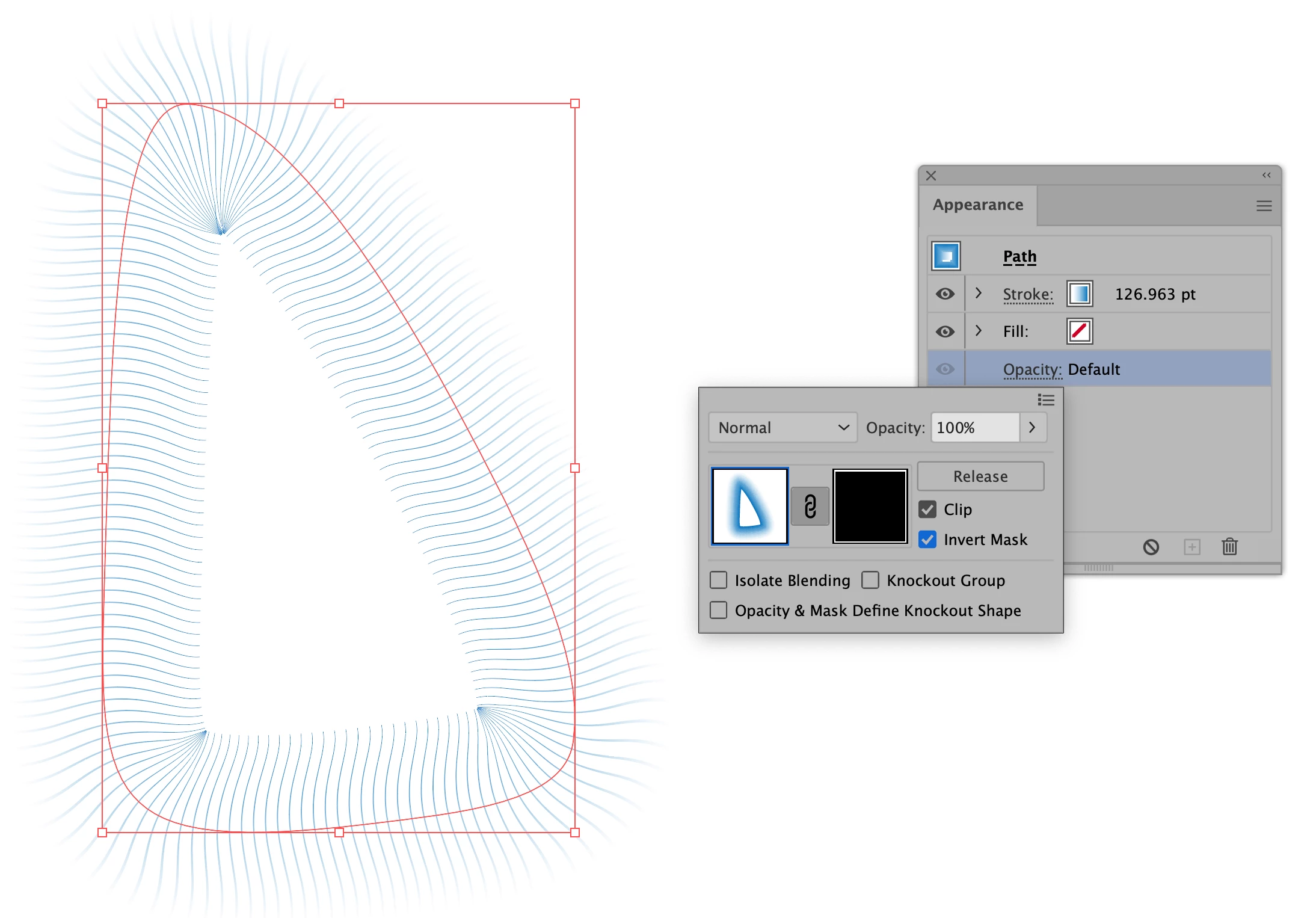
1) Apply the desired gradient to the delta shape. Copy the path and paste in front.
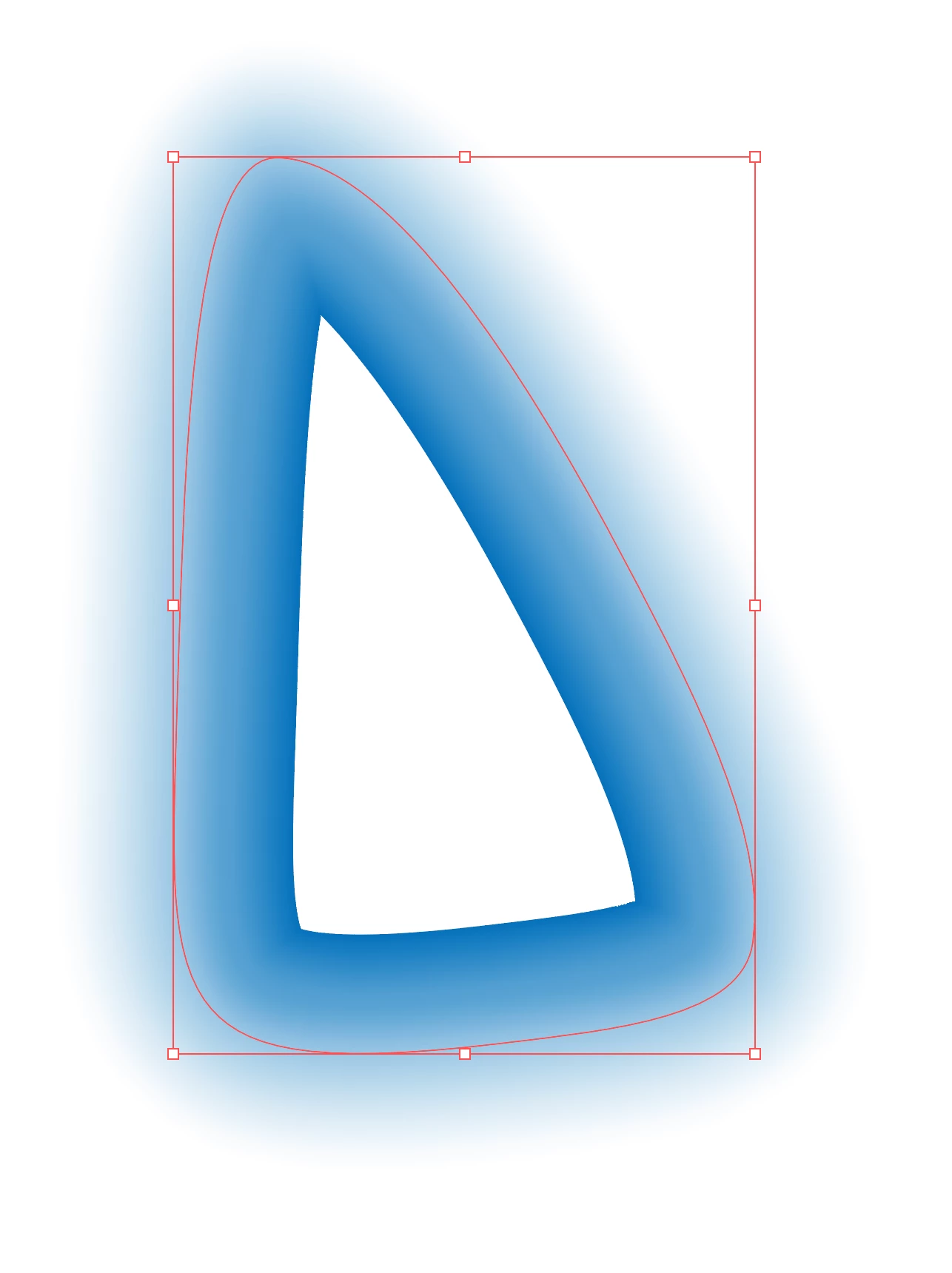
2) Create the desired brush shape in black, apply to the front path. If necessary, adjust the stroke weight of the back path to match the width of the brush.
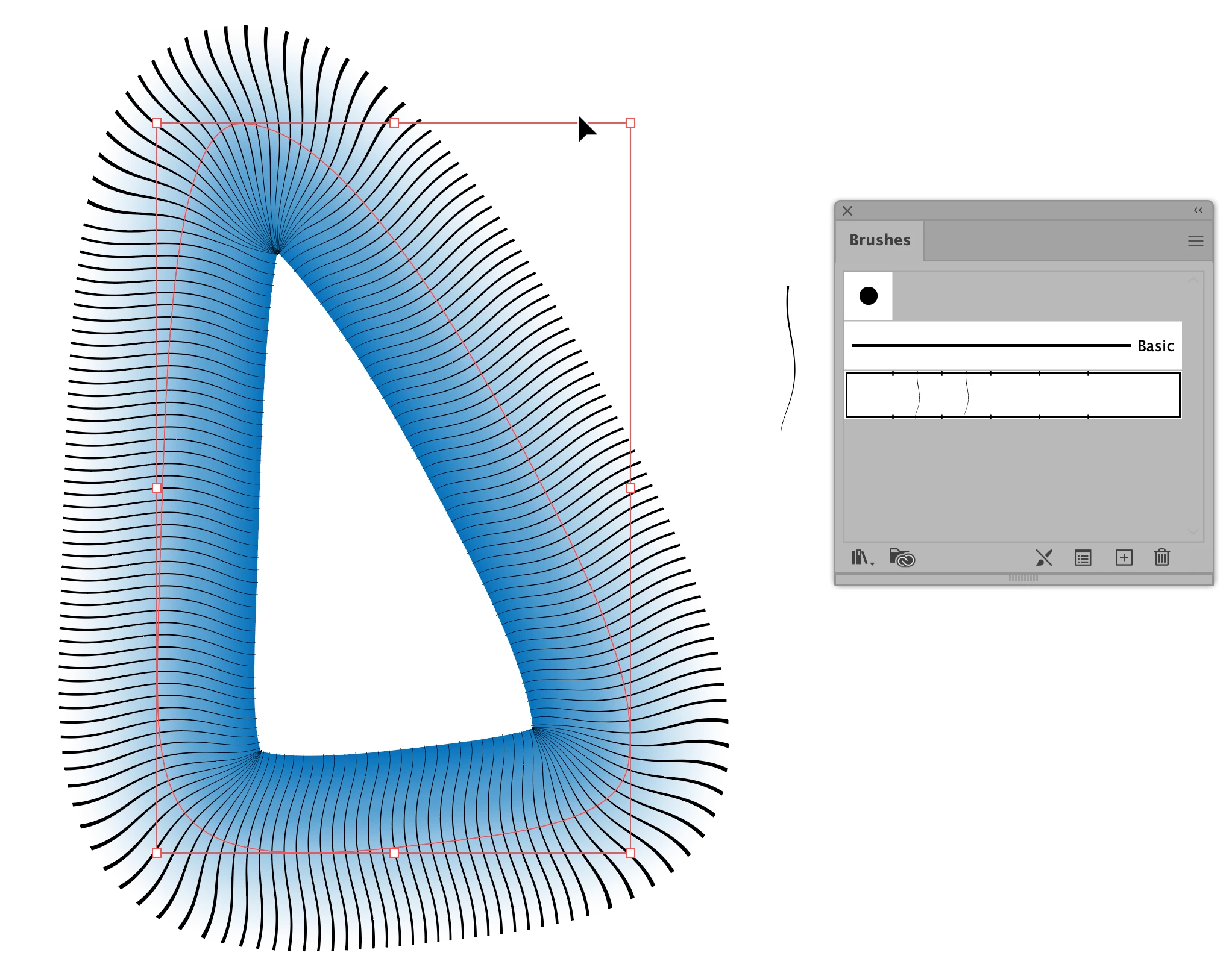
3) Select both paths, and in the Appearance, Properties, or  Transparency panel click Make Mask.
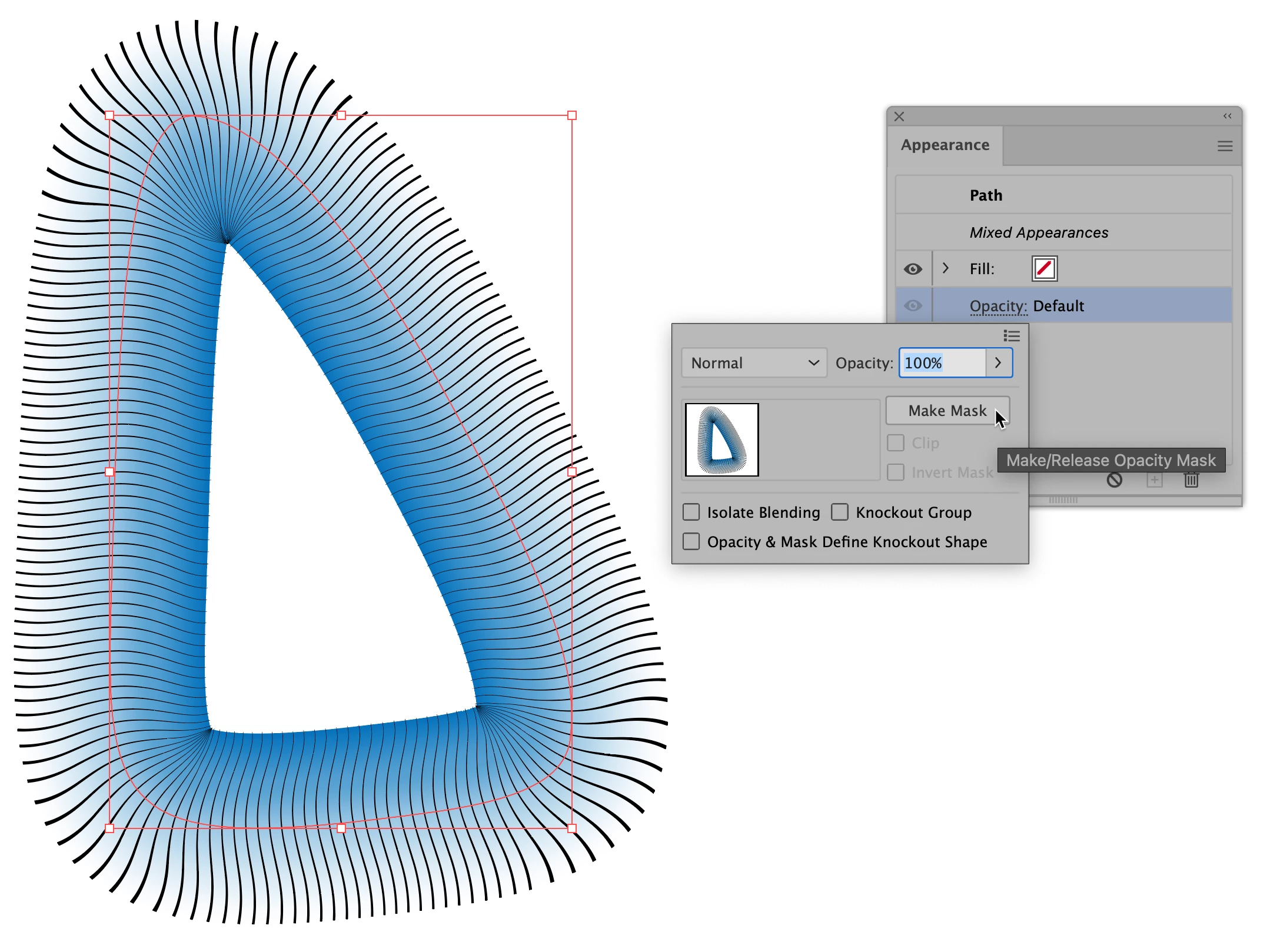


4) Be sure that Clip and Invert Mask are activated.
Peter

2 replies

tromboniator
Community Expert
tromboniatorCommunity ExpertCorrect answer
Community Expert
August 17, 2022

1) Apply the desired gradient to the delta shape. Copy the path and paste in front.

2) Create the desired brush shape in black, apply to the front path. If necessary, adjust the stroke weight of the back path to match the width of the brush.

3) Select both paths, and in the Appearance, Properties, or  Transparency panel click Make Mask.


4) Be sure that Clip and Invert Mask are activated.

Peter

Scott.Olling
Known Participant
August 17, 2022

ok -well, all I can say is


BOOM

Thanks!


tromboniator
Community Expert
Community Expert
August 17, 2022

You're welcome, Scott.

Ton Frederiks
Community Expert
Community Expert
August 16, 2022

Gradients are not supported in brushes, you need to expand the stroke and expand the gradient to be able to use it as a pattern brush.

Scott.Olling
Known Participant
August 17, 2022

What do you mean by expand? is this somewhere in a menu? or a spatial change?

Scott.Olling
Known Participant
August 17, 2022

OK, just read all about the Object>Expand thing - thanks, trying it all now.


Is there another method?