



Illustrator v29.2.1 | Performance Boosts, New Presets, Distance Guides, and More!
Hello everyone!
Adobe Illustrator 2025 (version 29.2.1) is here! Enjoy faster image handling, improved effects processing, and enhanced Layers panel operations. Discover new document presets, export artboards in AI/EPS formats, use Distance Guides for precision, and access the Eyedropper tool directly from the Color Picker.
Update now to elevate your workflow and unleash your creativity!

Enhanced Performance for a Faster, Smoother Workflow
|
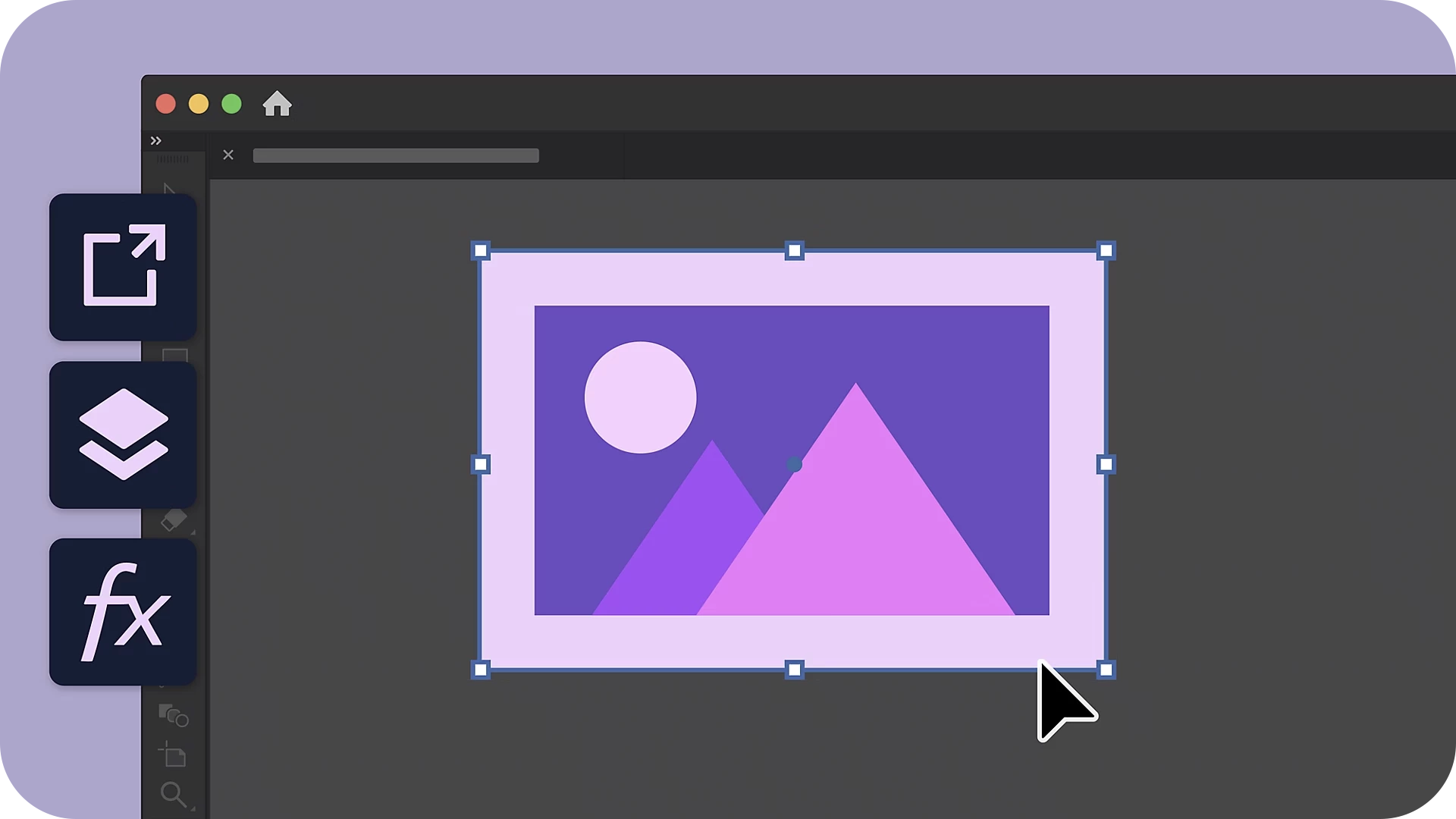
Illustrator v29.2.1 delivers significant performance enhancements, including faster image import, export, and embedding; improved effects processing for Photoshop filters and rasterization; and seamless Layers panel operations like hide/unhide and panel navigation. Work smarter and faster with these updates! |
 |
We are dedicated to continuously improving to meet your evolving needs. Based on your feedback, here are the enhancements included in the October release of Illustrator.
Tailored Document Presets for Every Design Need
|
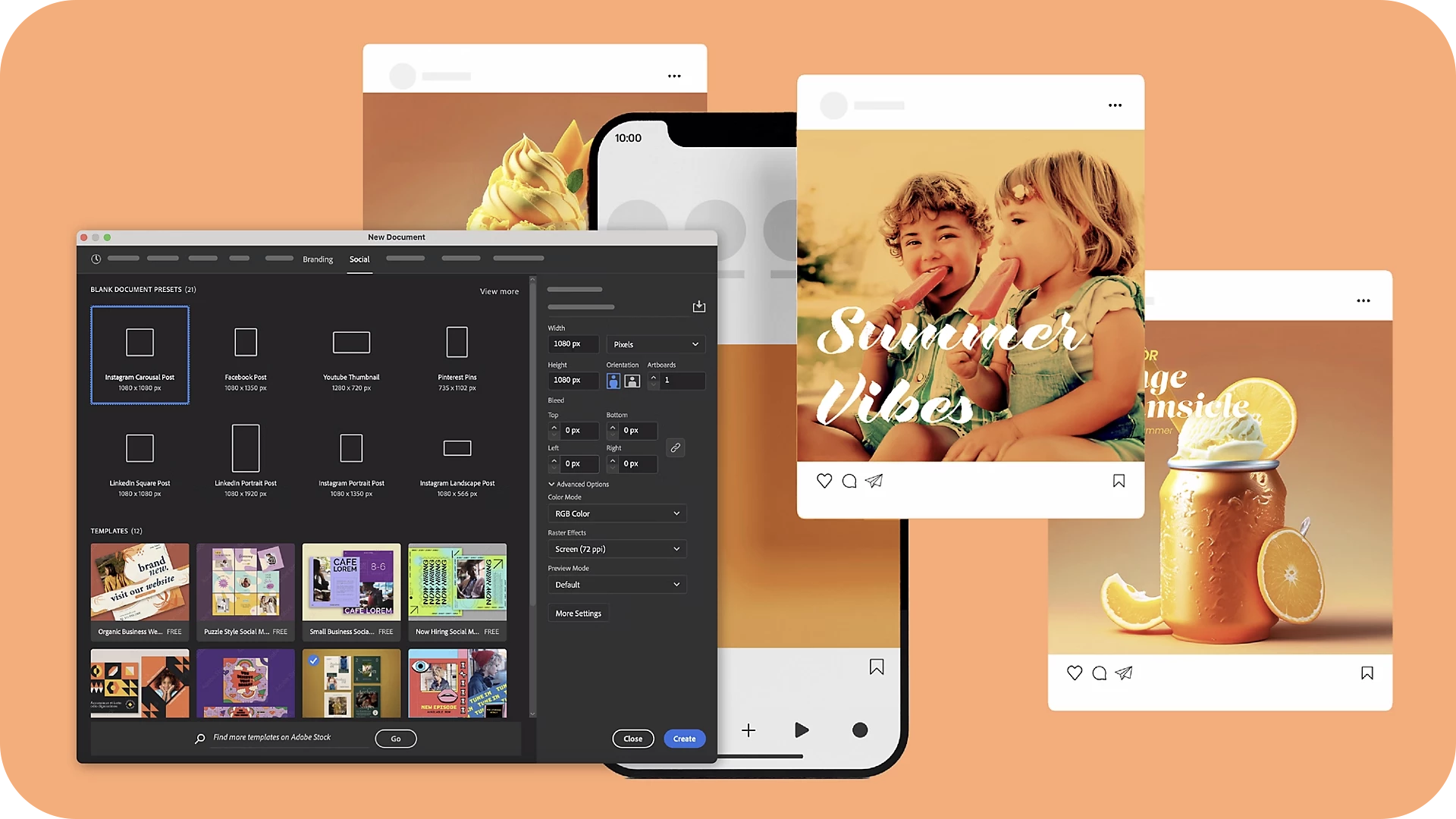
Explore new Branding and Social Media document presets, alongside updated Mobile, Web, and Print templates optimized for modern design standards. Customize your workflow with adjustable preset views in the New Document dialog. |
 |
Streamlined Export for AI and EPS Formats
|
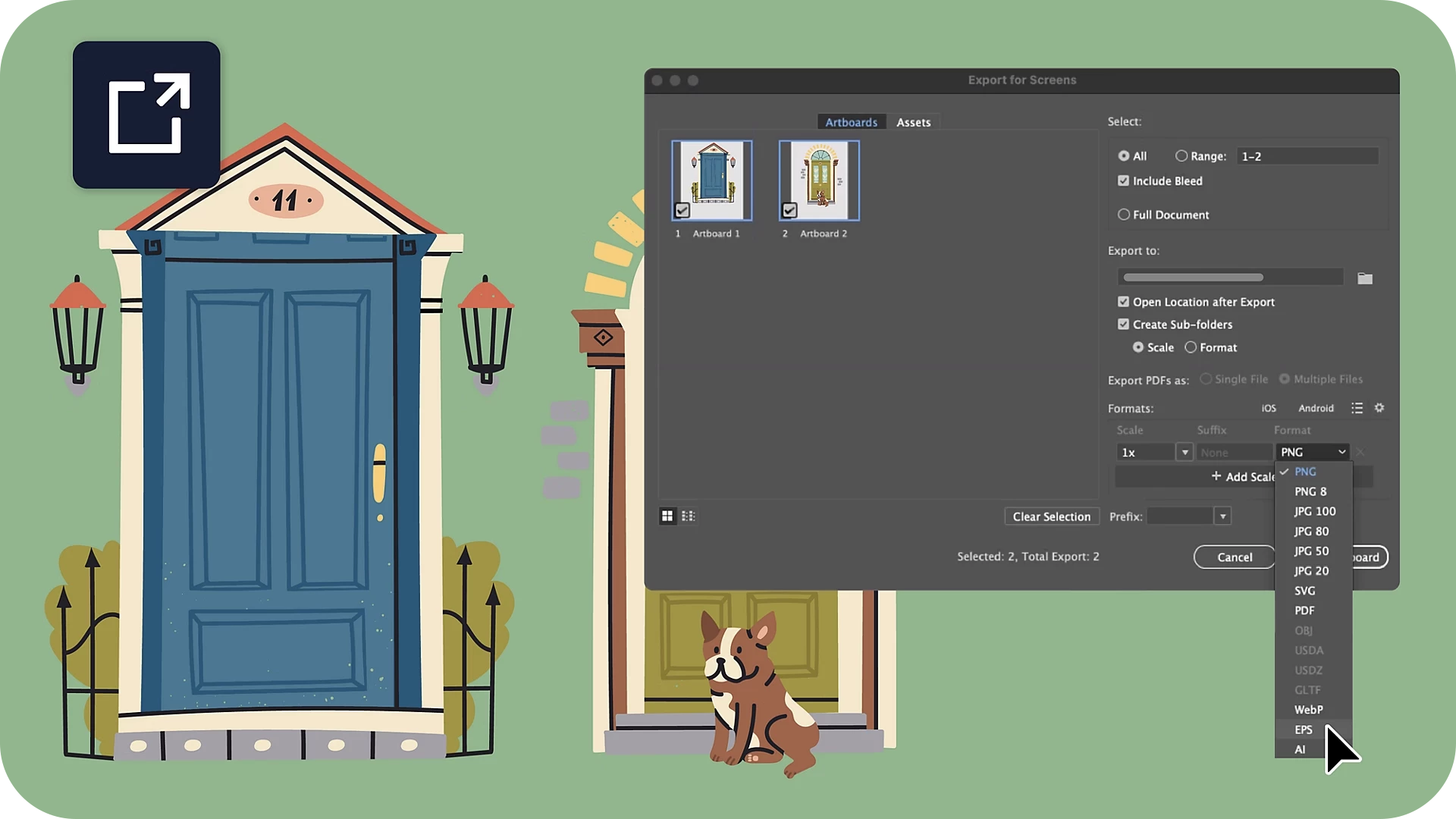
Effortlessly export artboards and assets in AI and EPS formats using the Export for Screens, enhancing flexibility for your design workflows. |
 |
Accurate Placement with Distance Guides
|
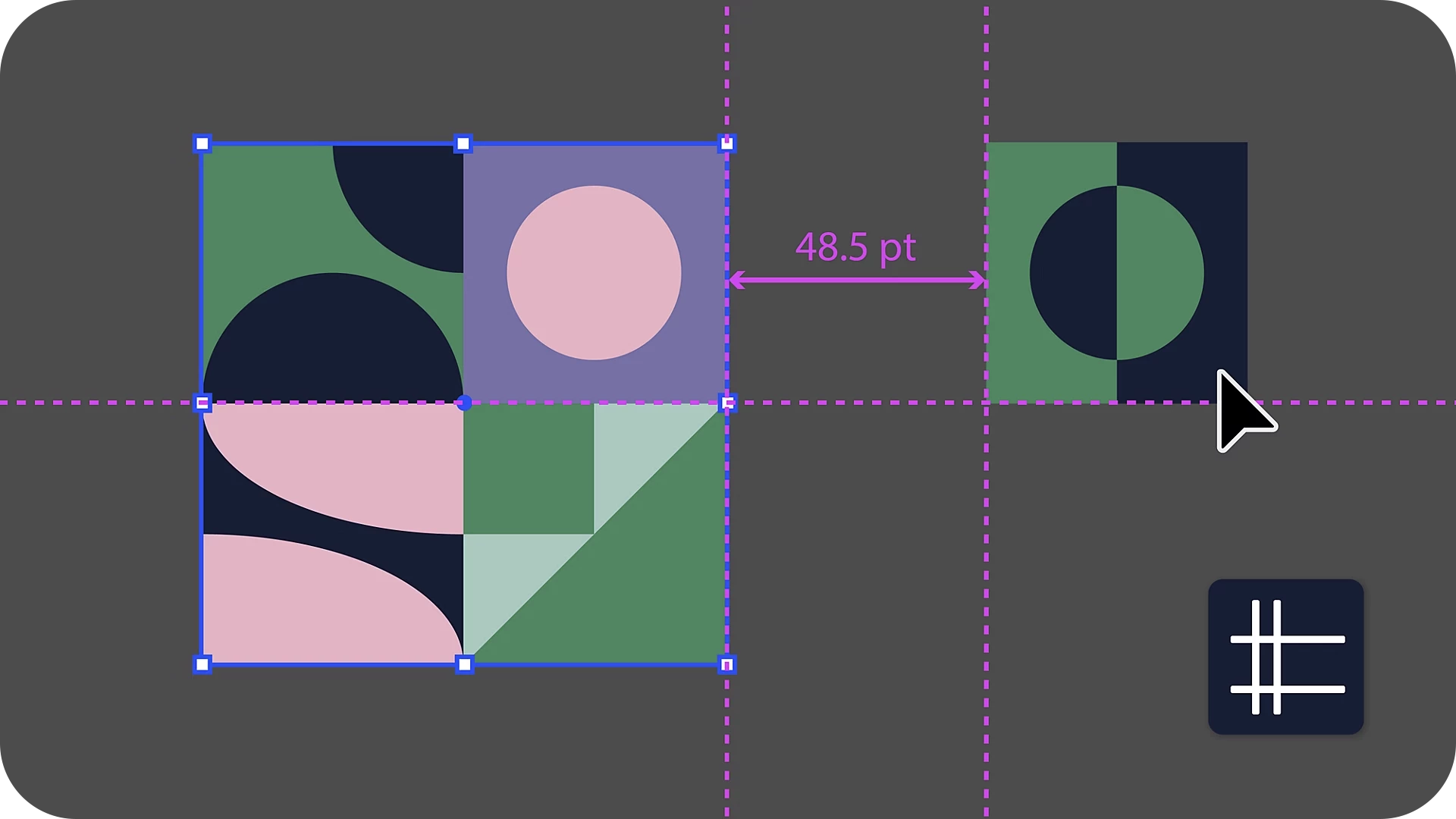
Align and space objects with precision using Distance Guides. These guides show the real-time distance and relative position as you hover over an object or empty artboard while holding Option (macOS) or Alt (Windows). |
 |
Convenient Eyedropper Tool in the Color Picker
|
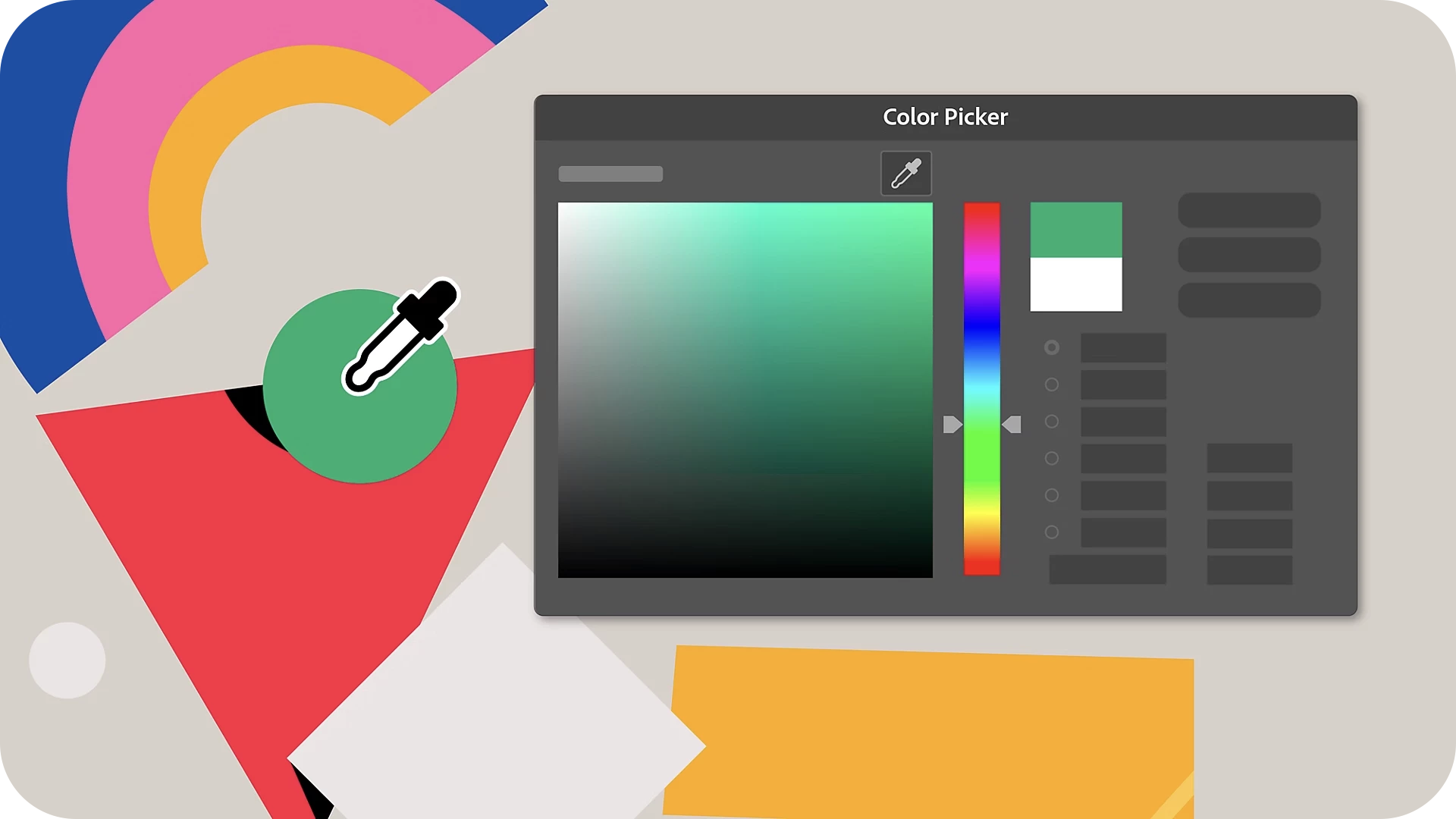
The Eyedropper tool is now integrated within the Color Picker, letting you sample colors directly from the canvas without needing to close the panel. |
 |
Fixed Issues
Illustrator v29.2.1 also includes several bug fixes. Take a look here.
We’d love to hear from you!
Try out the v29.2.1 and let us know your thoughts. Feel free to reach out if you have any questions or need more tips!
Have questions? Click 'Reply' below to ask.
Click 'Follow' below to bookmark this post for easy reference.


 AdChoices