
Participant
November 5, 2023
Question

Illustrator Won't Open

  • November 5, 2023
  • 3 replies
  • 483 views

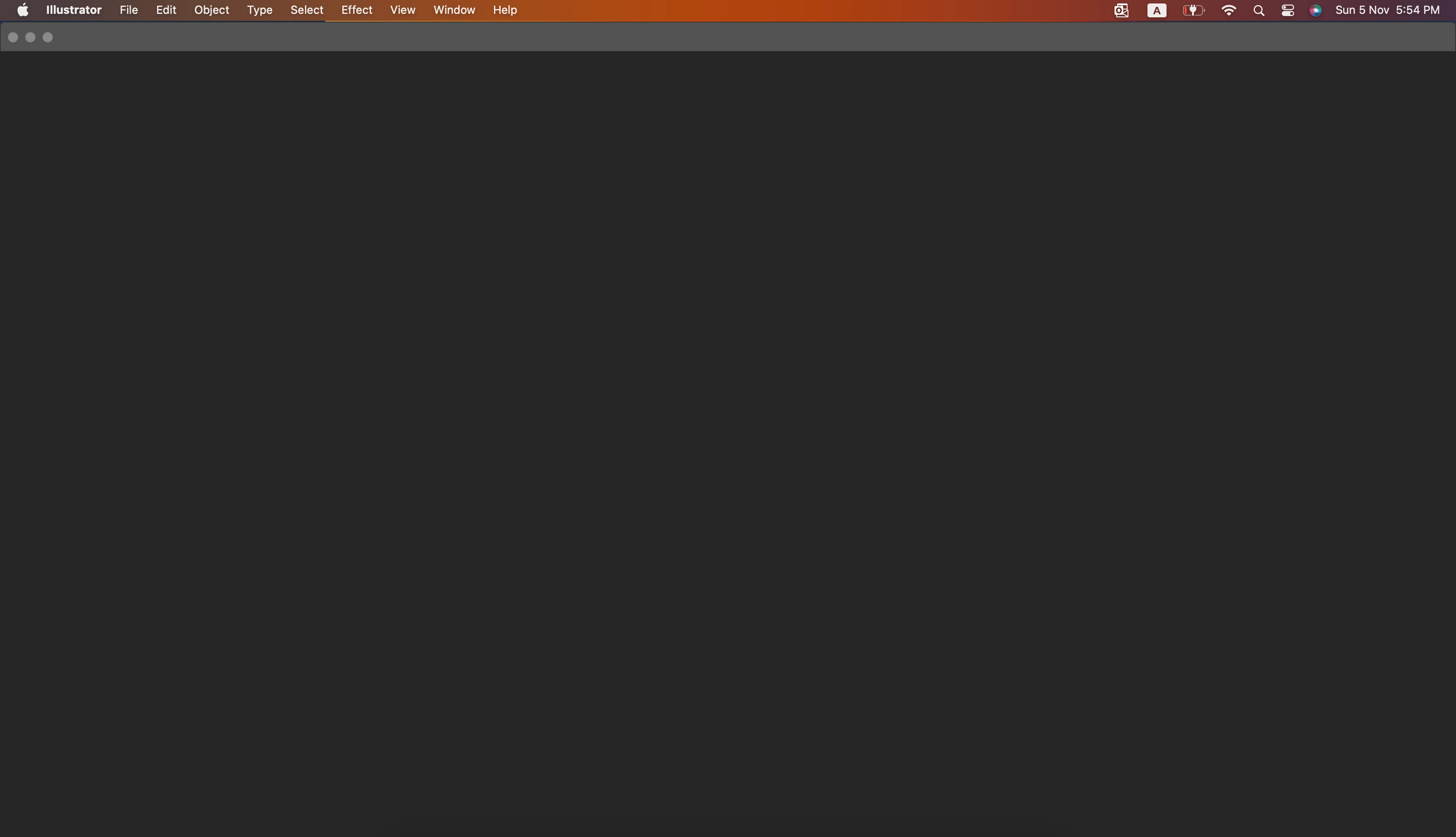
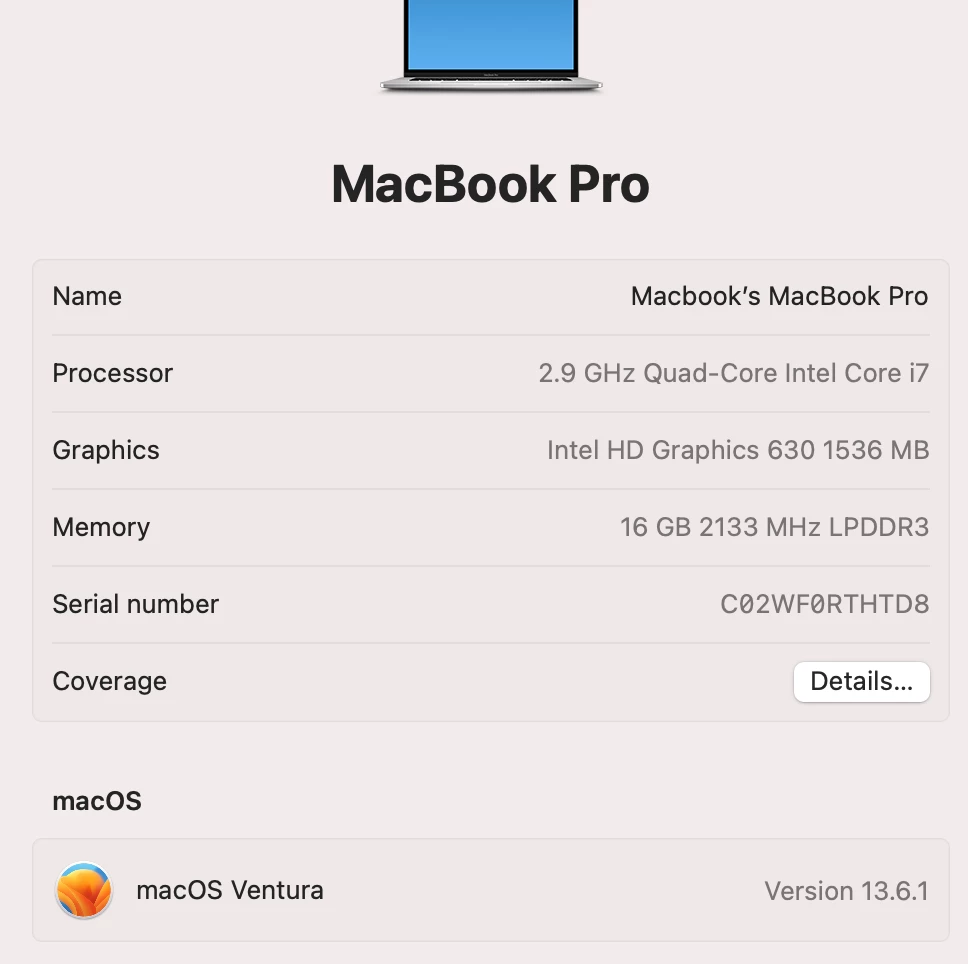
Today i had updated Adobe illustrator to Version 28. after the update it stuck on the Black screen as shown below. I tried all the steps mentioned in another articles with no changes, also reinstall the mac os and tried to install illustrator again and i had the same issue
 

This topic has been closed for replies.

3 replies

Anshul_Saini
Community Manager
Community Manager
November 6, 2023

Hi @mostafa27715277u49d,


I'm sorry to hear about the issue you're facing with Adobe Illustrator on your Macbook Pro. This issue has been reported by several users, and the product team is actively investigating it. To assist in resolving this problem, the product team has requested access to specific UXP folders from various locations on your Mac.

  • Home Screen build from path: /Library/Application Support/Adobe/UXP/extensions/
  • Home Screen build from: /Applications/Adobe Illustrator 2024/Adobe Illustrator.app
  • Open Illustrator, go to the Help menu > System Info - copy all data and paste it into a text file, and upload it here.
  • Folder from: ~/Library/Caches/Adobe/CCX Welcome/data/
  • Logs from: ~/Library/Logs/CreativeCloud/CCX Welcome


These folders are outlined in the attached video. Sharing these folders will help them further understand and diagnose the problem. Please follow the instructions in the video and share the requested folders with the product team so they can work on a solution.


Thank you for your cooperation and patience as they address this issue.


Best,

Anshul Saini

Monika Gause
Community Expert
Community Expert
November 5, 2023

Can you try and disable the Home screen in the Preferences? Also turn on the Legacy "File New" interface. Does that work?


Then you can contact Customer Care tomorrow and have them check out what's going on there: https://helpx.adobe.com/contact.html 

Participant
November 5, 2023

Many thanks Monika, unfortunately i can't accses the Preferences.

Participant
November 5, 2023