
Answered
Illustrator
Hi everybody,
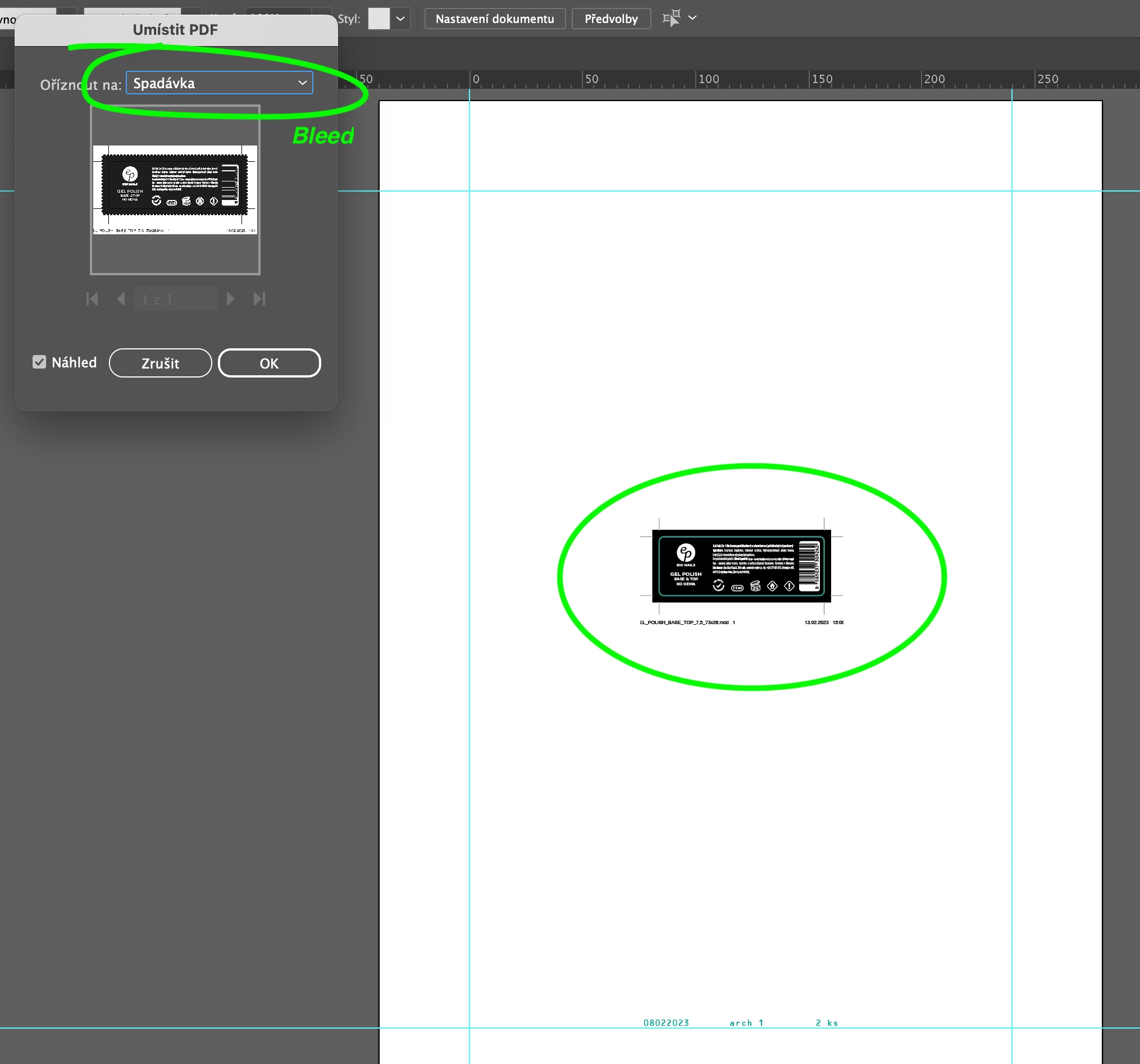
cannot place in Illustrator a PDF with a bleed but without crop marks. Until recently, it worked.

Hi everybody,
cannot place in Illustrator a PDF with a bleed but without crop marks. Until recently, it worked.
Hi Monica, can you please confirm you are using a PC (and not a Mac)?
This may be a bug affecting only this particular language version of Illustrator, or only Illustrator 27.2 on a PC.
Martin, you can have multiple Illustrator versions installed at the same time, if you re-install version 27.2, say yes if it asks you if you want to overwrite your existing preferences. You might want to report a bug, be sure to note your language version and OS:
https://illustrator.uservoice.com/
Hi Luke, I have just one version of Illustrator on Mac. During re-installation older version I confirmed overwriting the preferences. Now it works.
Already have an account? Login
Enter your E-mail address. We'll send you an e-mail with instructions to reset your password.
 AdChoices