Participating Frequently
November 29, 2021
Answered

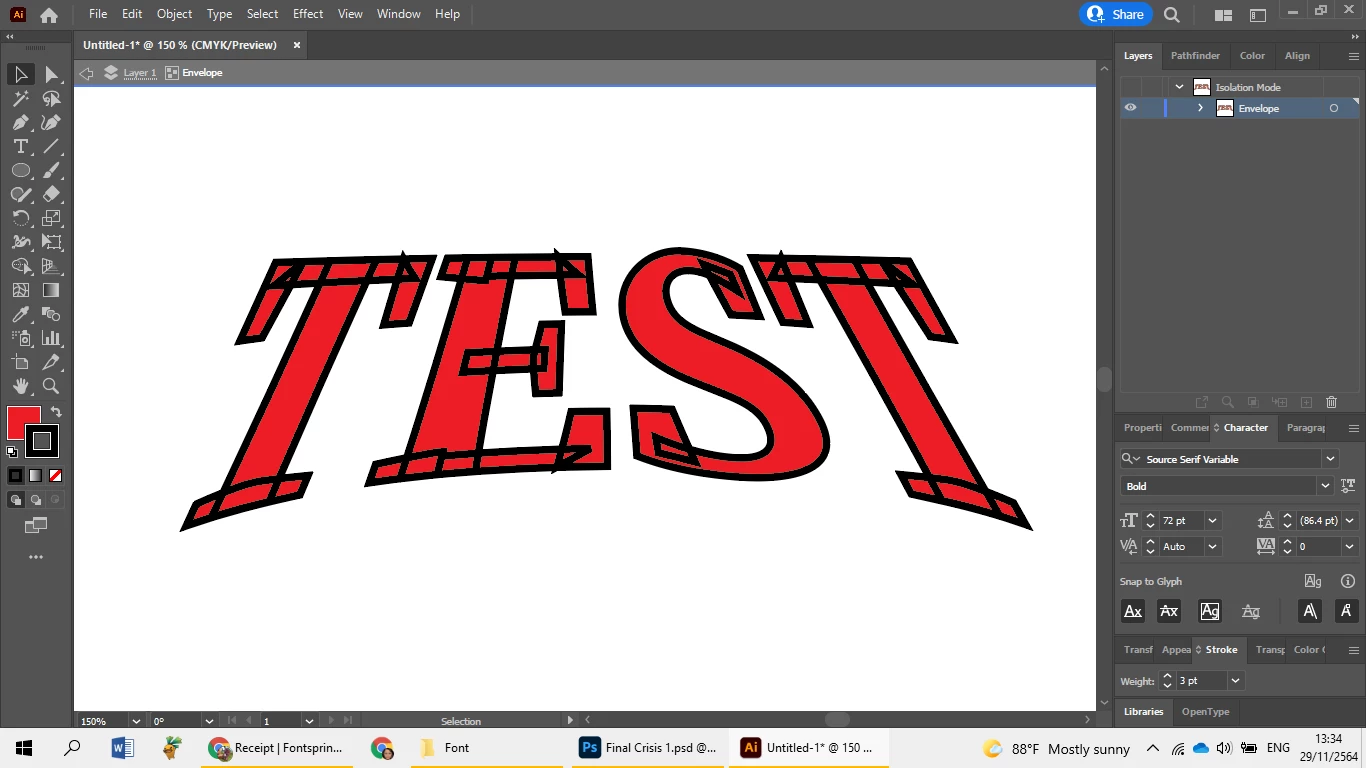
ilustrator, I can't Outline Stroke Text What happen?
  • November 29, 2021
  • 2 replies
  • 1119 views

I am a beginner please help me.

Thanks you 

xoxo

This topic has been closed for replies.
Correct answer Ton Frederiks

yes, you're right. I want how to stroke this font without other line.
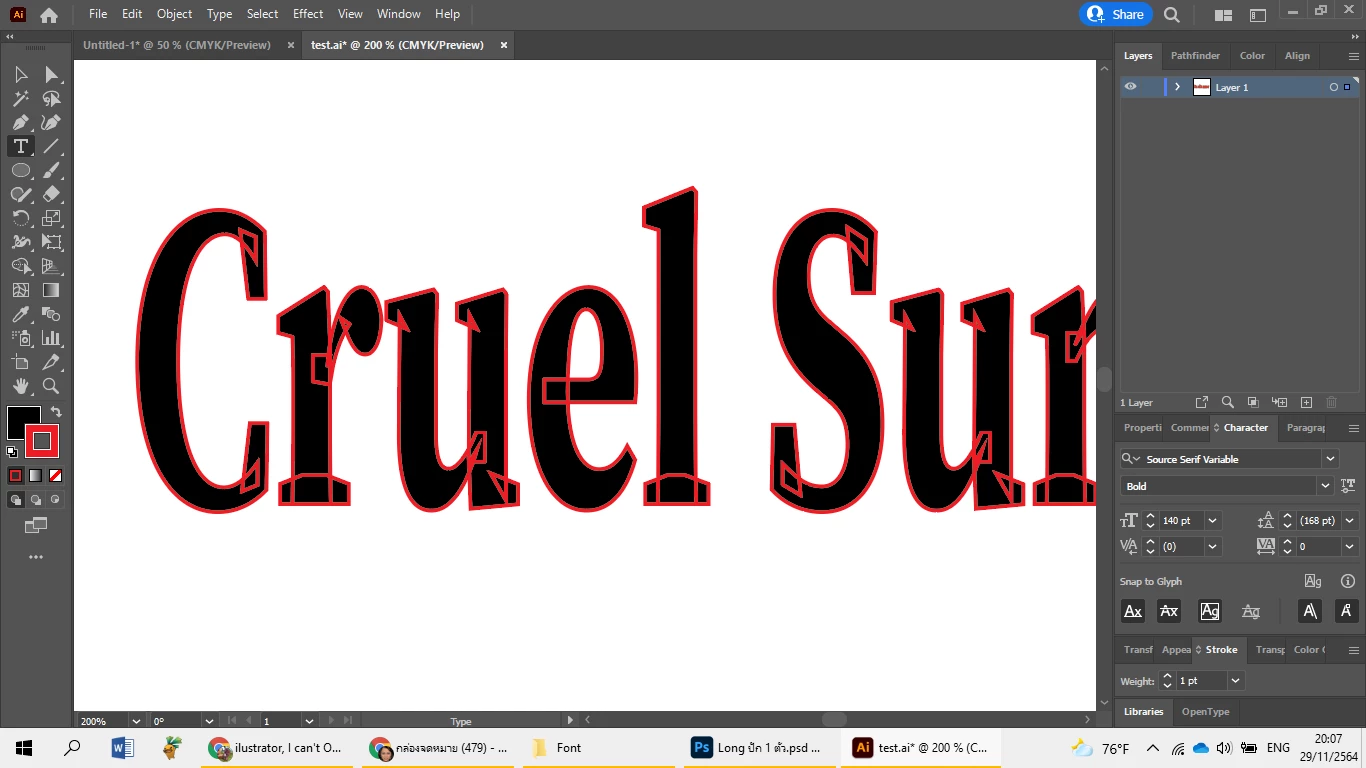
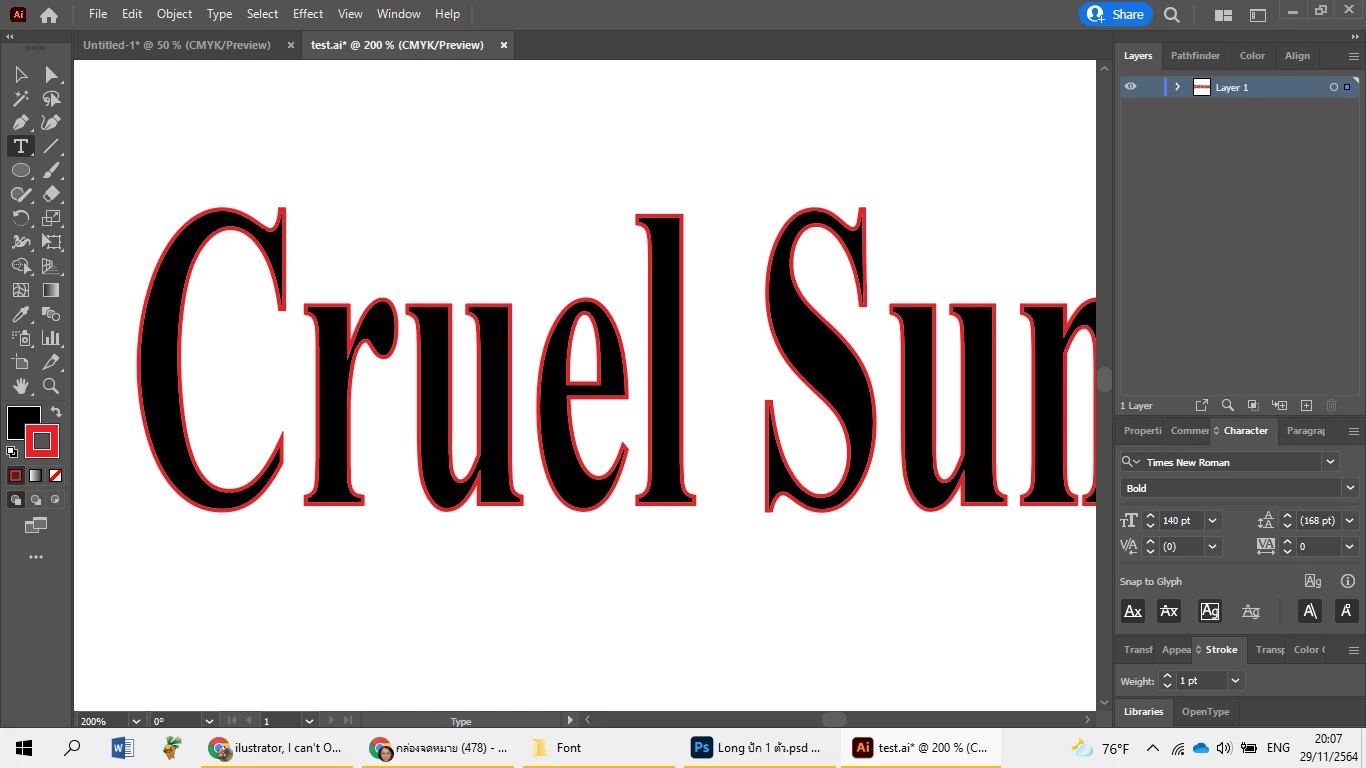
like this
Can I delete over line 
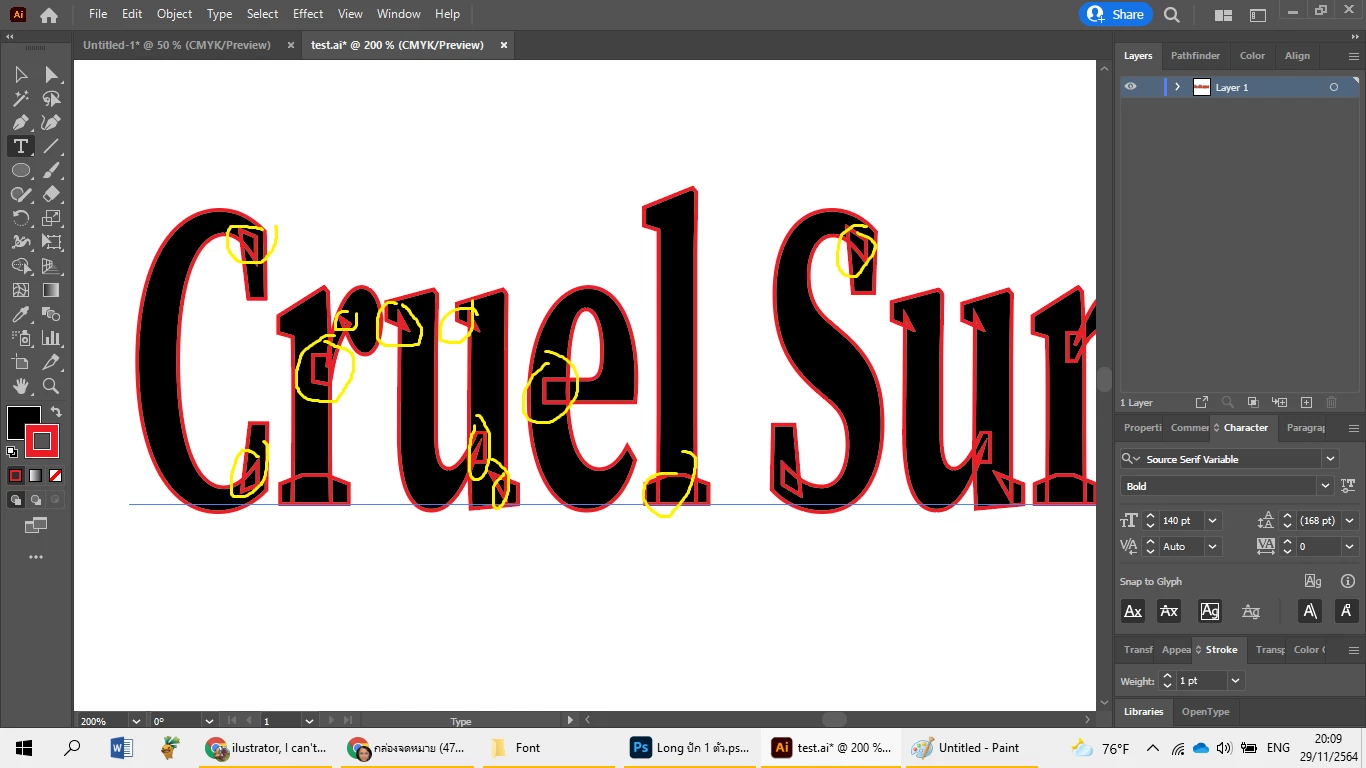

Those overlapping strokes are caused by the Variable font. Please use a static version,


2 replies

Ton Frederiks
Community Expert
Community Expert
November 29, 2021

You have a warp envelope applied, first try Object > Envelope Distort > Release

But before you do that, unless you like the effect of overlapping strokes, you may want to select another font (Object > Envelope Distort > Edit Contents).

LongzAuthor
Participating Frequently
November 29, 2021

I can't do that. T_T

I have to change font right?

Ton Frederiks
Community Expert
Community Expert
November 29, 2021

What you show here is different and does not have an envelope and you can change the font.

c.pfaffenbichler
Community Expert
Community Expert
November 29, 2021

Could you please expand the Layer in the Layers Panel pr provide the ai-file itself? 

Is the object text or paths?