
Participant
December 12, 2018
Question

Image Faded

  • December 12, 2018
  • 1 reply
  • 503 views

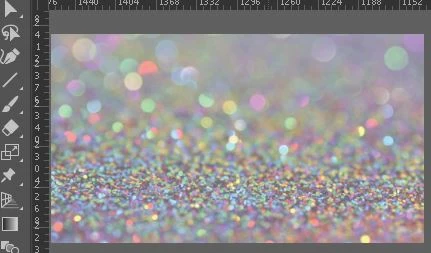
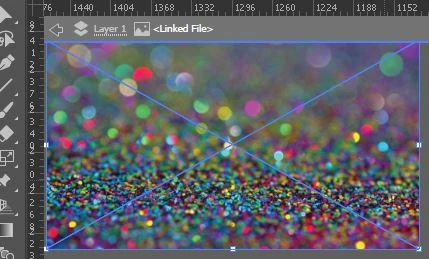
When I open an image in Illustrator, it looks faded (top image). When I double-click on it, it looks the way it should (bottom image), but when I click out of it, it reverts back (top image). This happens with every image I add. How can I fix this?
    This topic has been closed for replies.

    1 reply

    Monika Gause
    Community Expert
    Community Expert
    December 12, 2018

    Please show us what's in the Layer panel.

    Participant
    December 12, 2018

    There is a group of vectors that I will be making into a clipping mask over this image. I went forward with the clipping mask and exported the image as a .png and it looks fine. I just want to figure out why the image looks faded in while working in the Illustrator file.

    Monika Gause
    Community Expert
    Community Expert
    December 12, 2018

    While I appreciate that you cut your screenshot to where the problem is, you're leaving out every bit of information that could only be slightly important, such as the control panel, or transparency or the like. What does it look like when it's on an artboard? Could it just be a slightly transparent image?