
Participating Frequently
December 6, 2018
Answered

Image not being displayed in Illustrator window

  • December 6, 2018
  • 2 replies
  • 34931 views

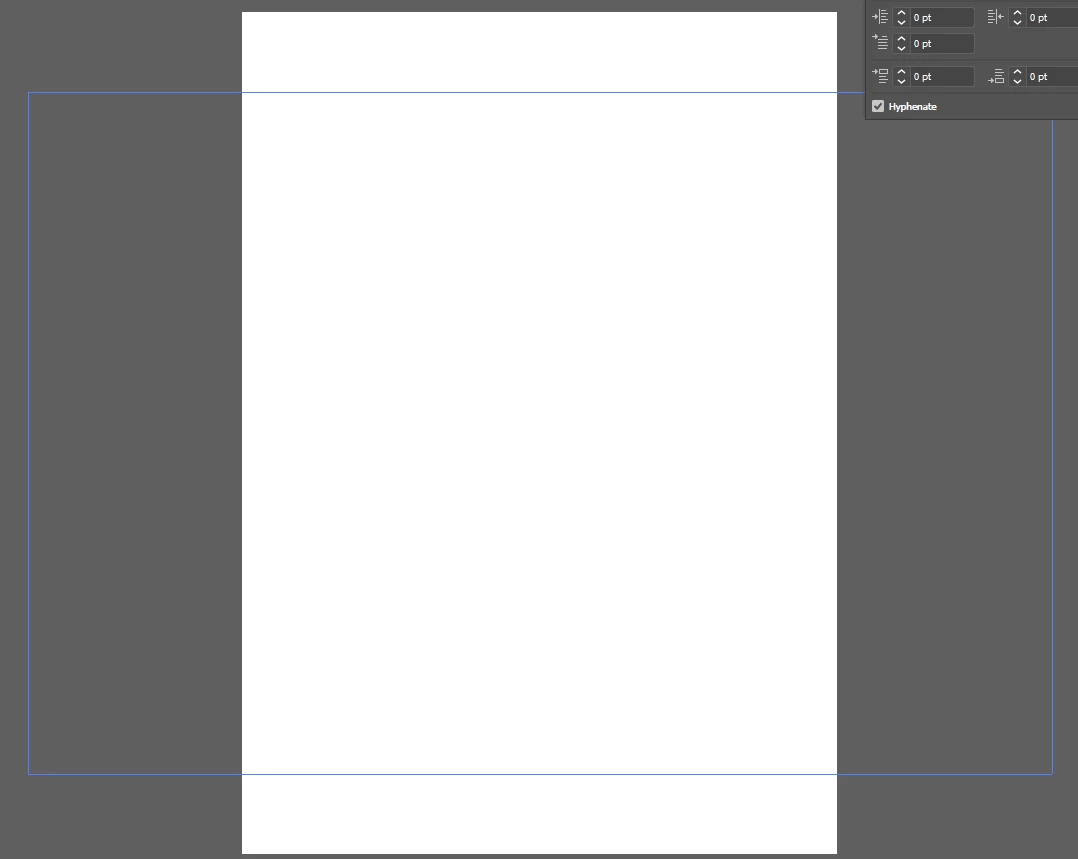
I am using the latest version of Illustrator 2019. My problem started after the latest update. When I open up Illustrator and insert a picture (jpg) or from the Explorer window and right click on the window an Open With ...Illustrator, the image does not show. The Screenshot below is what I get on the Illustrator screen. What could be causing this? and how do I fix it?

Thank you for your help.
This topic has been closed for replies.
Correct answer Monika Gause

Monica,

It is a jpg image, when I try to save the AI file, there is still no picture, same with exporting to the web (in fact, when trying to save to the web AI crashes, 24 bit depth, I can open the image in photoshop and finally, when I go to view, the Preview on CPU is grayed out and not available. Hope that helps.


Can you open it in Photoshop and then save as? Make sure to not check some standard options.

2 replies

Participant
August 2, 2022

i have the same problem when switch from Jpg to Png it show 

Ton Frederiks
Community Expert
Community Expert
August 2, 2022

Can you create a new topic and explain the steps leading to your problem?

This topic is 4 years old... 

Monika Gause
Community Expert
Community Expert
December 6, 2018

Can you place the file into an AI document?

wallwall2Author
Participating Frequently
December 6, 2018

When I try to place it I see the image on the cursor until I click to place it. Then I only see this:

wallwall2Author
Participating Frequently
December 6, 2018

Have you accidentally pressed cmd/ctrl Y and put your document into Outline Mode? Try pressing that combination and see if that fixes the problem.

Peter


Peter,

Tried that and it did not change anything.