
Image sizes mysteriously reduced when placing
Hi!
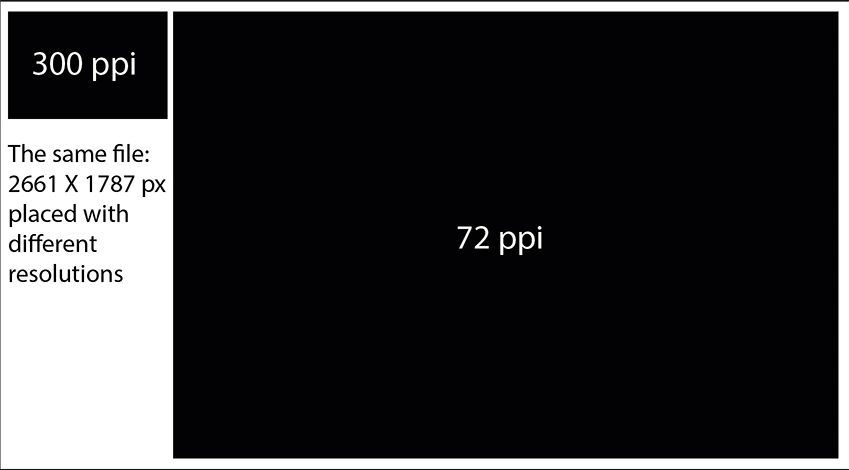
Downloaded images are being reduced when placed in my Illustrator document. I downloaded large images from a photo site to a local folder, and then placed one of those images into my Illustrator document. The original image that was 1920 x 1280 was only 638 x 428 when placed in Illustrator (file > place..) When I view the images in their folder, Windows tells me they are the original sizes. I also opened the image in Photo Viewer and it also appears to be the large size, but when Cntrl-C to copy from Photo Viewer and then cntrl-v to paste in Illustrator, the same small image is placed.
Images were downloaded from pixabay.com: https://pixabay.com/en/fork-road-dirt-direction-path-two-2115485/
I was able to place other images from the same local folder (downloaded from different places, different times) and they placed in full size.
I'm on CS6.
Anybody have a clue what's going on?
Thanks!!
 AdChoices