
Inspiring
August 9, 2017
Answered

image trace give different results on different size images

  • August 9, 2017
  • 1 reply
  • 792 views

Hello!

I am working on a huge wall print ( glass ) on a swimming hall. I have made an exellent stippling image with photoshop rasterising plugin called Pixeology. Now I need this image to be traced in AI. I have made a great results on just a small part of the image - see here please:
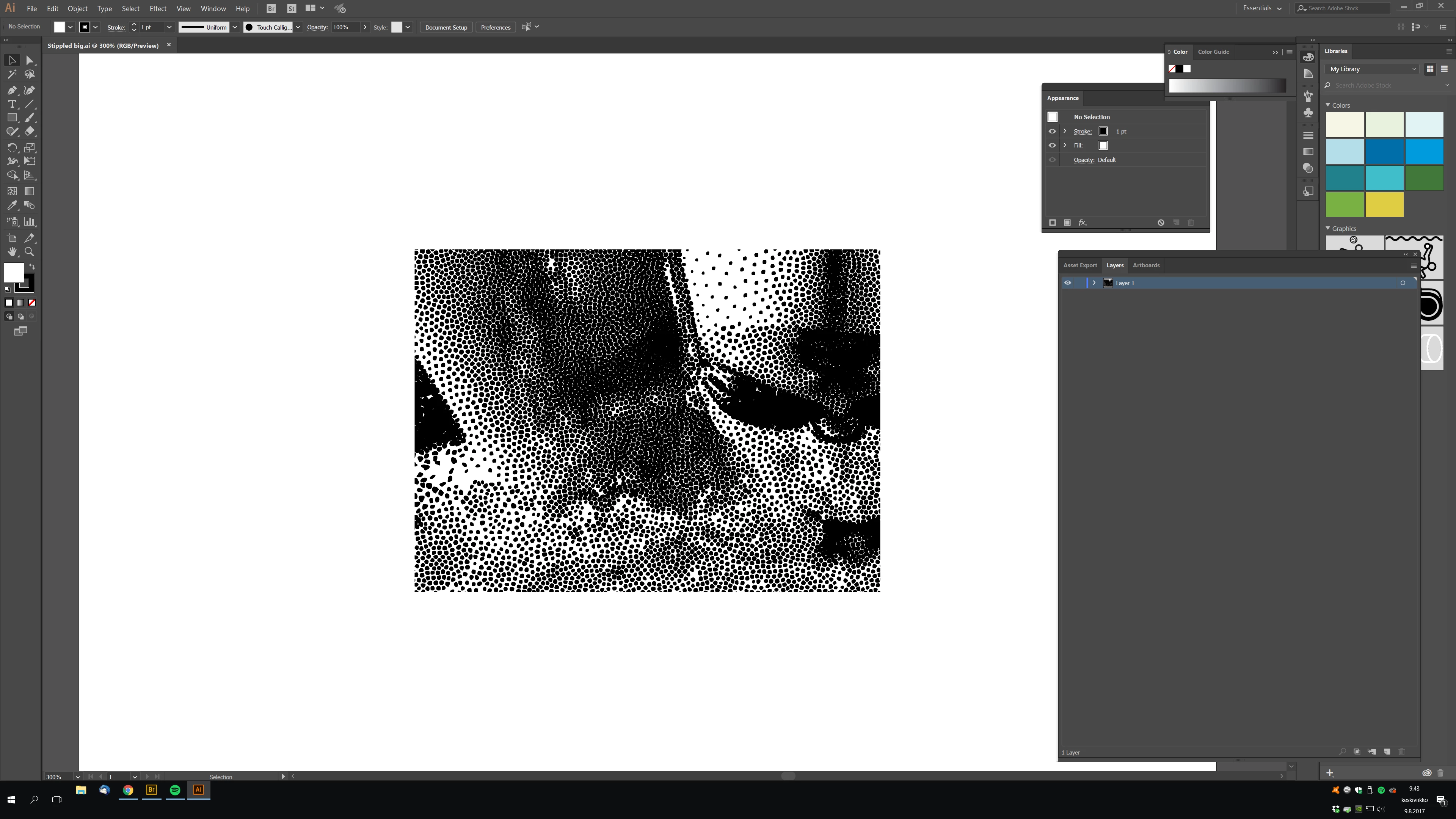
This is traced. NIce, I got those same artistic small dots and feeling that Pixeology gives me on photoshop. But when I bring in the large, full image, like this:
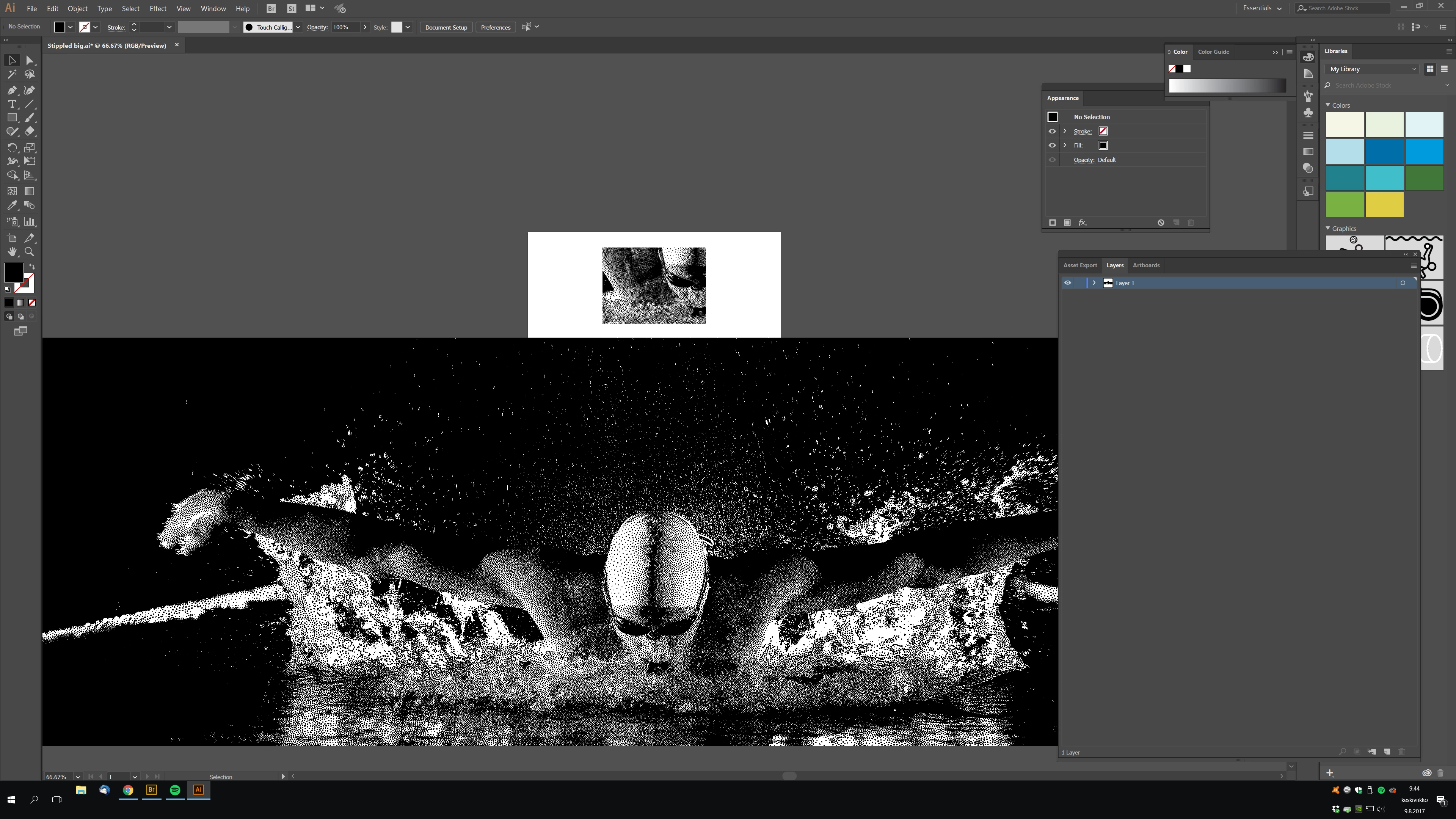
.. and use the same live trace preset that I have saved, then the results are totally different. See here:
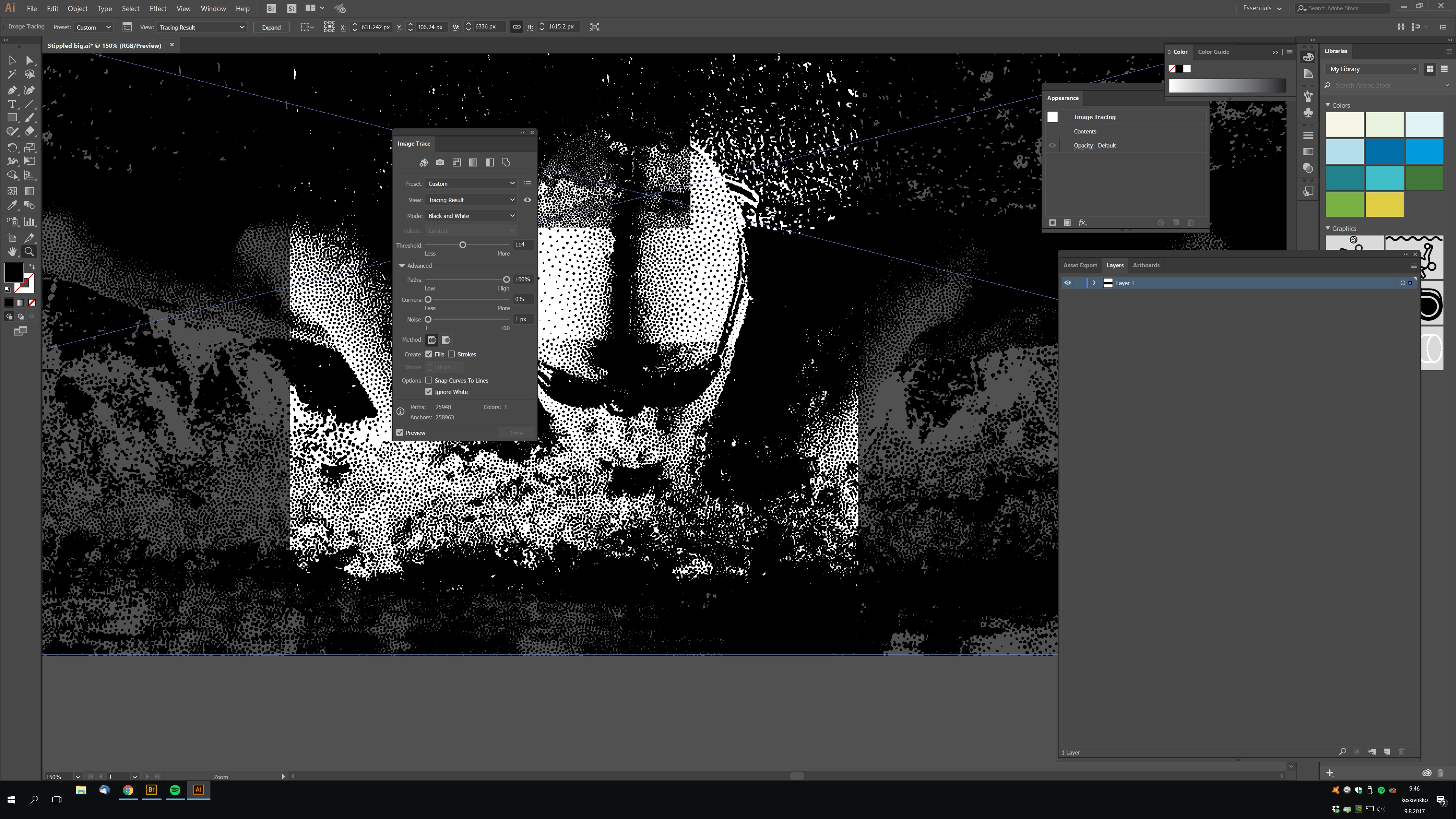
The small dots are not any more dots - some are triangles and they are not aligned any more in the beutifull way. I have tried to chage the live tracing settings to get the image look good but no results!

Please help me, what can I do?

Pekka

    This topic has been closed for replies.
    Correct answer Monika Gause

    Get the plugin Stipplism to do the Stipple in Illustrator.

    Or try and slice your image in Photoshop, then trace the pieces one by one and assembe them in Illustrator.

    1 reply

    Monika Gause
    Community Expert
    Monika GauseCommunity ExpertCorrect answer
    Community Expert
    August 9, 2017

    Get the plugin Stipplism to do the Stipple in Illustrator.

    Or try and slice your image in Photoshop, then trace the pieces one by one and assembe them in Illustrator.

    Inspiring
    August 10, 2017

    Thanks Monika! I did this in 6 pieces, but I had to carefully adjust the treshhold setting of my live trace setting in AI to avoid seams in those piecies. This was cos each piece had different amount of stippled spots and illustrator was changing the "darkness" of live trace results by itself.. So tweaking the treshold setting was fix for this.

    Inspiring
    August 10, 2017

    About the stippling effect. The Pixeology plugin gives beutifull shapes, curved lines of stipples. See here: Photoshop Artistic Halftone plug-in - stippling, stochastic screening, texture halftone and anyscreen.

    The Stipplism plugin does not seem to do this..