

Question
Image trace: how to contain transparant background?
Someone please help.
I am tracing a png of a tree, in photoshop I made the background transparant.
The png looks like this:
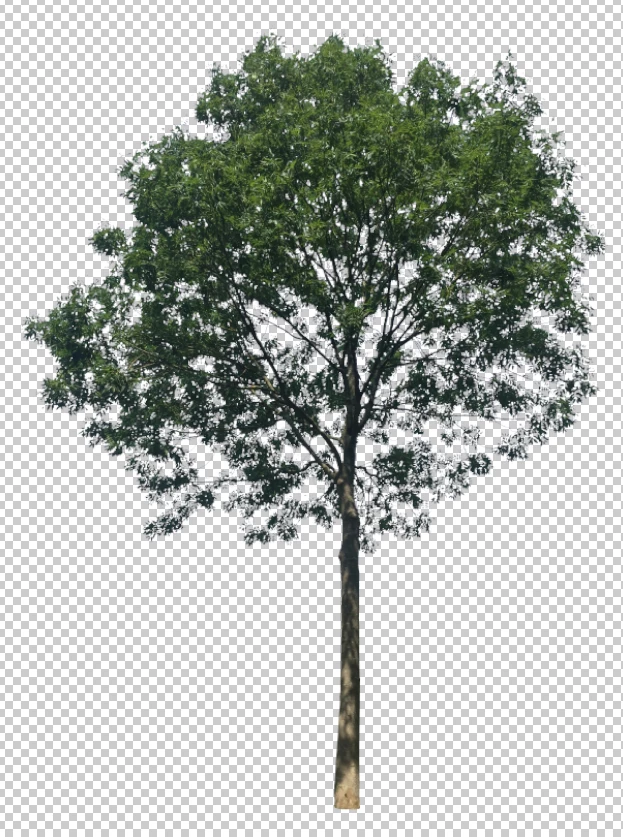
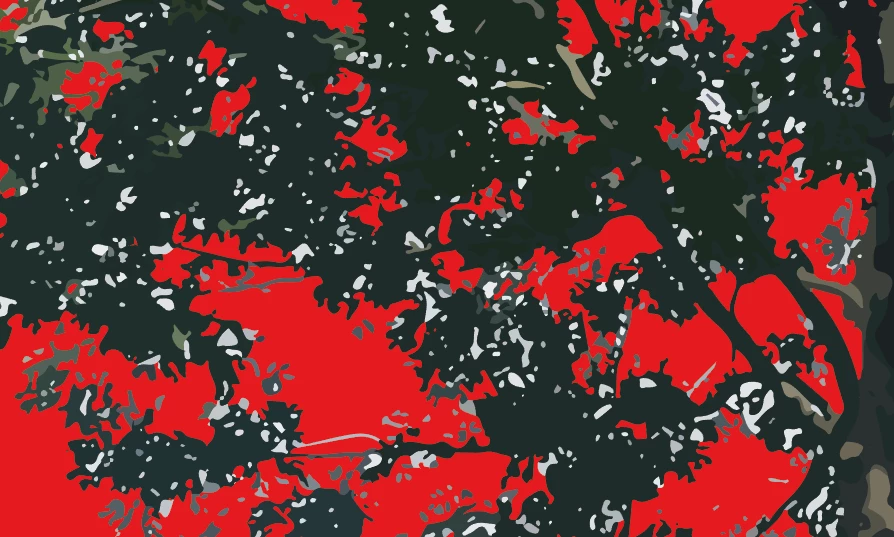
When I trace it in Illustrator, the Image trace function makes white/greyish fills of some parts of the background, that in the original png are already transparant.
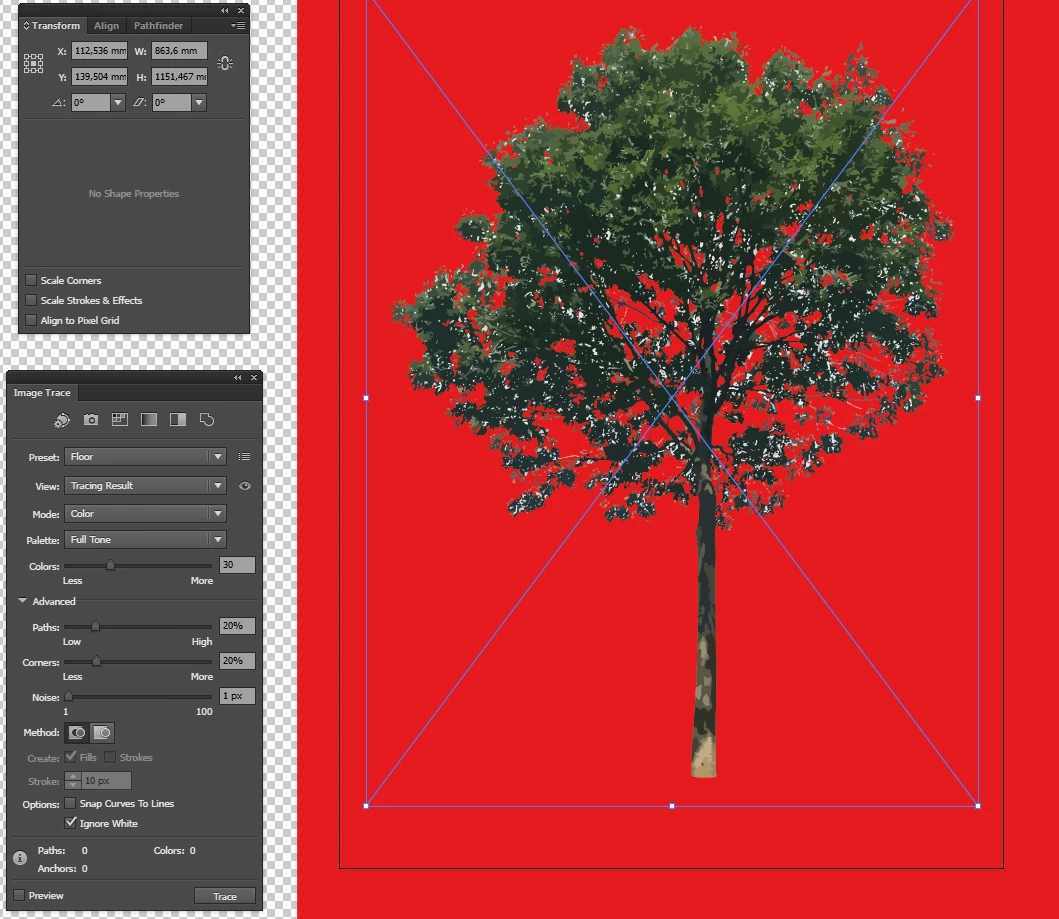
Deleting them manually or with Select > Same Fill Color is too time consuming. Other things like making the background red also don't work.
Someone has a solution?
 AdChoices