Participant
October 10, 2024
Answered

images shift after saving in illustrator

  • October 10, 2024
  • 3 replies
  • 895 views

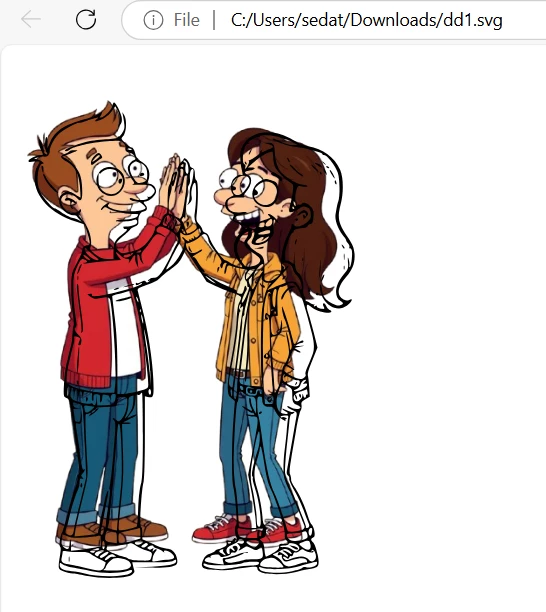
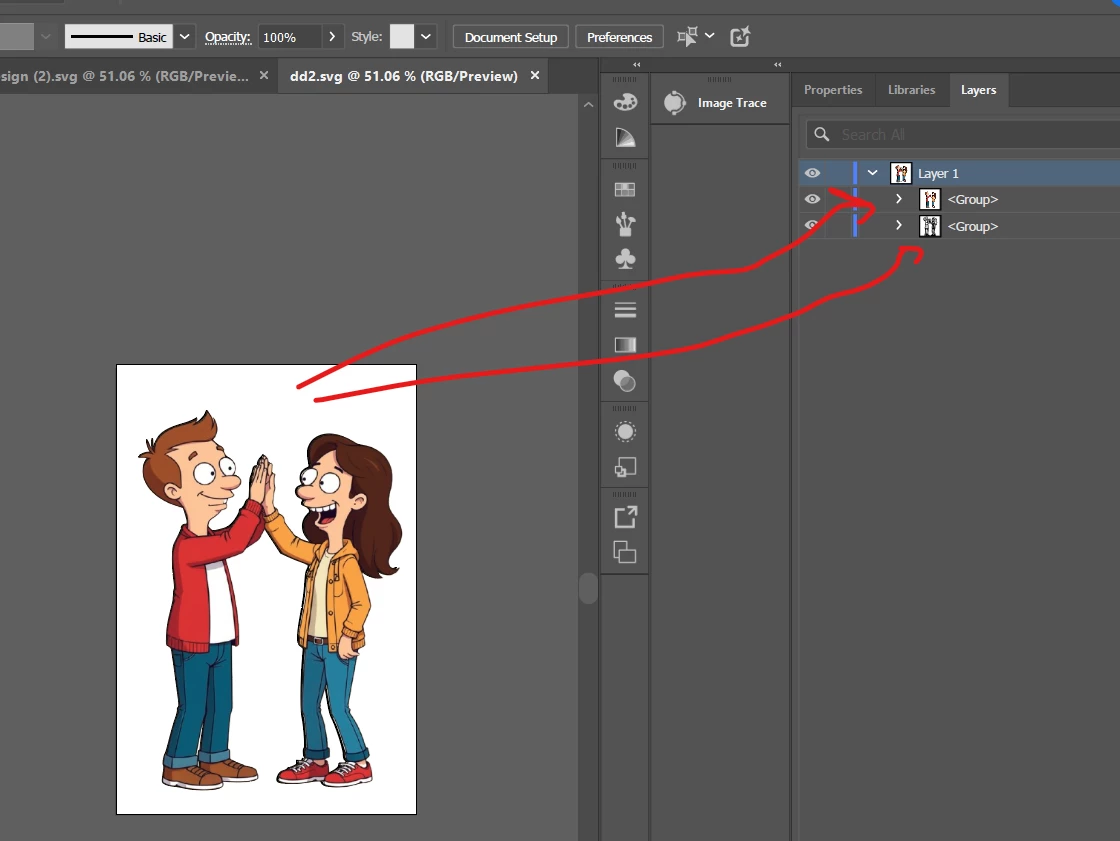
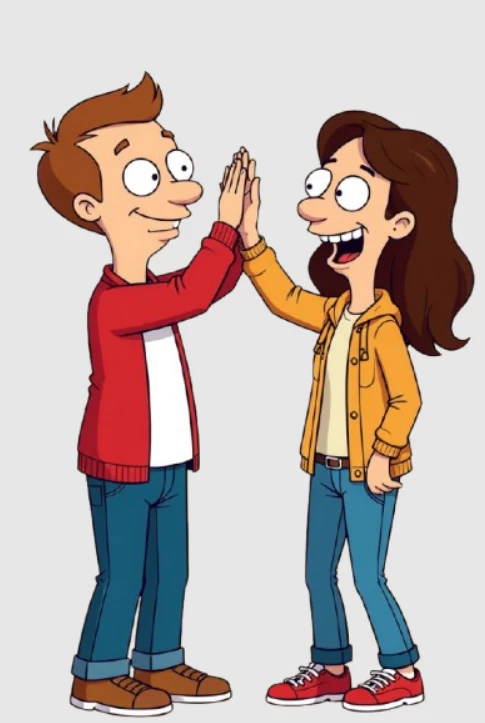
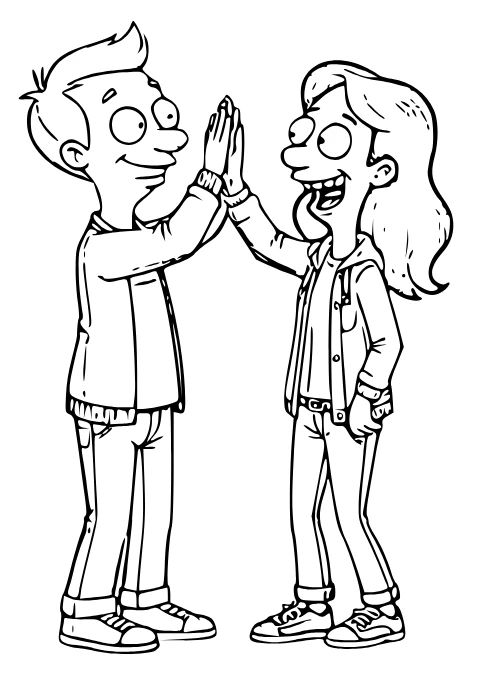
I put two pictures( colorful and sketch) on top of each other and save them. But after saving, the pictures shift. how can i solve this problem? thanks.


This topic has been closed for replies.
Correct answer Monika Gause

So that is a placed image and a vector sketch on top?

When you save the SVG, how are the options set up? Does it look better when you set decimals to a higher value?

3 replies

Jacob Bugge
Community Expert
Community Expert
October 11, 2024

sedat,


Maybe useless observations:


In your original screenshot with the black sketch in front there is a conspicuous discrepancy in both position and size, so not only a shift as you mentioned in the heading but also a scaling in the order of 1:1.05, the black sketch being larger.


It looks like something that would be (more or less) consistent with an upscaling of the black sketch from the upper left corner, which looks like an effect such as a reduced Artboard size of the black sketch shifted by the top left corner and scaled up to fit the Artboard of the coloured version (or correspondingly for the coloured one).


In the latest screenshot with the black sketch in back and the red rings there seems to be only a scaling in the order of 1:1.01, the black sketch being slightly larger and the two seem to be bottom aligned, more or less looking like an effect such as a reduced Artboard size of the black sketch shifted by the bottom right corner and scaled up to fit the Artboard of the coloured version (or correspondingly for the coloured one).


Monika Gause
Community Expert
Monika GauseCommunity ExpertCorrect answer
Community Expert
October 11, 2024

So that is a placed image and a vector sketch on top?

When you save the SVG, how are the options set up? Does it look better when you set decimals to a higher value?

Participant
October 11, 2024

thanks for the answer. the problem solved %90 when i increased the decimals. but there is still some gap between two images. do you have any idea about solution? thank you.


Ton Frederiks
Community Expert
Community Expert
October 10, 2024

Does it also happens if you save as .ai?

Participant
October 11, 2024

when i save as .ai, there is no problem. but i need to save as svg.

Ton Frederiks
Community Expert
Community Expert
October 11, 2024

And if you group the 2 groups, does that work?