Question
Imported image pixelated. Adobe illustrator
So I am new in the adobe illustrator. I was working with inkspace.
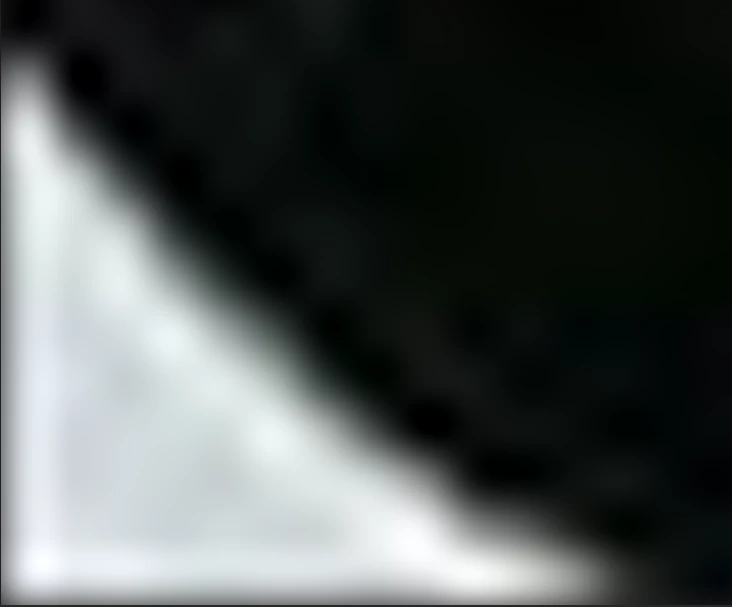
When i import the image, it gets pixelated(i am comparing with the normal image when i open with windows images). You can see from below the difference. In inkspace it was how i see from the windows image opener. How i can import how it was in the windows images. 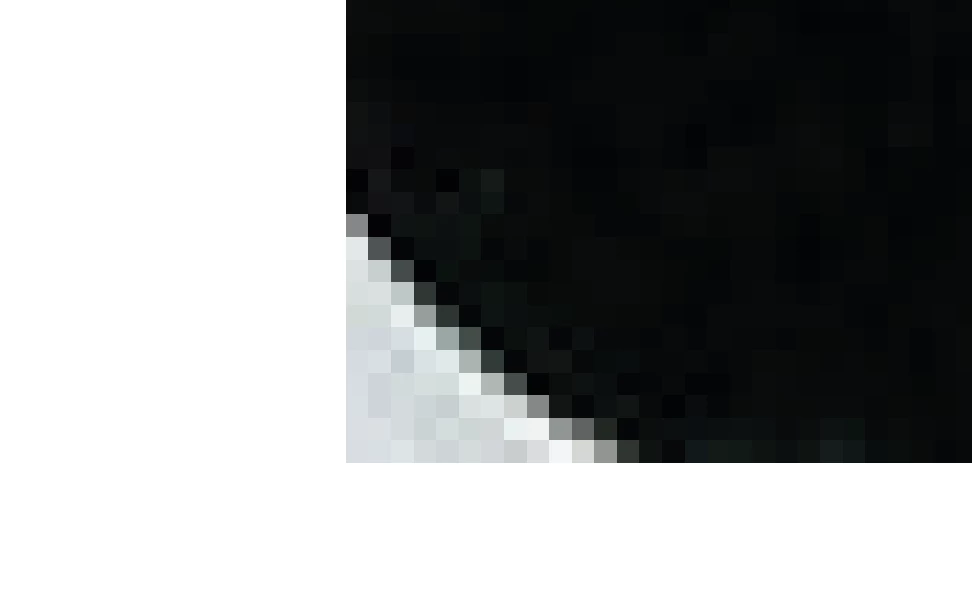
 AdChoices