

stubborncreative
Inspiring
April 28, 2023
Answered

Imported transparent PNG and PSD files have random feint white lines around edges

  • April 28, 2023
  • 3 replies
  • 2325 views

Since the latest Adobe Illustrator update, I am seeing random feint white lines around imported photoshop transparent PNG and PSD files, into Illustrator.


  • The lines do not appear on the photoshop file, tested with various colour backgrounds.
  • The PNG files are exported in high res, the Illustrator raster settings are at 500dpi (and tried 300dpi). The PNG export settings are "bicubic smoother" and I tested all other options (although historically, I always use the bicubic smoother setting with no issue).
  • I've tried rasterising the images, and flattening to the background colour, lines remain.
  • Upon exporting to PDF, or importing into InDesign, the lines are retained.
  • Like the Adobe Acrobat line phenomenon, the keylines (in Illustrator) do change a little as you enlarge or reduce the scale on the screen.

This will be a digital online catalogue, as well as being printed, so I need these keylines gone. 

I suspect it is a bug.
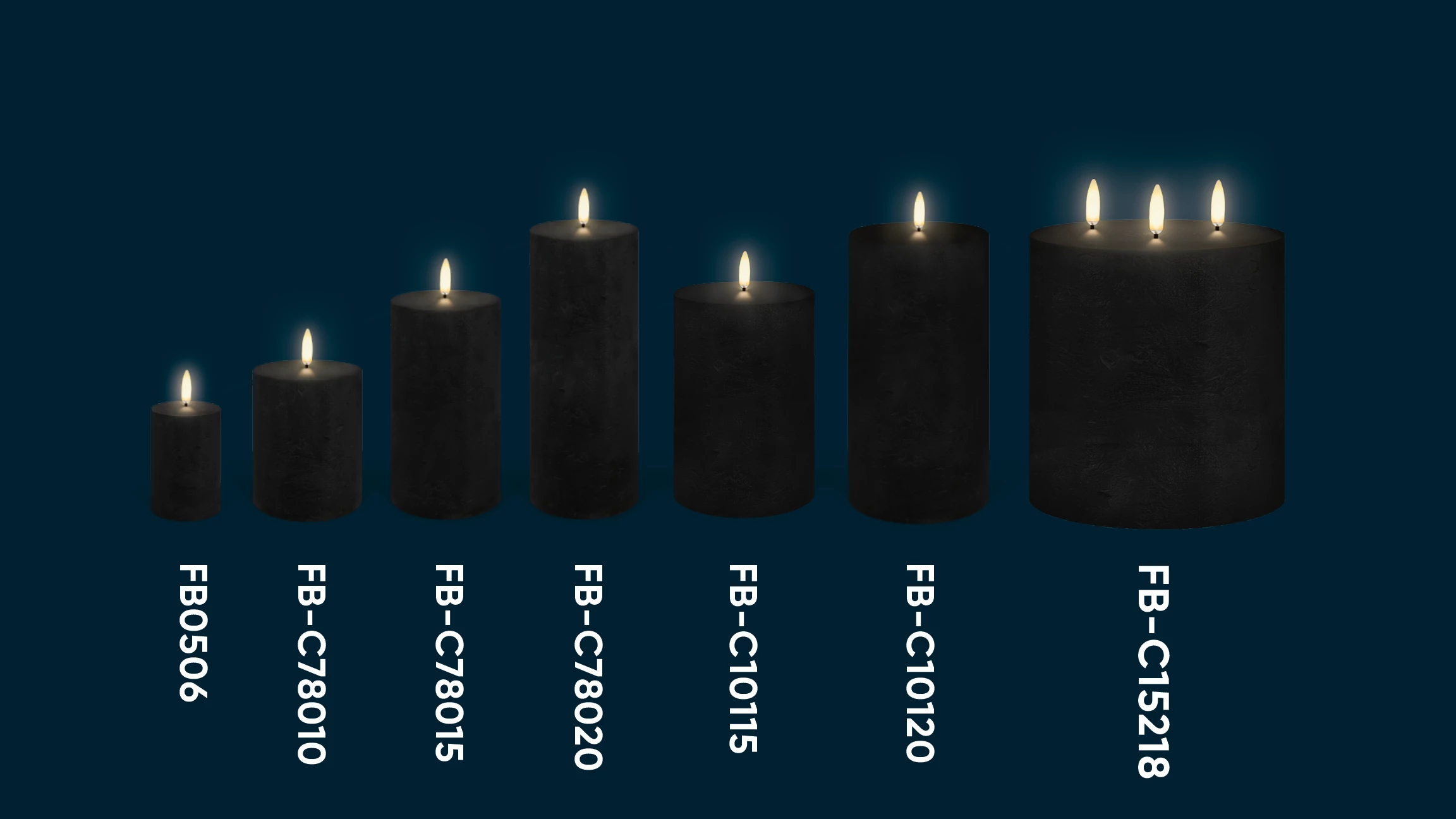


Same candle, with navy background out of Photoshop - no white lines:



Thanks.

This topic has been closed for replies.
Correct answer Ton Frederiks

Thanks, do you know if there is a way to download an old version without over-riding/removing my current version and custom settings? 


You can have multiple versions installed.

https://helpx.adobe.com/download-install/using/install-previous-version.html

3 replies

Ton Frederiks
Community Expert
Community Expert
April 28, 2023

Is it stil visible when you switch from GPU to CPU Preview (CMD or Ctrl E)?

stubborncreative
Inspiring
April 28, 2023

Yes, no difference. Thanks.

stubborncreative
Inspiring
April 28, 2023

You can have multiple versions installed.

https://helpx.adobe.com/download-install/using/install-previous-version.html


Thanks very much Ton. Will try it over the weekend.

stubborncreative
Inspiring
April 28, 2023

Here is another example...

kglad
Community Expert
Community Expert
April 28, 2023

in the future, to find the best place to post your message, use the list here, https://community.adobe.com/


p.s. i don't think the adobe website, and forums in particular, are easy to navigate, so don't spend a lot of time searching that forum list. do your best and we'll move the post if it helps you get responses.


<moved from using the community>

stubborncreative
Inspiring
April 28, 2023

Thanks kglad. Was aiming at the tech team as I beleive it is a bug, but your support is appreciated.