Participating Frequently
April 24, 2023
Answered

Importing a color group from Libraries

  • April 24, 2023
  • 3 replies
  • 5152 views

Hi,

I created a new library in my Libraries (illustrator 2023) consisting of a lot of color group (5 elements each).

When I want to bring back a color group in my Swatches palette, I right click it to go to "add then to swatches".

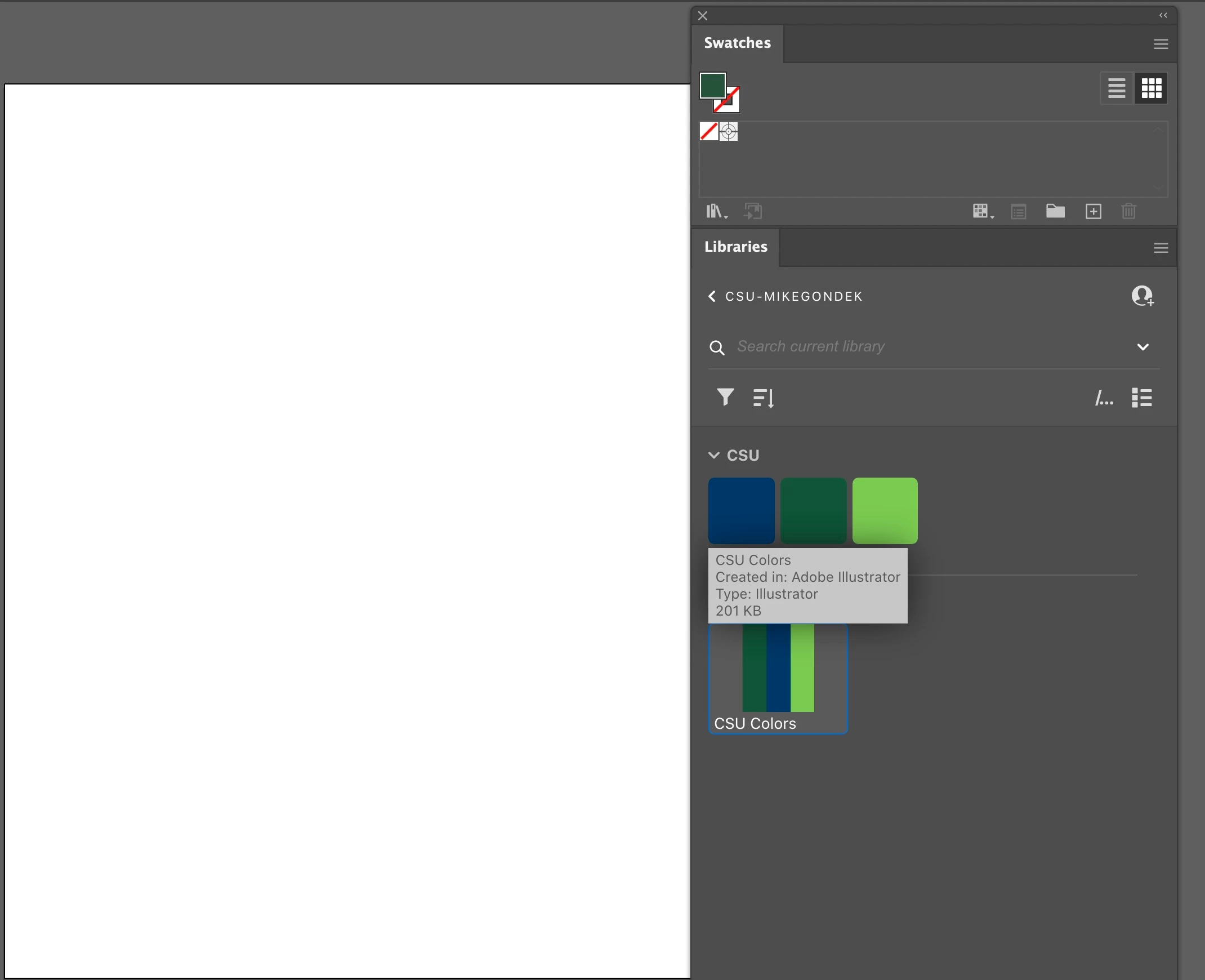
Here is the bug; only the name of the theme is added in my Swatches, an empty folder with the correct name that is all I 

am able to produce.

Any ideas how to procede, someone ?

jean.
This topic has been closed for replies.
Correct answer Mike_Gondek10189183

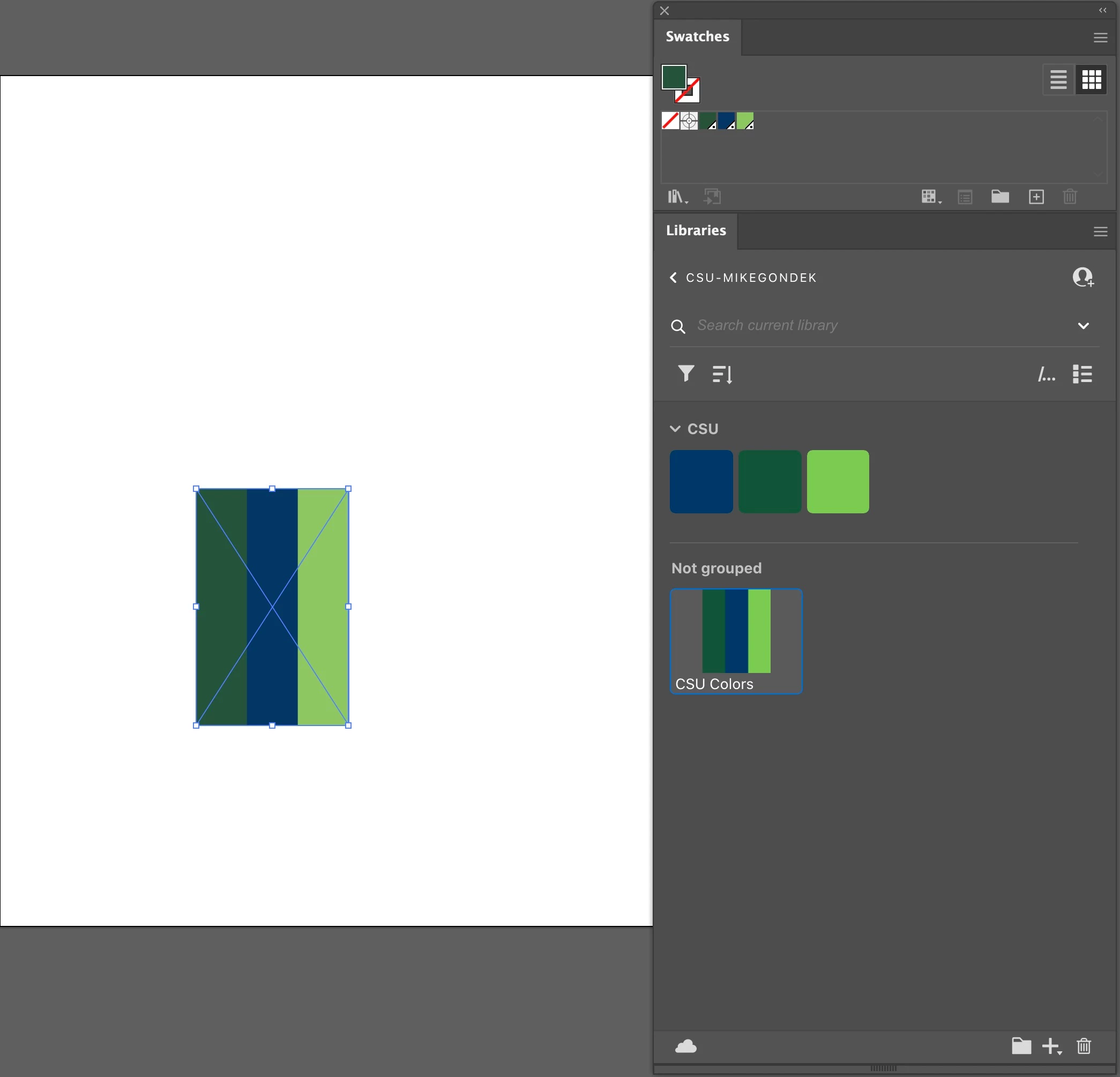
You have process globals, so alt drag your graphic form library to canvas to bring is a vector paths, rather than a link to library.


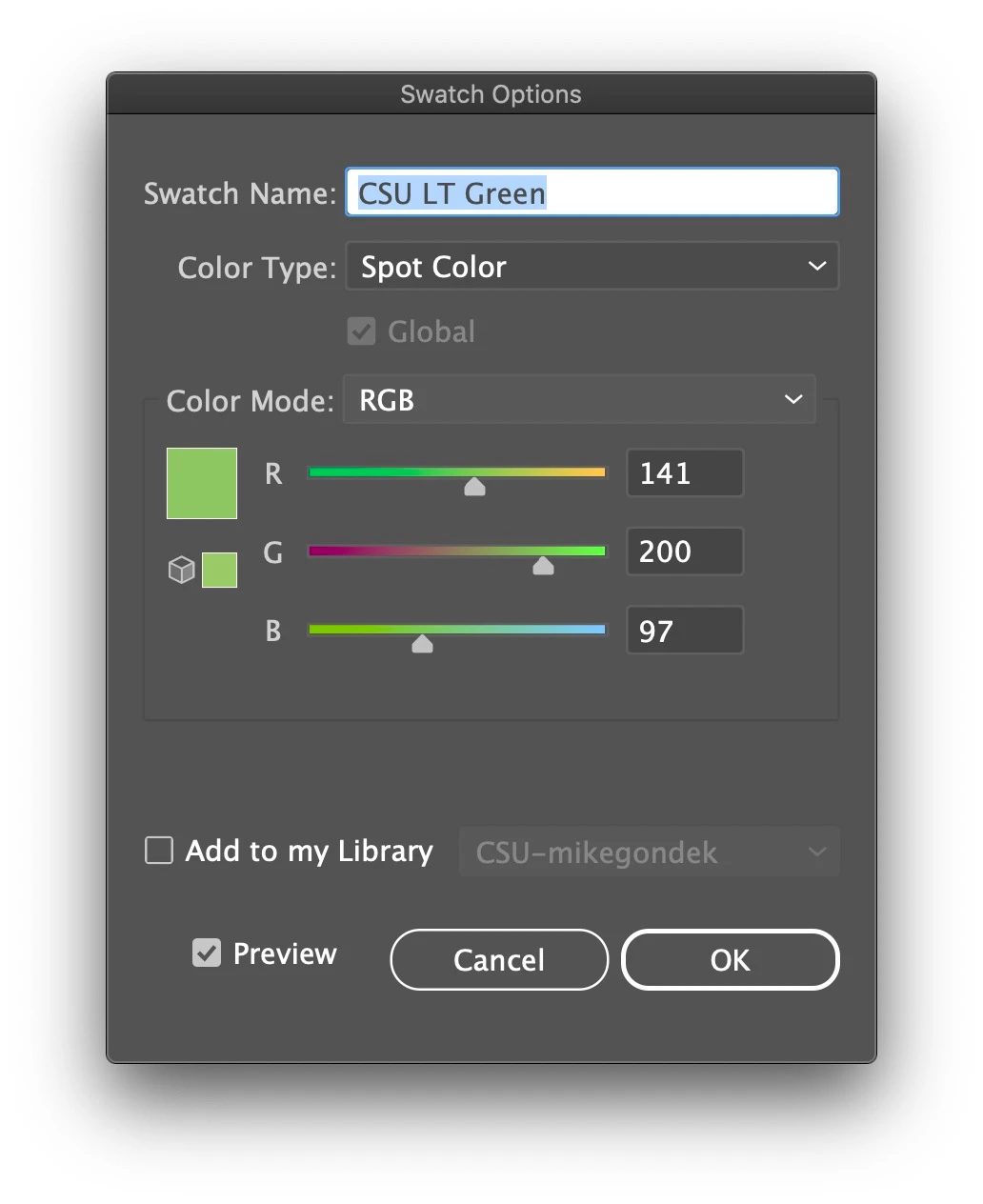
Alternatively, you could make spot colors prior to adding as a graphic to the library. This holds the name of your global color. So that is fine for RGB work, but if you are doing CMYK print you will need to convert your colors to CMYK.


3 replies

Inspiring
July 3, 2024

I just had to spend 20 minutes searching the web to an answer for why this doesn't work and how to fix it. And then I read here that the issue has persisted since 2017. Incredible.

Adobe: If the feature doesn't work, please remove it so designers in a time crunch don't have to waste time trying to use it.

Mike_Gondek10189183
Community Expert
Mike_Gondek10189183Community ExpertCorrect answer
Community Expert
April 25, 2023

You have process globals, so alt drag your graphic form library to canvas to bring is a vector paths, rather than a link to library.


Alternatively, you could make spot colors prior to adding as a graphic to the library. This holds the name of your global color. So that is fine for RGB work, but if you are doing CMYK print you will need to convert your colors to CMYK.


Participating Frequently
April 25, 2023

Hi Mike 

Now I understand that your workaround works fine to and from my own Library with Spot colors in RGB for the benefit of working with Global quality.

Thanks for the tip!

jean

Mike_Gondek10189183
Community Expert
Community Expert
June 9, 2023

For my part you are welcome.

Ton Frederiks
Community Expert
Community Expert
April 24, 2023

I can reproduce that behaviour.

Are these Global Swatches? 

When you create a rectangle and click on a color in the library, does it add the color?


Participating Frequently
April 24, 2023

Hi Tom.

Yes these are Global Swatches, the default now when you create a swatch.

No I can't clic on a individual color in this library. It is a collection of color group.

jr.

Ton Frederiks
Community Expert
Community Expert
April 24, 2023

There are problems with CC libraries and Global colors (for years).

When I click on a global swatch in a group in a CC library, it does not fill a selected object, but it creates a magenta Spot color in the Swatches panel.