Known Participant
October 16, 2017
Answered

Insert an arrow

  • October 16, 2017
  • 3 replies
  • 20274 views

Hello people,

I am trying to create an arrow which is the same font as my text. Does somebody know how to fix this issue?

Robin

    This topic has been closed for replies.
    Correct answer Doug A Roberts

    Just the same font as the letters, really


    'font' means a collection of characters. 'same font' isn't synonymous with 'same style' -- it means something much more specific.

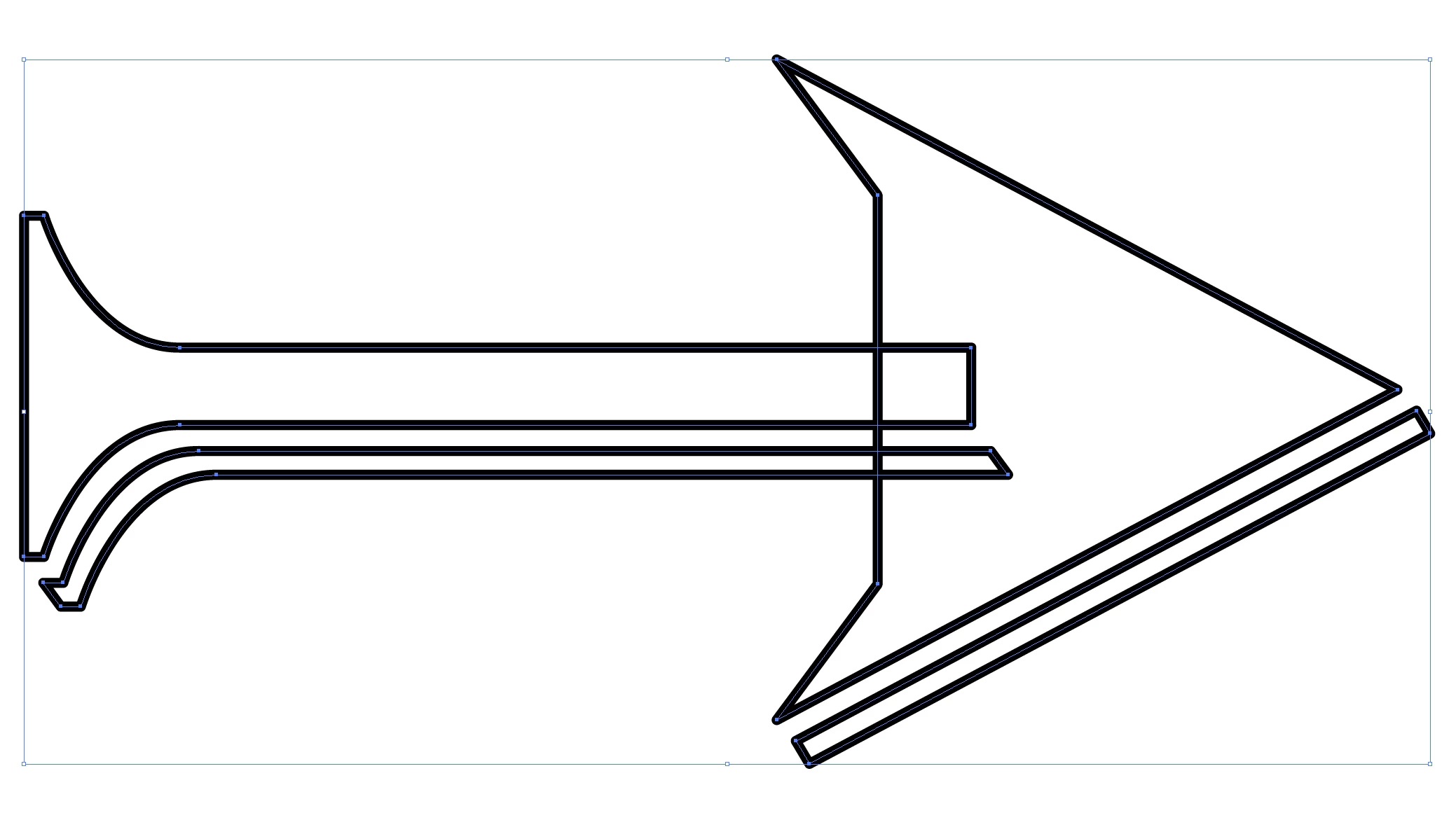
    for the arrow, it's just a collection of drawn shapes. i did it very quickly so it's pretty ugly, but then so is Algerian. make your own, make it better!
    3 replies

    Participant
    February 18, 2018

    Hi there,

    Use Glyphs panel from type menu with the same font you are using search for the highlighted symbols I attached an image.

    Bill Silbert
    Community Expert
    Community Expert
    October 16, 2017

    Could you please elaborate on what you are trying to do? Are you asking if arrows exist within any actual type fonts? There may be some fonts that have characters that are arrows. You can check the glyphs panel (Window Menu>Type>Glyphs) for whatever font that you are using.  If you are asking how to draw an arrow to match a particular font please let us know what font you are talking about. If what you are asking is something different than what I've asked then please state that.

    Known Participant
    October 16, 2017

    The letter type is Algerian, and I want to use an arrow which is the same font, though can't find any useful arrows (so I am talking about a regular arrow. I want to use it on a shirt which is pointing to another shirt

    Bill Silbert
    Community Expert
    Community Expert
    October 16, 2017

    You can draw the arrow as in the screen shot below:

    With a line selected choose an arrowhead from the drop-down menu as in the left picture above. You will have to adjust the scale of the arrow as in the picture on the right. In this case I made the arrowhead 50% to go with the 13 pt rule that it was attached to. If you want the arrow to be outlined Illustrator art then while it is selected first Expand Appearance under the Object Menu and then Expand fill and stroke again under the Object Menu. You will need to do both in order to expand both the arrow head and the stroke. Even then you will be left with two shapes which you can then select together and use the Unite option in the Pathfinder Panel to join them.

    Doug A Roberts
    Community Expert
    Community Expert
    October 16, 2017

    in what way would an arrow be related to a font?