Participant
May 31, 2022
Answered

Installed arabic fonts not supporting

  • May 31, 2022
  • 2 replies
  • 1427 views

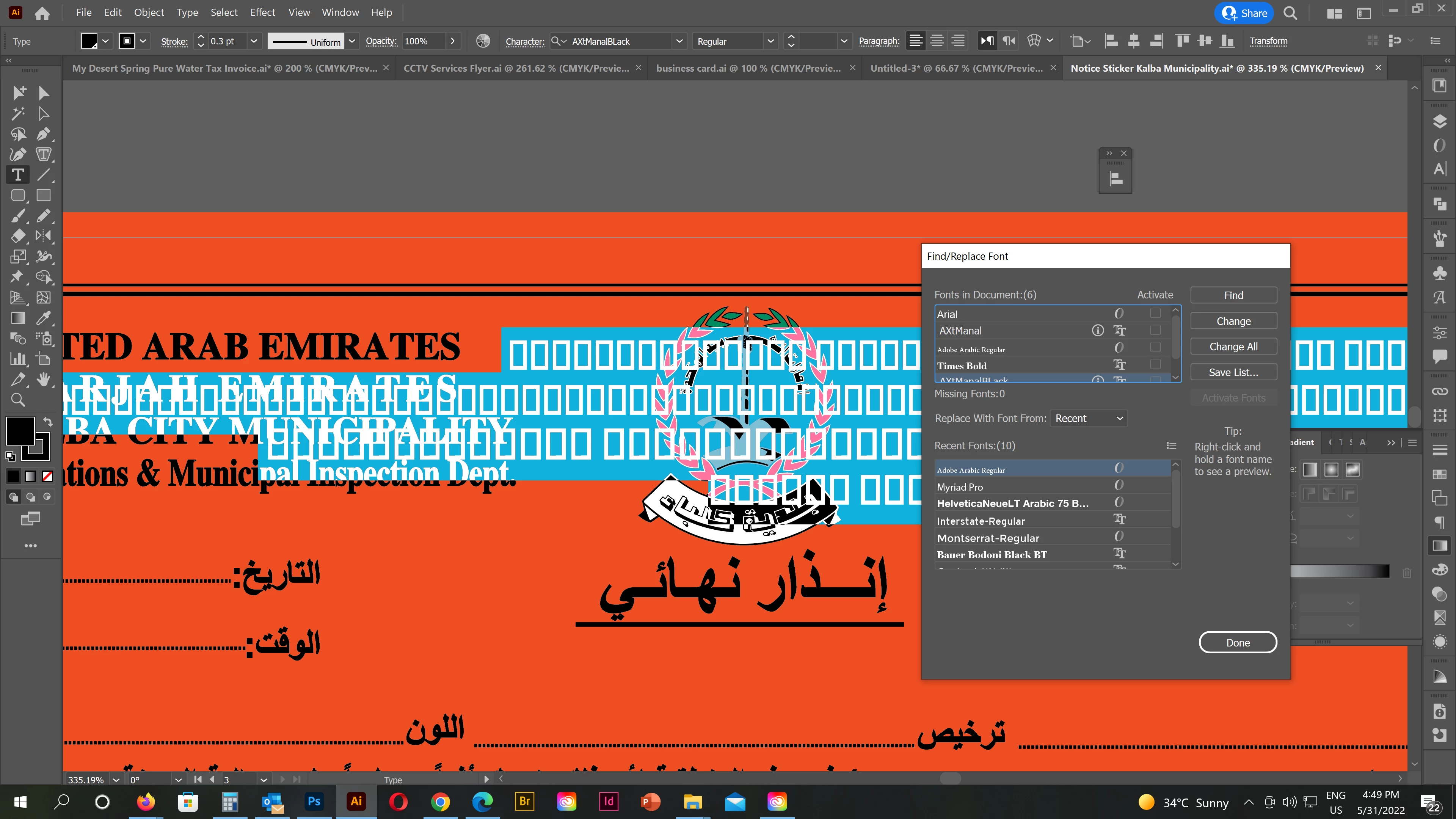
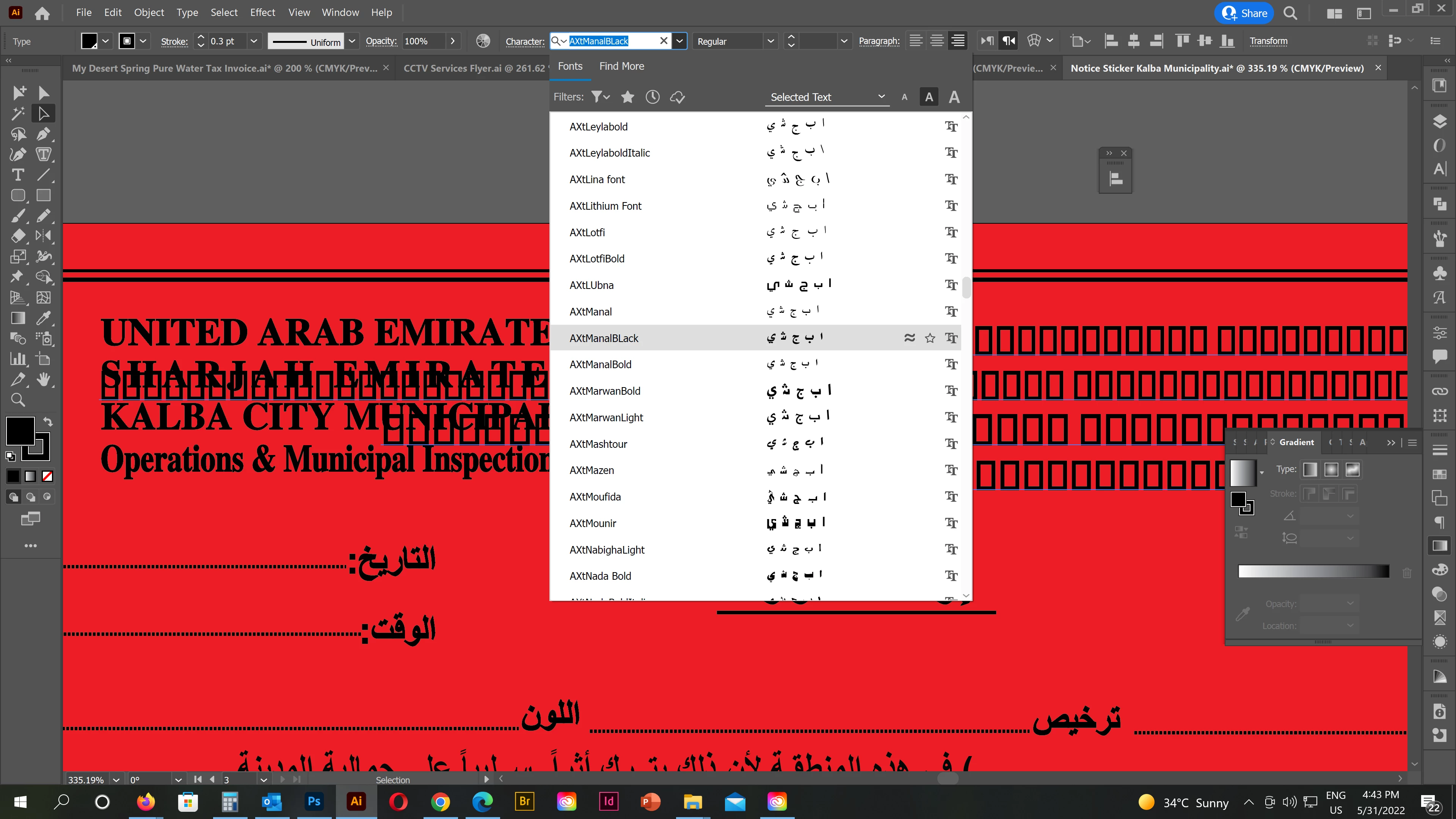
Already installed Arabic fonts are not supporting from last one week. On the fonts option we can see the font name but its not supporting text. To understand more some screenshots attaching below. If anyone knows the solution please let me know 


This topic has been closed for replies.
Correct answer Zaid Al Hilali

Adobe announced back in 2013 that their applications will stop supporting Axt fonts as these fonts were developed as an Arabic extension for the QuarkXpress application.

Since then we had a bit of luck with some Axt fonts, but the luck is over and users must look for better and supporting Arabic fonts, I strongly advise you to acquire an OpenType font from a reputable vendor.

As for Axt Manal, here is a similar font named GE Alma which you can purchase from the vendor.

2 replies

Zaid Al Hilali
Community Expert
Zaid Al HilaliCommunity ExpertCorrect answer
Community Expert
June 2, 2022

Adobe announced back in 2013 that their applications will stop supporting Axt fonts as these fonts were developed as an Arabic extension for the QuarkXpress application.

Since then we had a bit of luck with some Axt fonts, but the luck is over and users must look for better and supporting Arabic fonts, I strongly advise you to acquire an OpenType font from a reputable vendor.

As for Axt Manal, here is a similar font named GE Alma which you can purchase from the vendor.

Anubhav M
Community Manager
Community Manager
May 31, 2022

Hello @almufeedp72887973,


Sorry to hear about this experience. I would request you to try and check if the aforementioned Arabic Fonts render correctly on other applications like Word and share your observations.


Looking forward to your response.


Thanks,

Anubhav