


Invisible mouse cursor problem (Never seen before)
Hi community,
I updated my windows 11 today, I'm using Windows 11 home insider preview, and currently updated to Build 26080.ge_release.240308-1400
Illustrator was working perfectly until this morning. Today, I formatted my computer because of an error that I have never encountered anywhere before or on the internet. Just reinstalled all programs on creative cloud, but Illustrator is same. THERE IS NO MOUSE CURSOR ON WORKING AREA. Also, when I move the cursor to clickable areas on the home page, the cursor suddenly disappears. I tried all recovery options. System restore, installing another version of Illustrator, resetting preferences, finally resetting Windows. Currently the cursor disappears in Illustrator. Do I have to wait for a new windows update? Other programs do not have this problem.
This is how I currently use the computer to see where the cursor is. It's really annoying.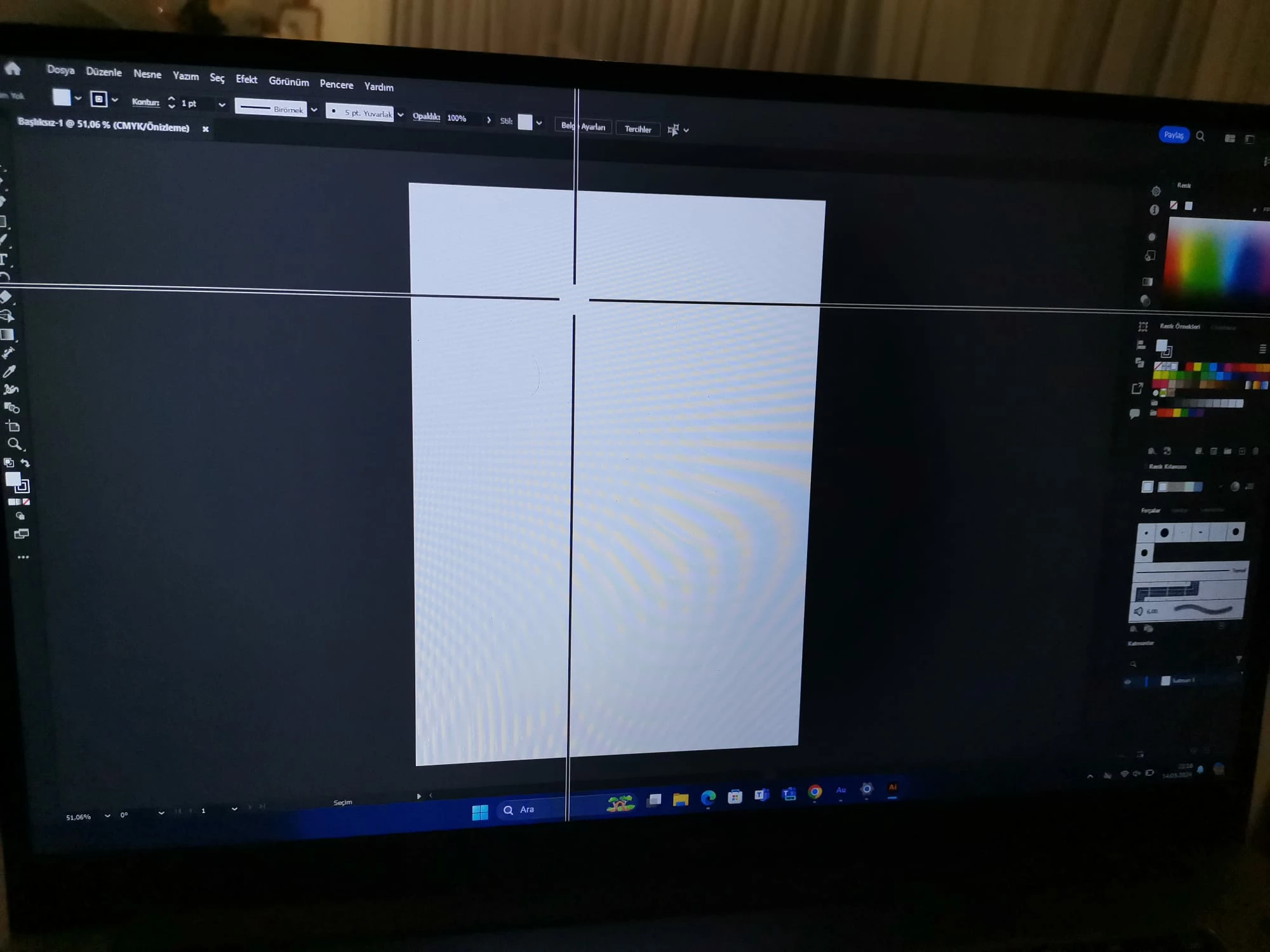
 AdChoices