

Is there a quicker way to offset a compound path in one direction only?
Greetings,
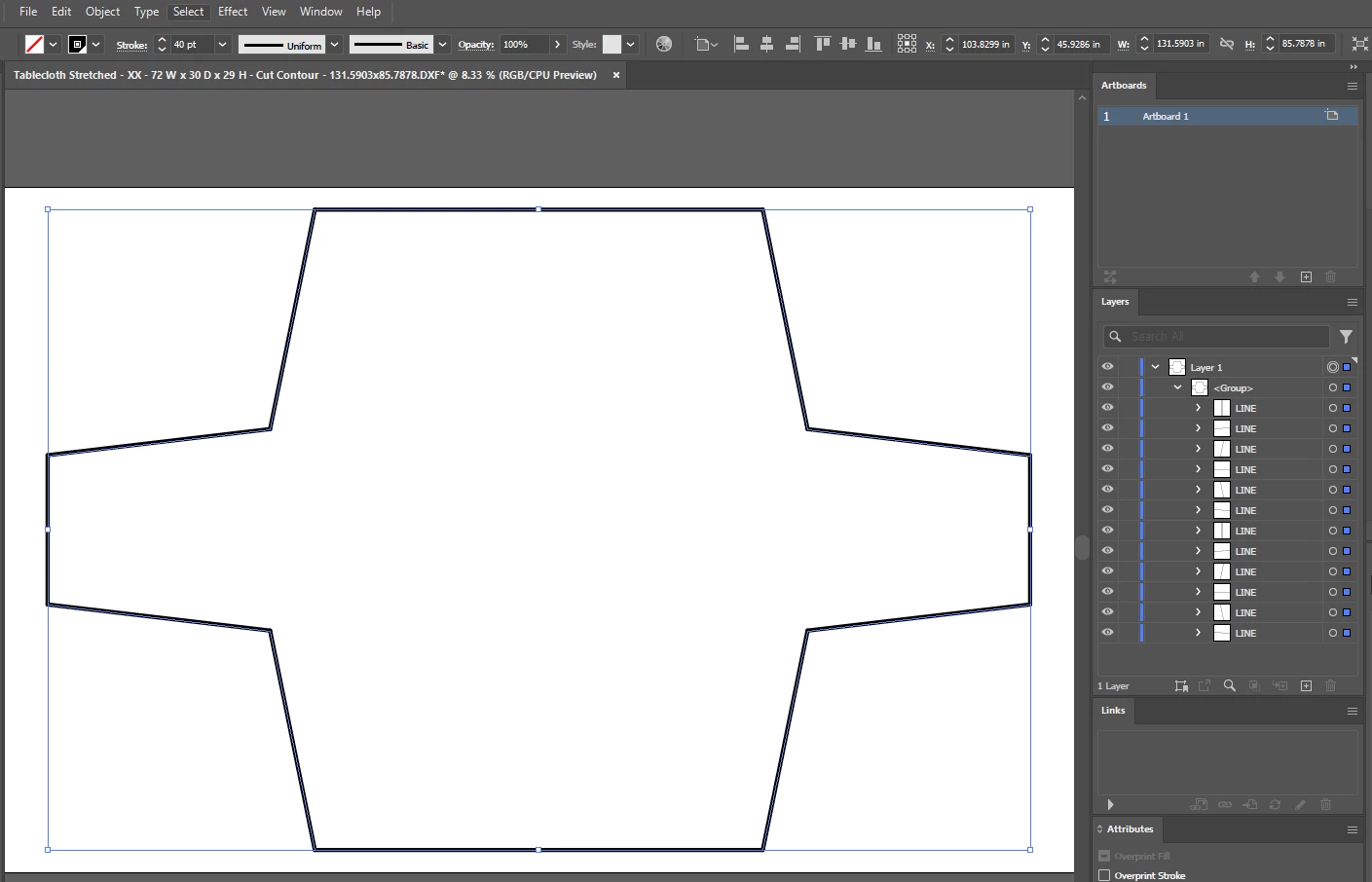
I'm opening a DXF fill at full scale (1:1) that is an irregular shape. I need to be able to treat the irregular shape as a normal shape like you would when you use the "Rectangle" or "Ellipse" tools and be able to do a simple Offset Path, to be able to scale the shape by a specific offset value. The only way I can get this to work is doing the following 7 step process once the dxf is opened.
Is there a quicker way to offset a compound path in one direction only? Thanks for any info on this.
This is the shape
Attempt #3 steps that DID WORK (screenshots are at bottom of post)
- Select layer with shape
- Set the desired stroke value
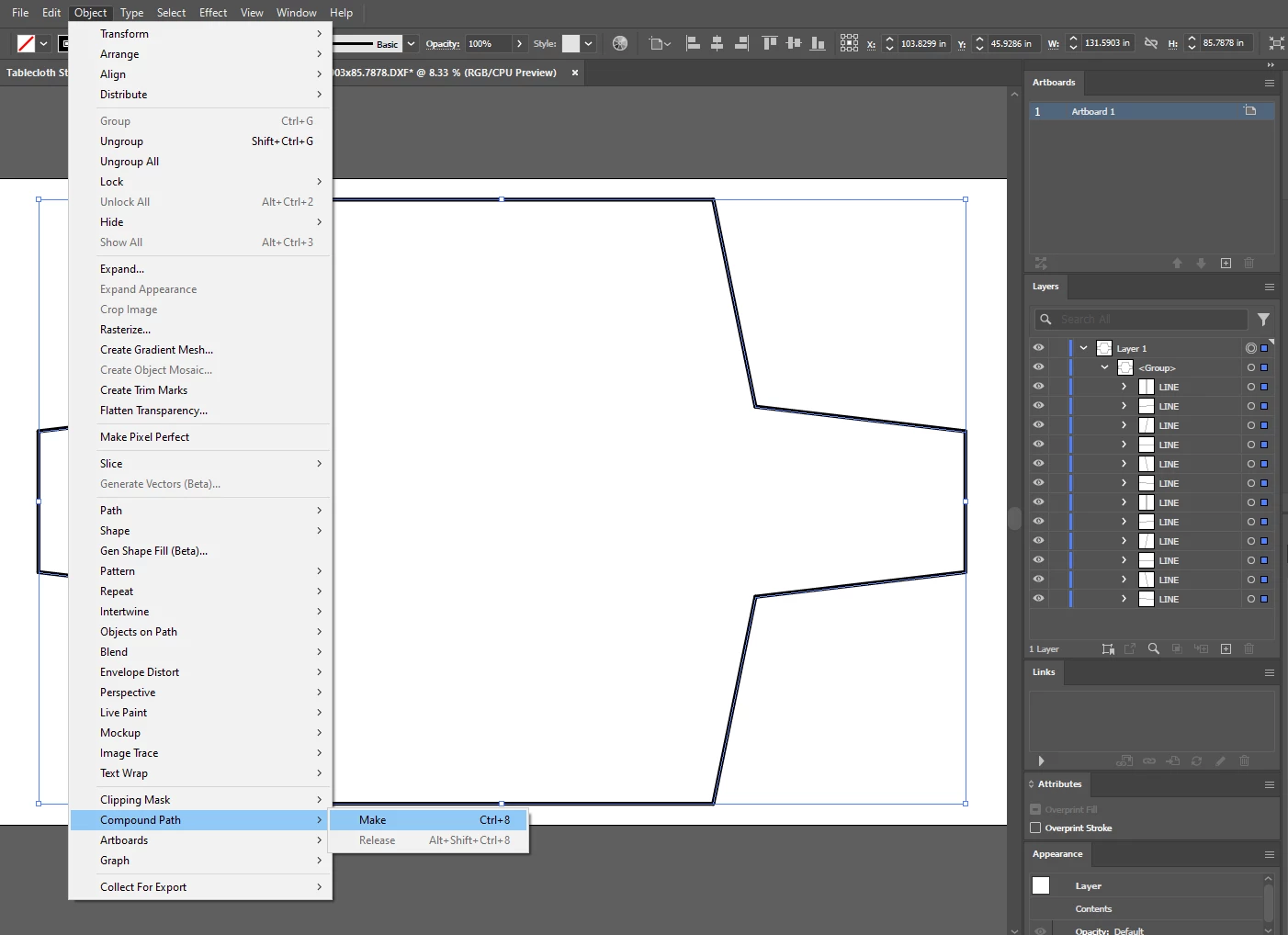
- Go to Object menu -> Compound Path -> Make
- Go to Pathfinder window -> Outline (this step causes the stroke to reset to zero)
- Re-set the desired stroke value
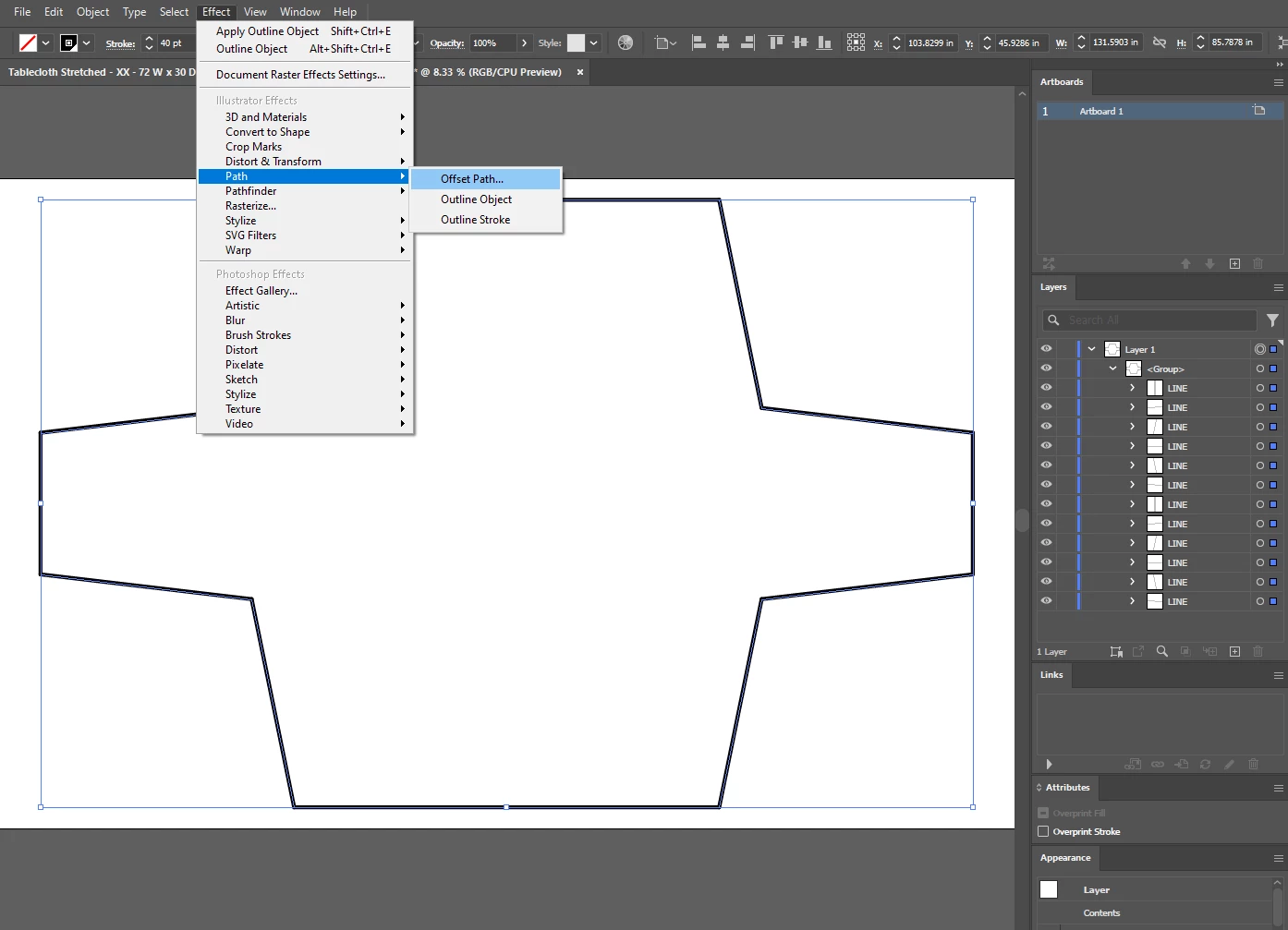
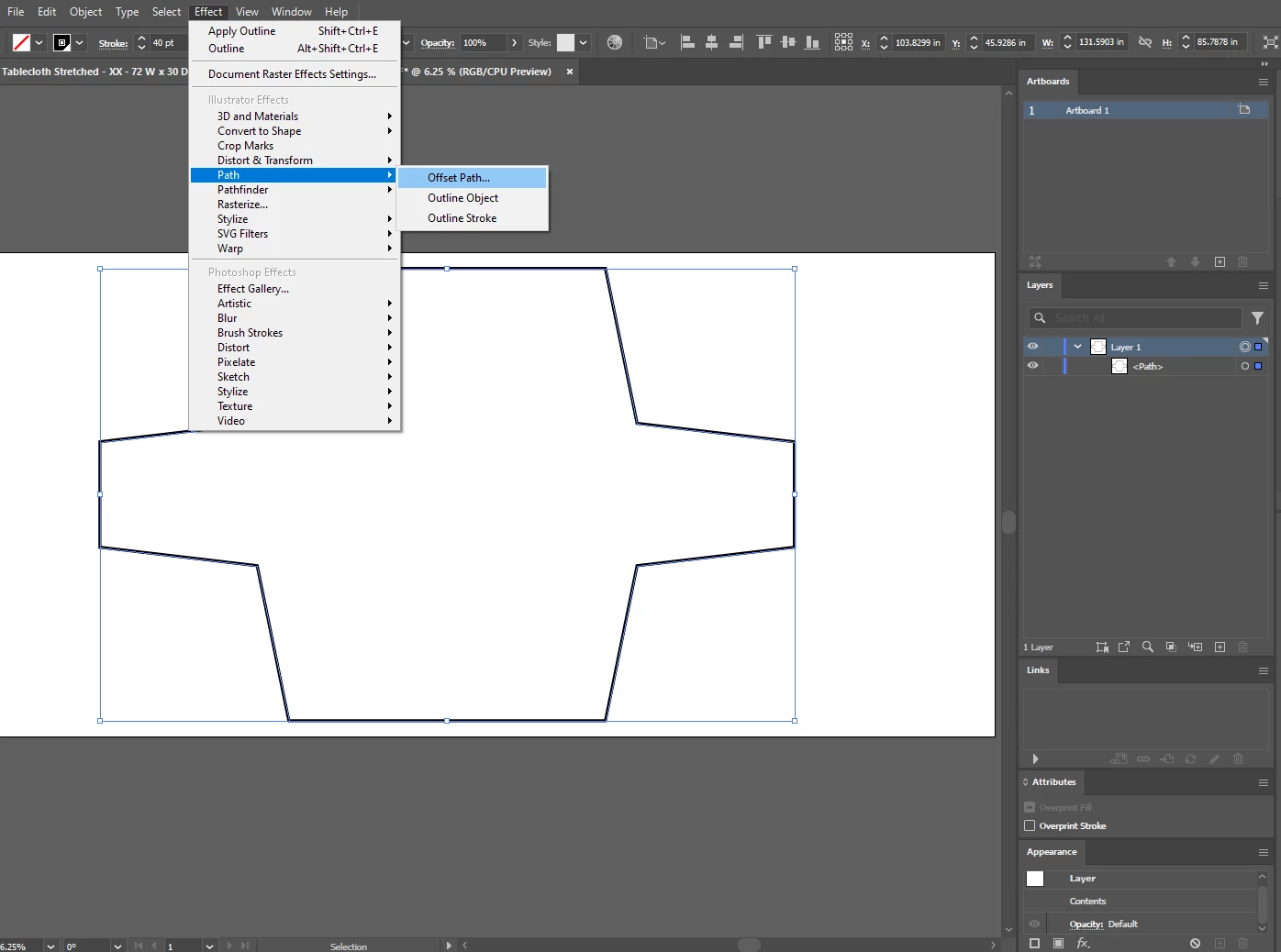
- Go to Effect menu -> Path -> Offset Path
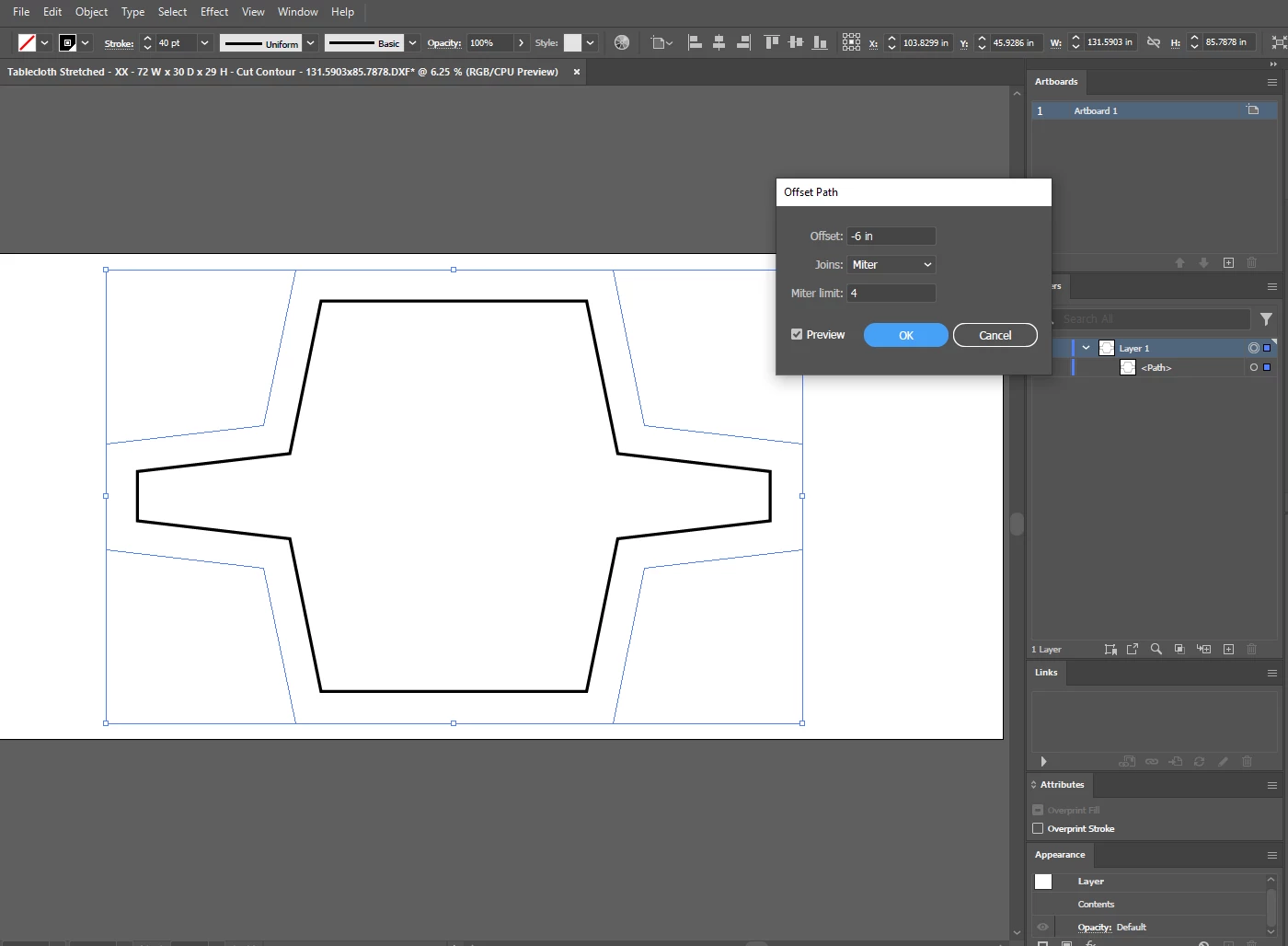
- Then I can specify either a positive or negative value to get the path to offset inward or outward
Attempt #1 that DID NOT work
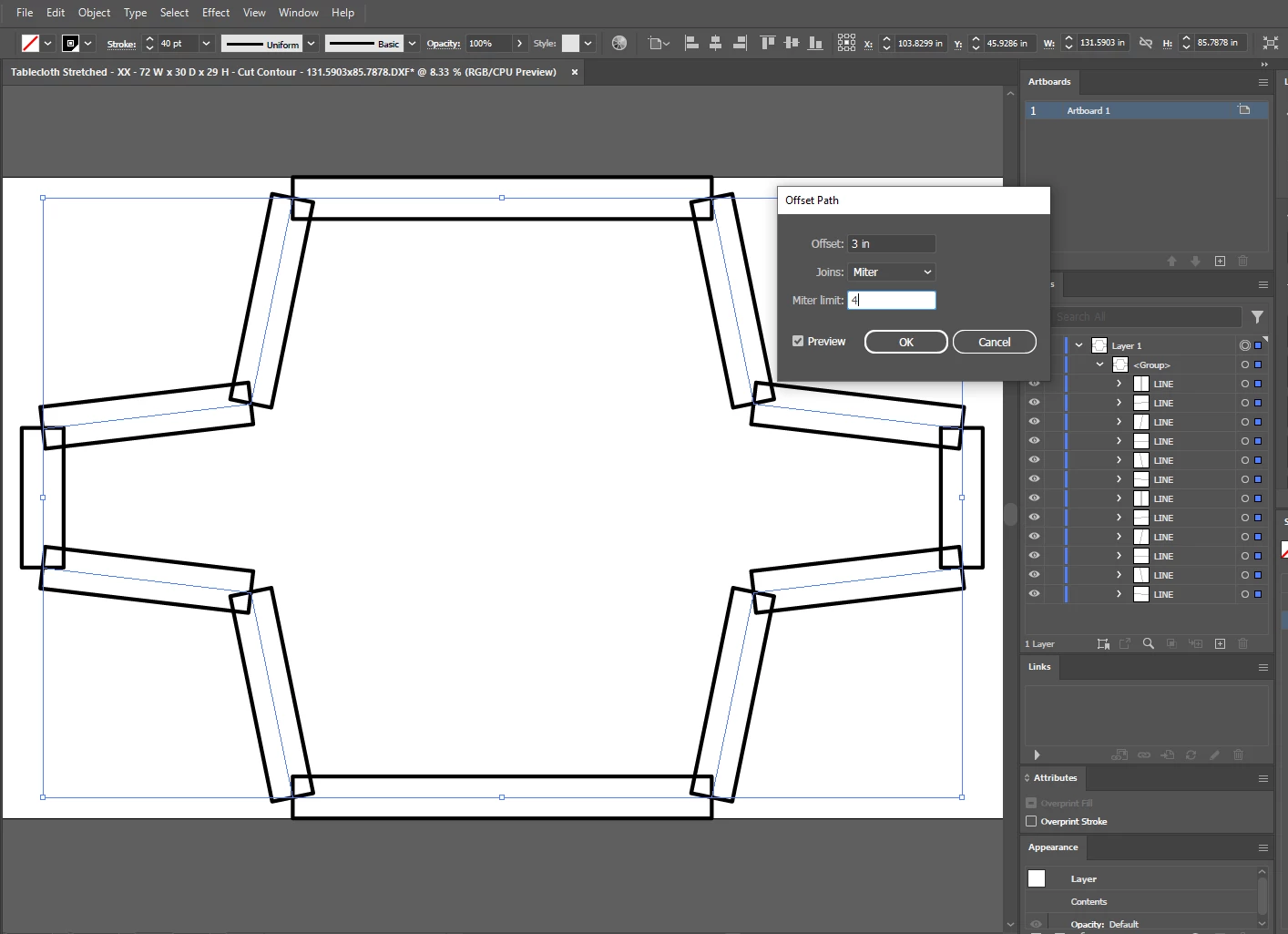
If I try doing the offset after step 2, the lines of the shape are not connected and the offset command just offsets each line in both directions, screenshots below:
Attempt #2 that DID NOT work
If I try doing the offset after step 3, the lines of the shape are combined but the offset command still just offsets in both directions, screenshot below:
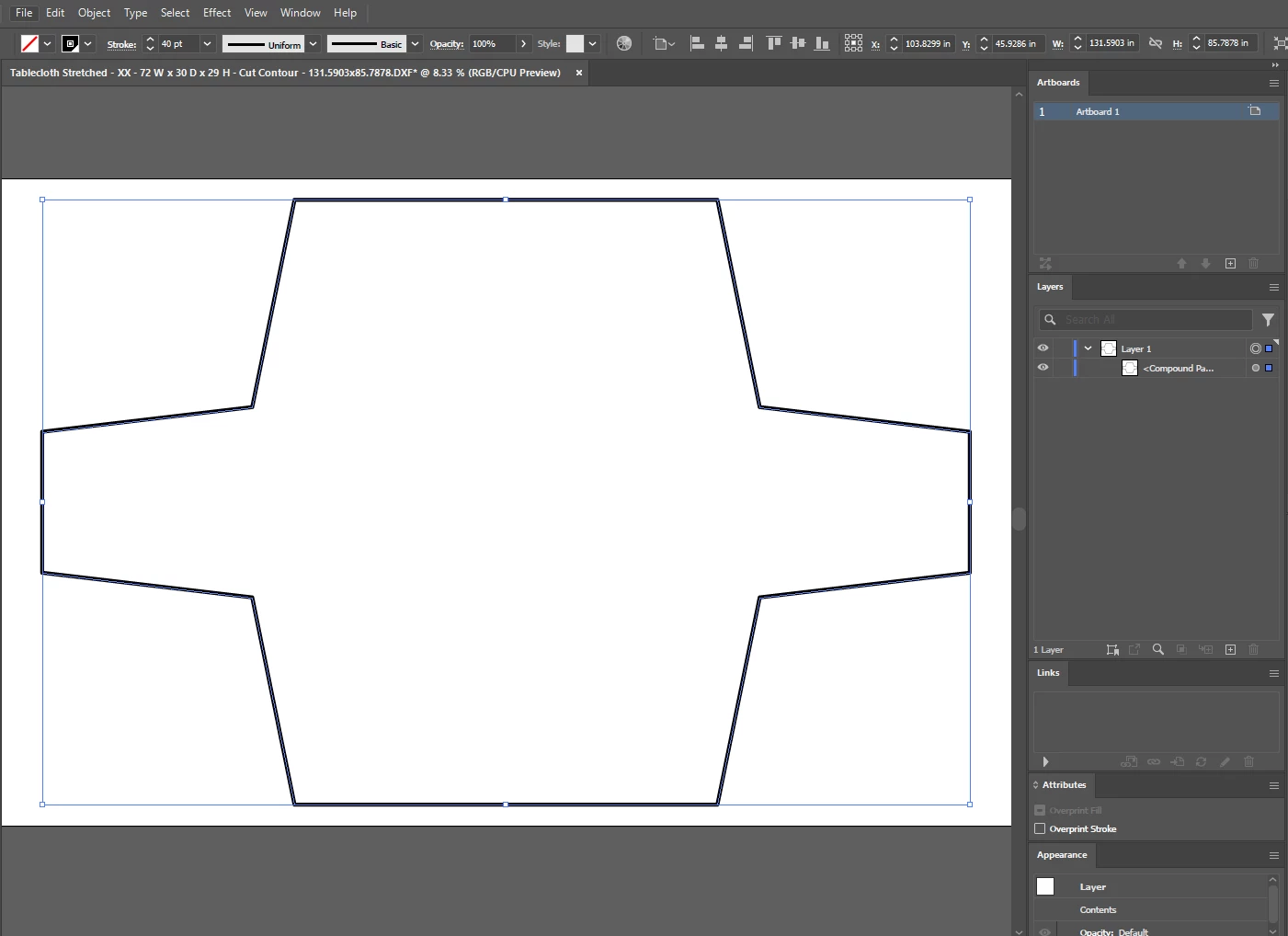
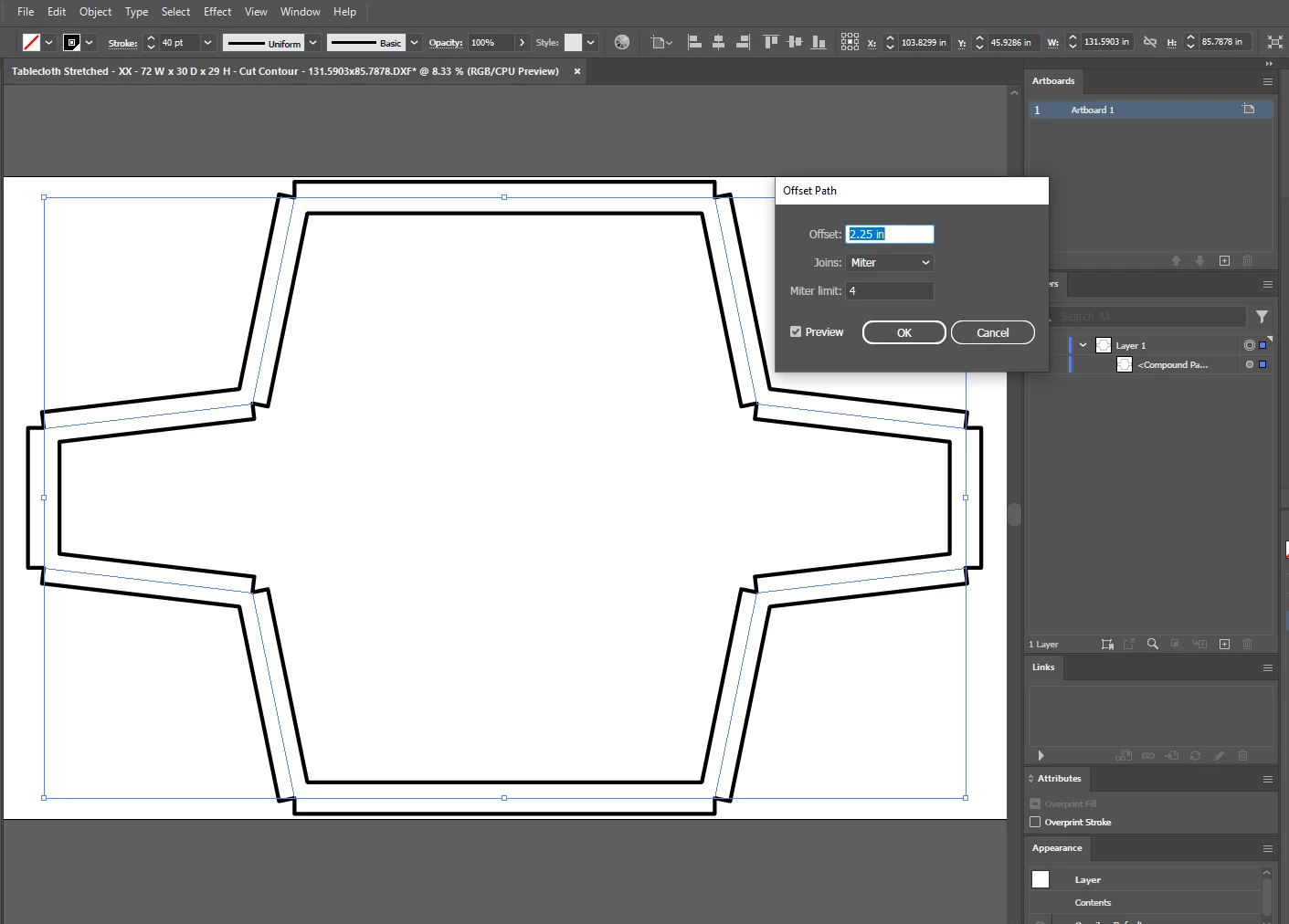
Attempt #3 that DID work
Screenshots below show the correct step 2 to step 7 in order to get the one-direction offset to work
step 2
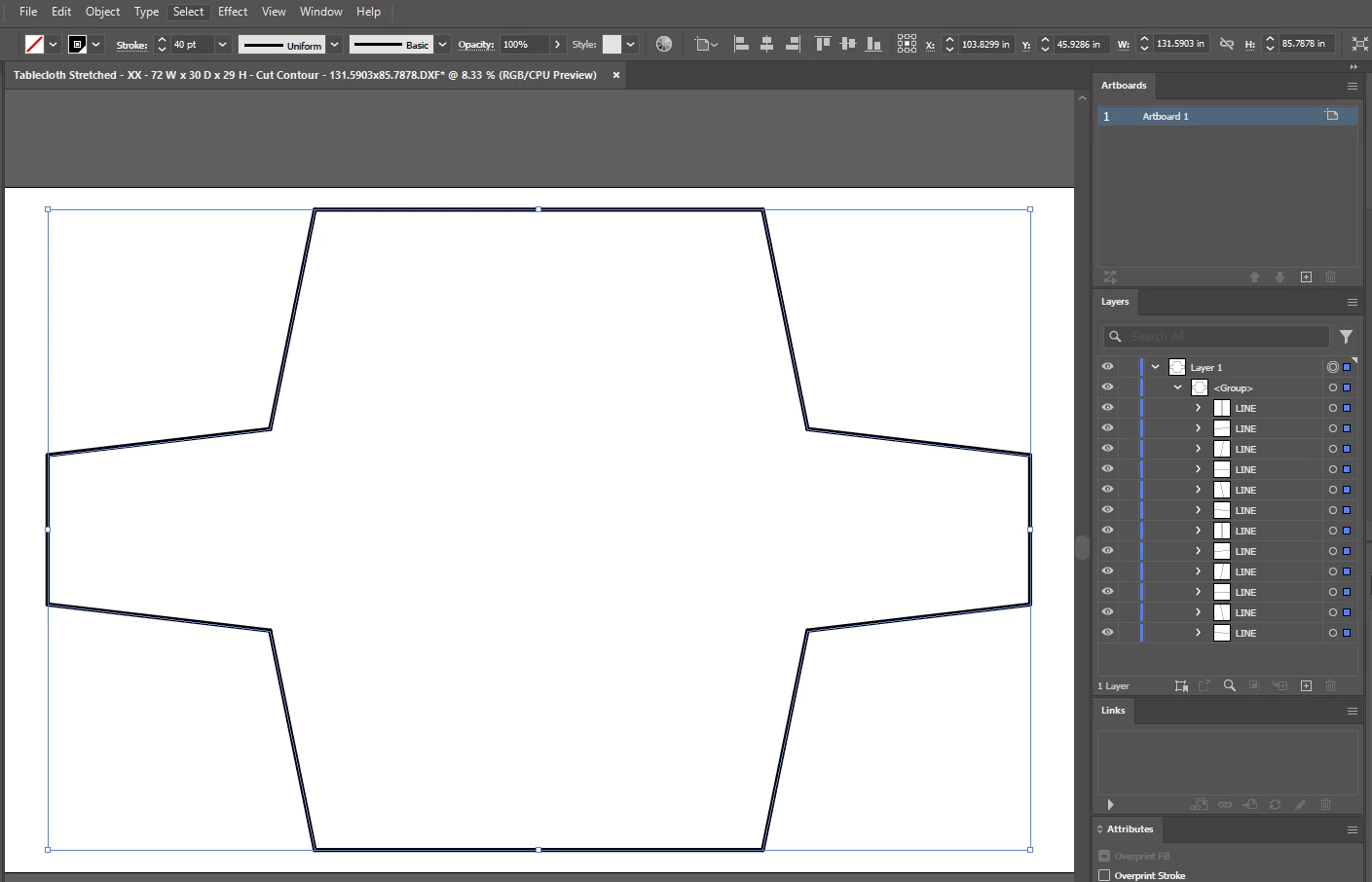
step 3 (before)
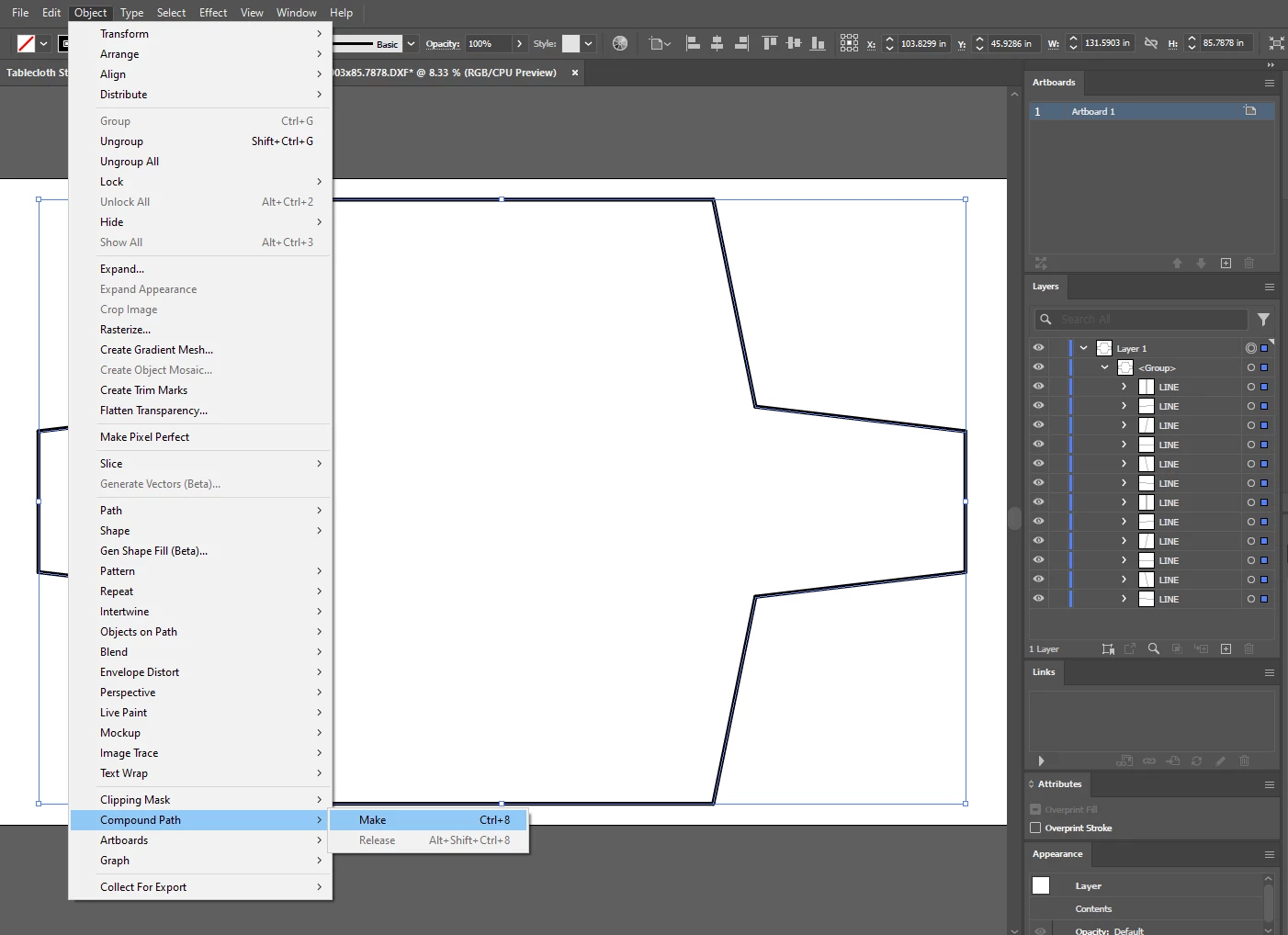
step 3 (after): Lines are now "compound" in the layer tree
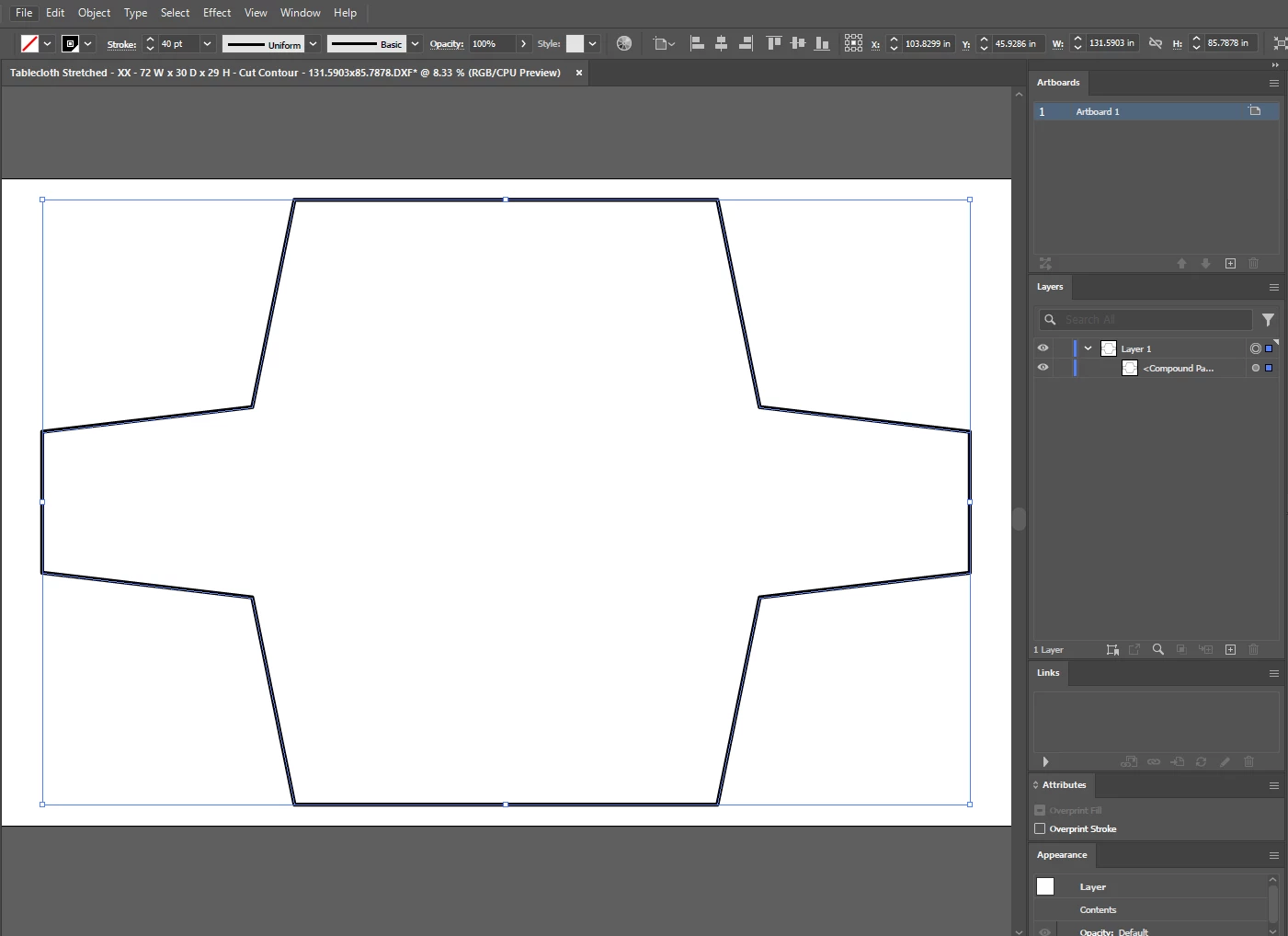
step 4 (before)
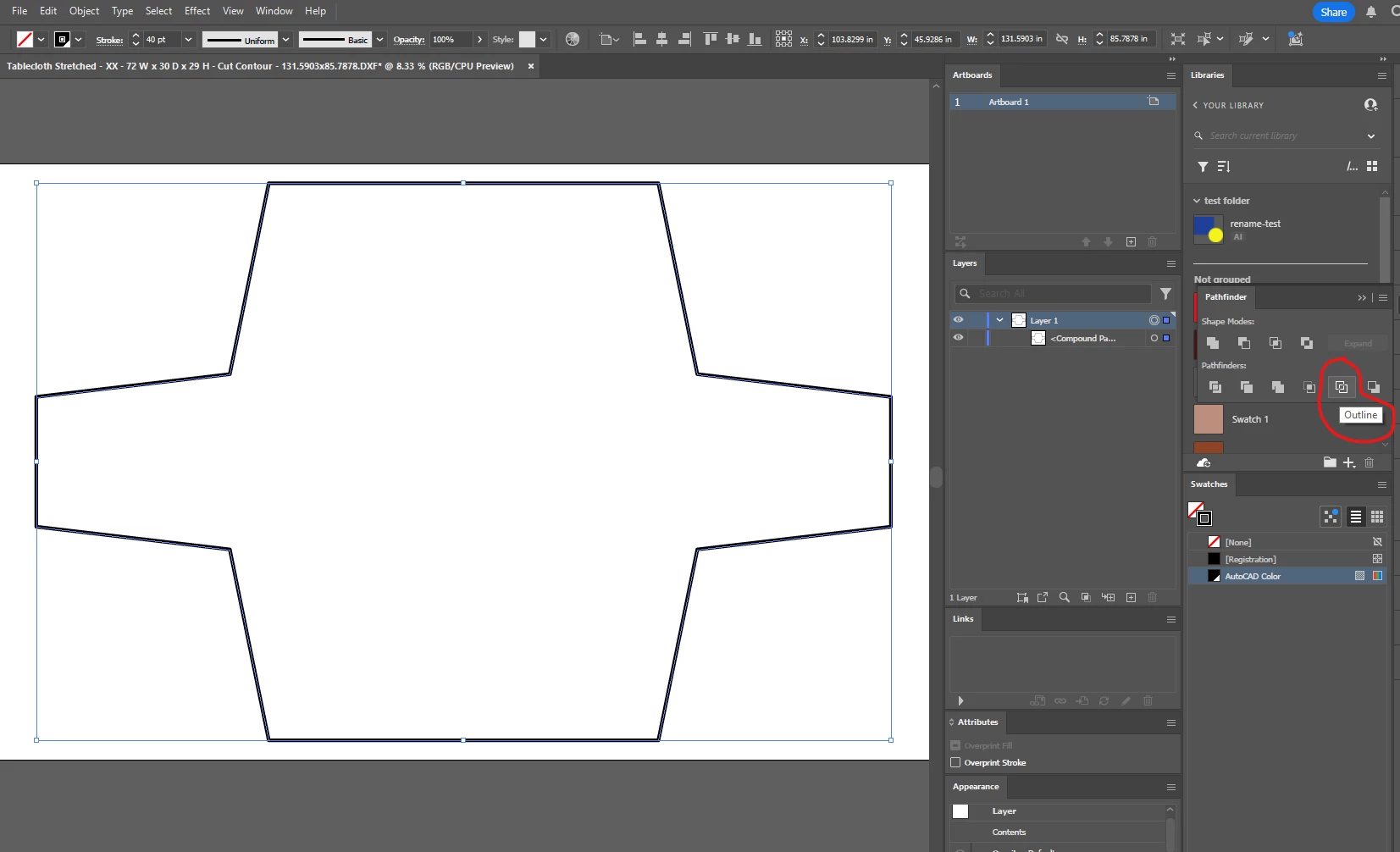
step 4 (after): Layer now changed from "Compound Path" to "Path" and stroke is reset to zero
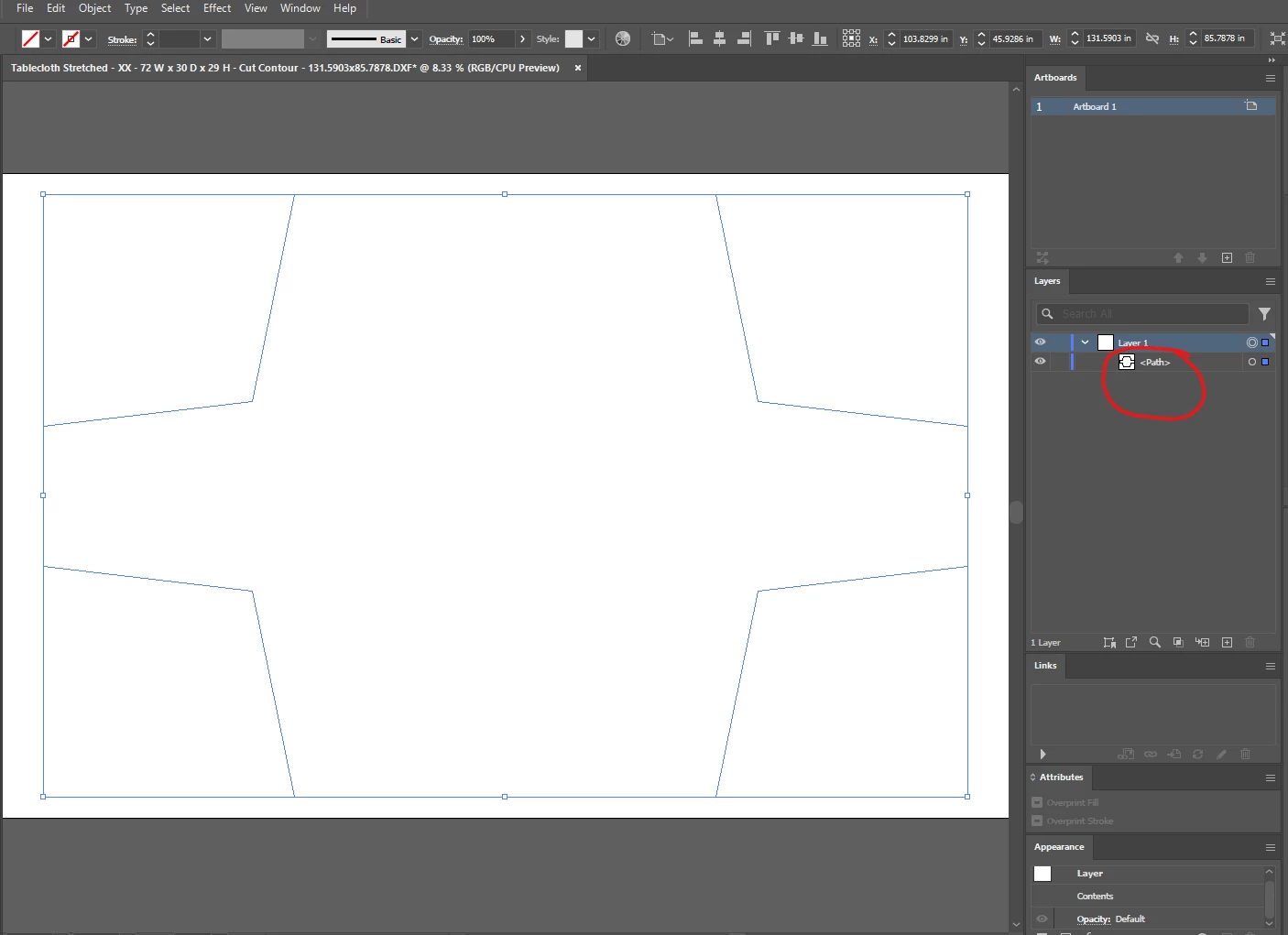
step 5: Re-set desired stroke value
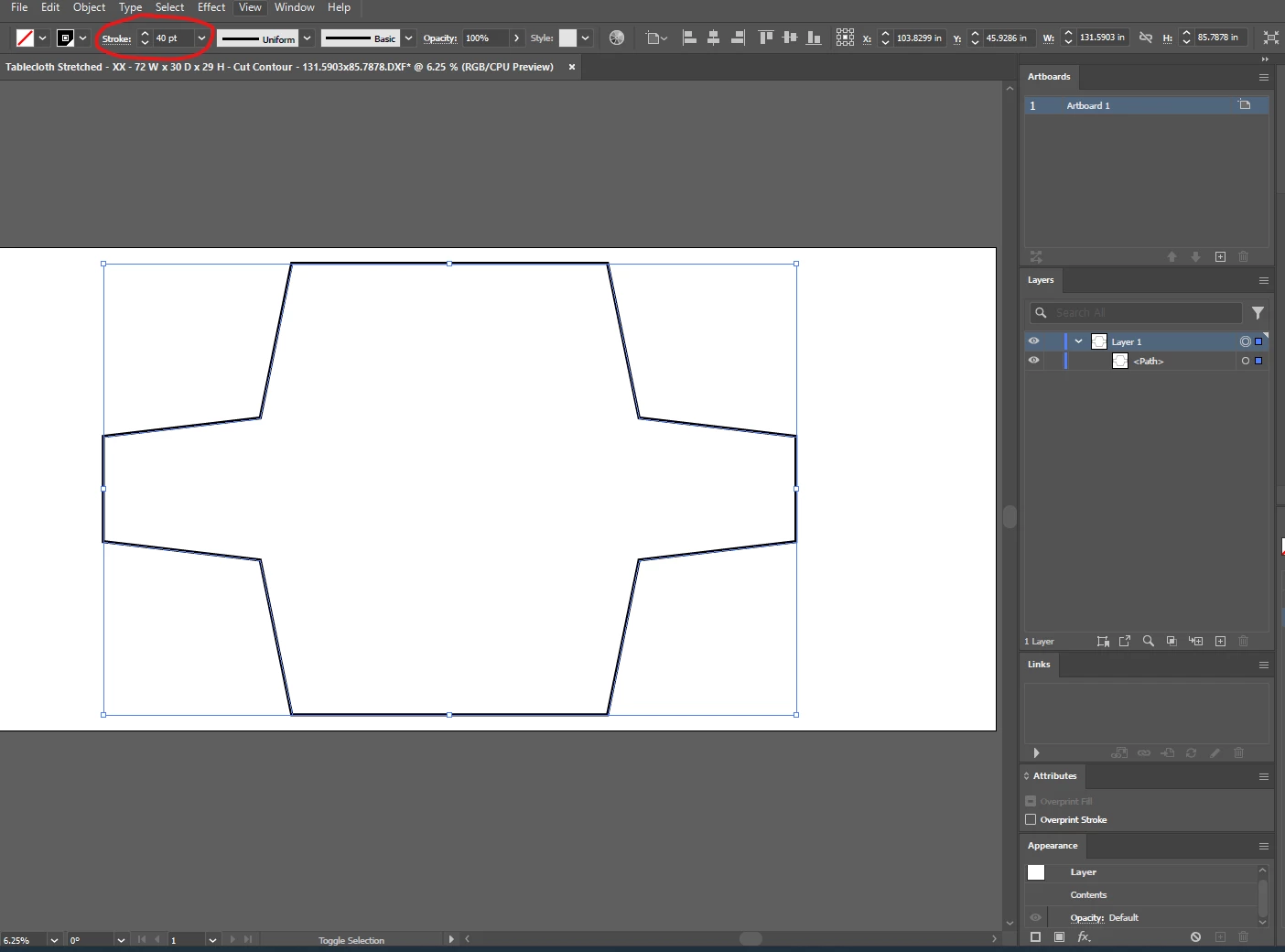
step 6 (before): apply offset
step 6 (after): offset effect is now only offsetting in one direction as desired (inward or outward depending on positive or negative value). Negative 6 is shown in the example below for an inward offset.
 AdChoices