
Copy link to clipboard
Copied
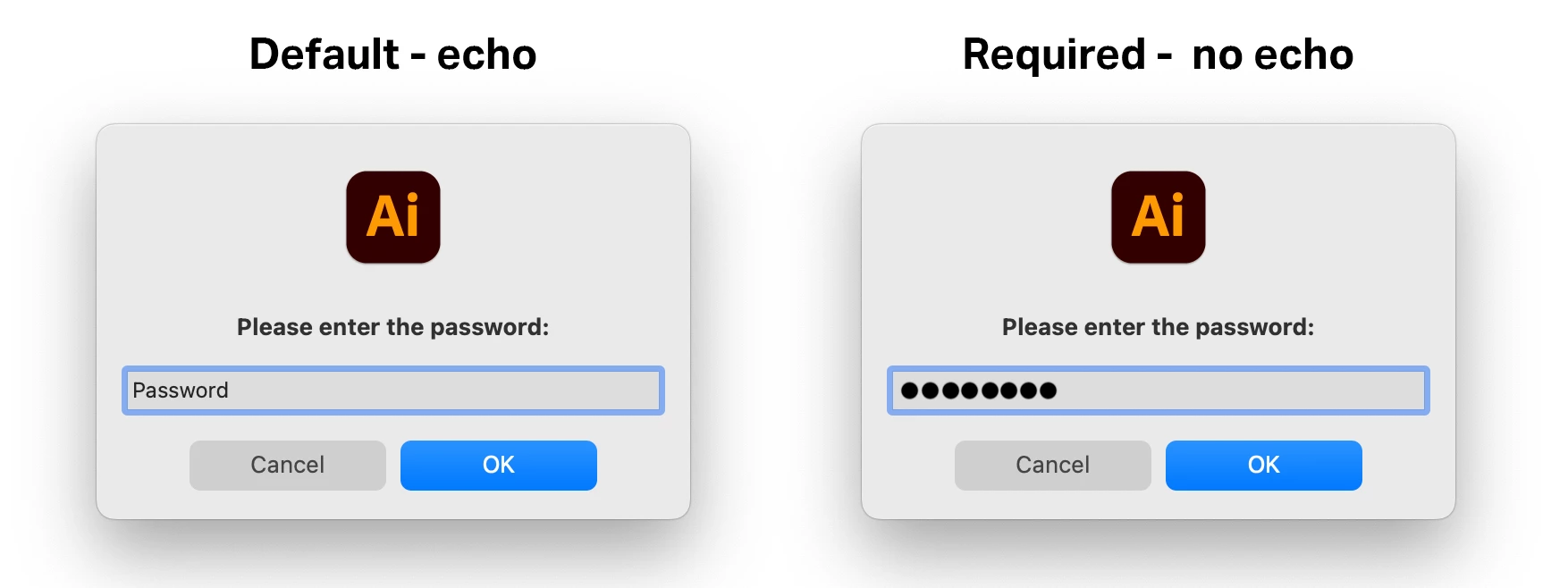
I am using the 'prompt' function as part of a much larger UI to allow installing of requisite pieces of code and actions to a users Mac. The prompt is for inputting a password, so only certain users are able to install the required elements. Prompts by default are not set to no echo, so was wondering if anyone knew a way to alter, upon user input, to no echo to hide the input password (as per the screeenshot)?
I can always write a UI pop up dialogue window that is no echo but just wanted to know if the above is possible at all.
Thanks in advance.
Copy link to clipboard
Copied
I don't know if there is a way to do that in ExtendScript; AppleScript's `display dialog` has a `with hidden answer` option to achieve it.
on run
tell application "Adobe Illustrator"
set retval to display dialog "Please enter the password:" default answer "" with title "Password" with hidden answer
end tell
end run
Copy link to clipboard
Copied
Ahh, this may be an option as it is doing what I need it to, was hoping to keep it in Extendscript if at all possible, but will investigate.
Thanks for the info.
Copy link to clipboard
Copied
I have ended up keeping this with Extendscript so have just written a mini dialog with no echo that then passes the string back to main code to deal with.
Get ready! An upgraded Adobe Community experience is coming in January.
Learn more