

Isometric grid in Illustrator bugged...
Hello people,
I'm trying to make an isometric grid in Ai. This is the process I do:
1) Make a straight vertical line,
2) Alt + shift + right arrow to multiply that line many times to the right (uneven number of lines)
3) Group lines,
4) Copy lines, paste in place and rotate 60 degrees those lines
5) Copy those rotated lines, paste in place, transform, refelect vertical (90 degrees),
6) Group everything.
_______________________________________________
So far it is all good the way it's supposed to be. Here is the SS of outlines at highest zoom:
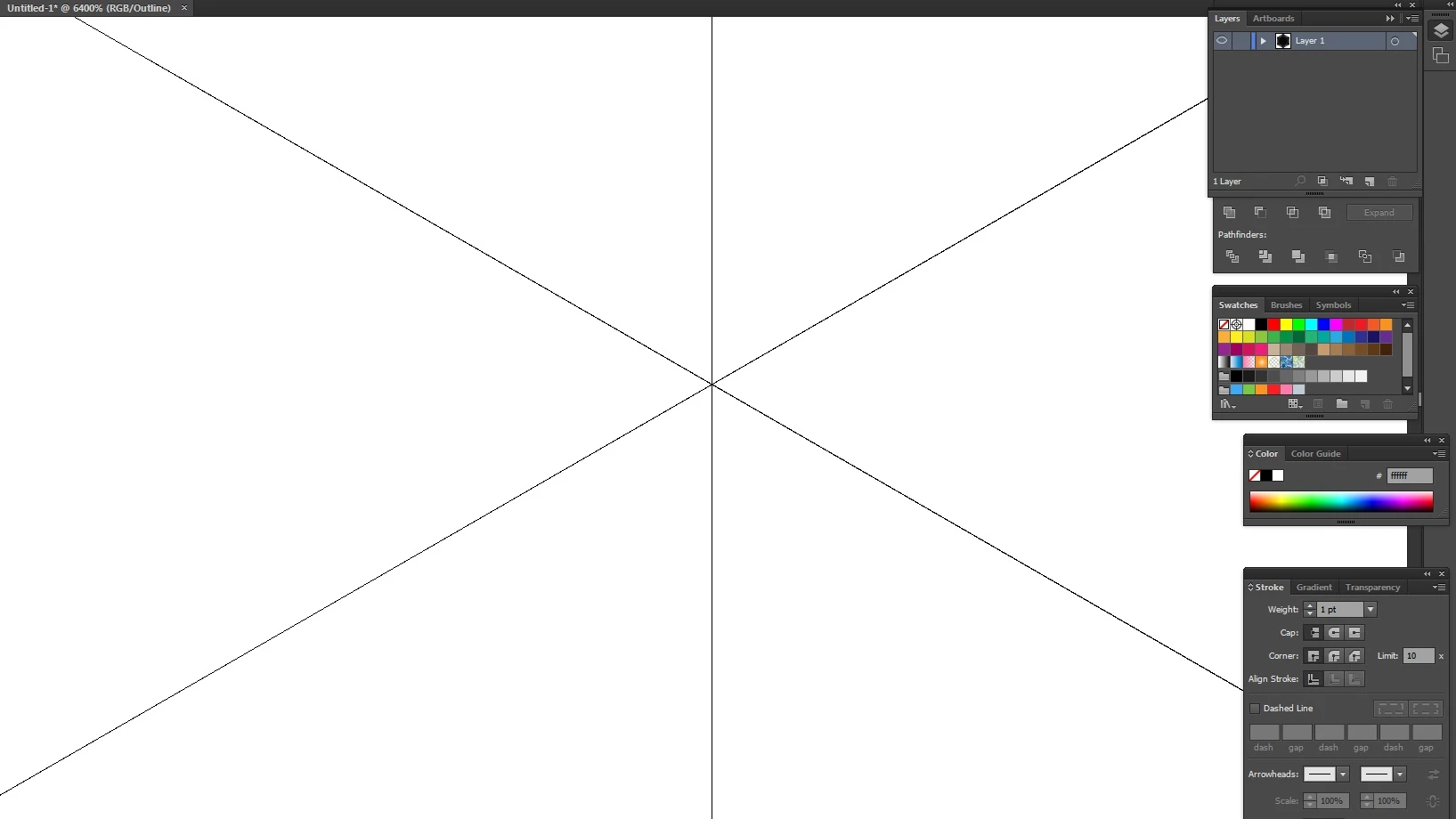
However, as soon as I start to scale it (either by using alt+shift or using options in menu), my grid suddenly starts to fall aparat for no apparent reason. Here is a SS how it looks after being scaled down uniformly:
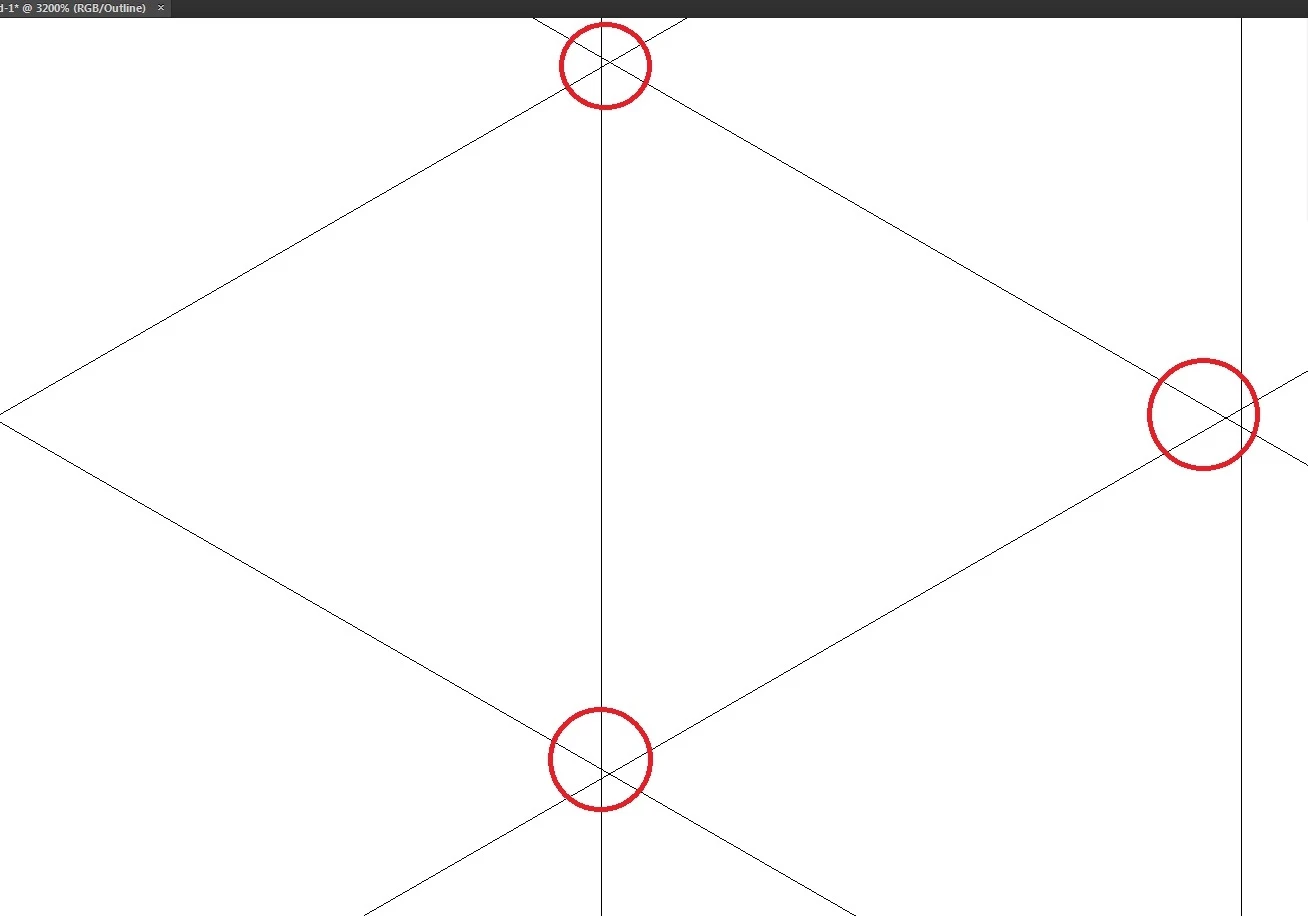
I believe it has something to do with some options, but I just can't figure it out. Please help 
 AdChoices