

hobbesedits
Inspiring
March 30, 2024
Answered

Issue with Adobe Stock Illustrator template

  • March 30, 2024
  • 1 reply
  • 458 views

I downloaded this template which is advertised as being a Resume and Cover Letter set:

https://stock.adobe.com/au/images/minimalist-resume-and-cover-letter-set/430171988


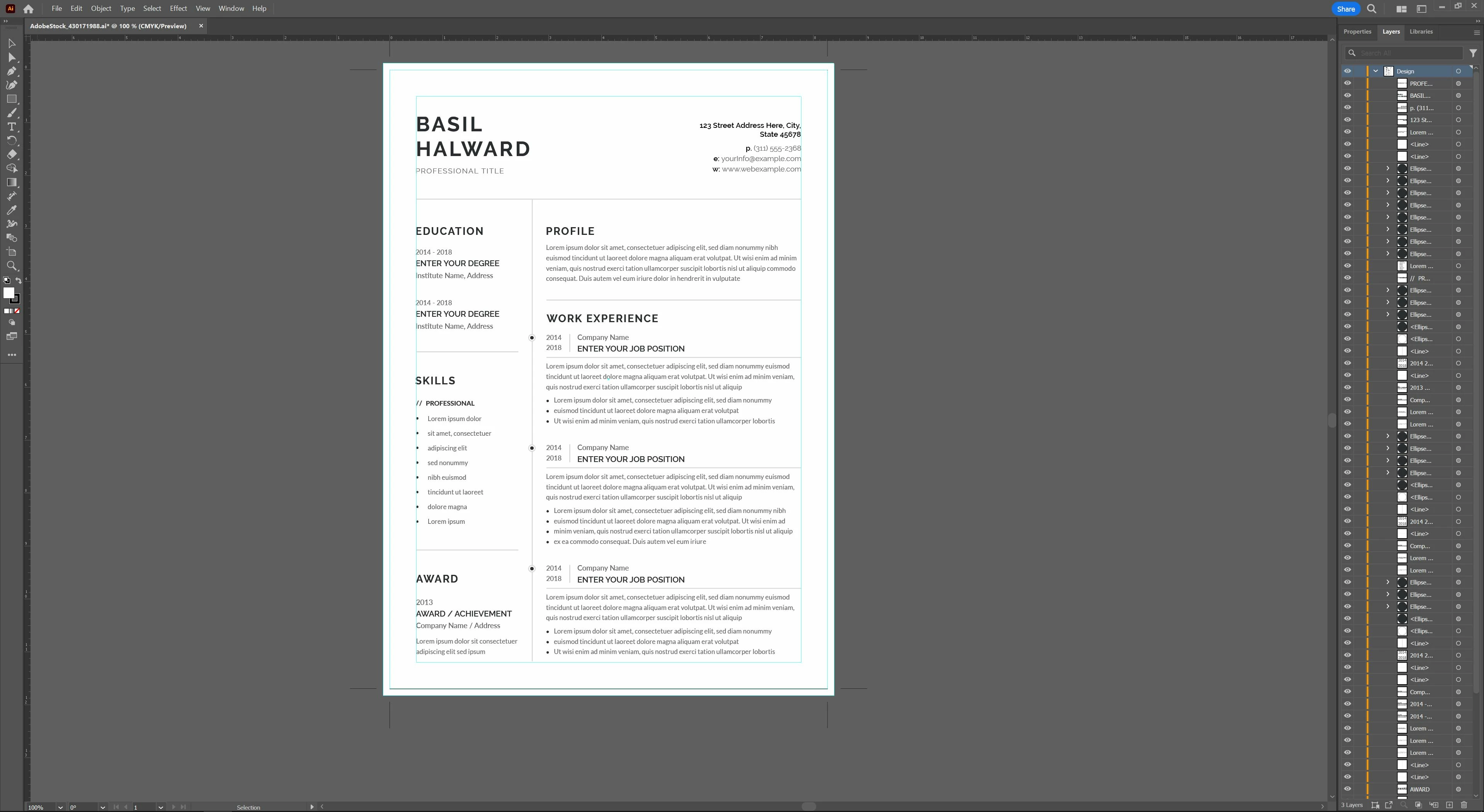
However, when I open the file in Illustrator, I can only see the resume layout. I don't see any option in the layers panel to switch it to a cover letter template and there is only 1 artboard.


While this may be a question I should direct to the creators of this template, I thought I'd ask in here first to see if there's anything I'm missing. Is this a common problem with Adobe Stock templates? Is there another panel or window within Illustrator that usually lets the user switch between different templates or artboards?


Here's the file in question when it's opened in the program:


Thank you

This topic has been closed for replies.
Correct answer Monika Gause

The cover letter is basically the same layout. Only some items missing.


Before you continue editing this: editing will be a pain in the rear. So many things to adjust when you have a different number of lines in a paragraph. Why would you even think of doing this in Illustrator? That it a job for InDesign.

1 reply

Monika Gause
Community Expert
Monika GauseCommunity ExpertCorrect answer
Community Expert
March 30, 2024

The cover letter is basically the same layout. Only some items missing.


Before you continue editing this: editing will be a pain in the rear. So many things to adjust when you have a different number of lines in a paragraph. Why would you even think of doing this in Illustrator? That it a job for InDesign.

hobbesedits
Inspiring
March 30, 2024

Thanks for the confirmation, guessed as much. I'm suprised it wasn't given an InDesign file as well.

Monika Gause
Community Expert
Community Expert
March 30, 2024

There are InDesign templates for this kind of stuff as well, but you have to search for them separately.


You have licensed this file, why not build your own template from it. That will also be a nice challenge for yourself getting to work with InDesign formats