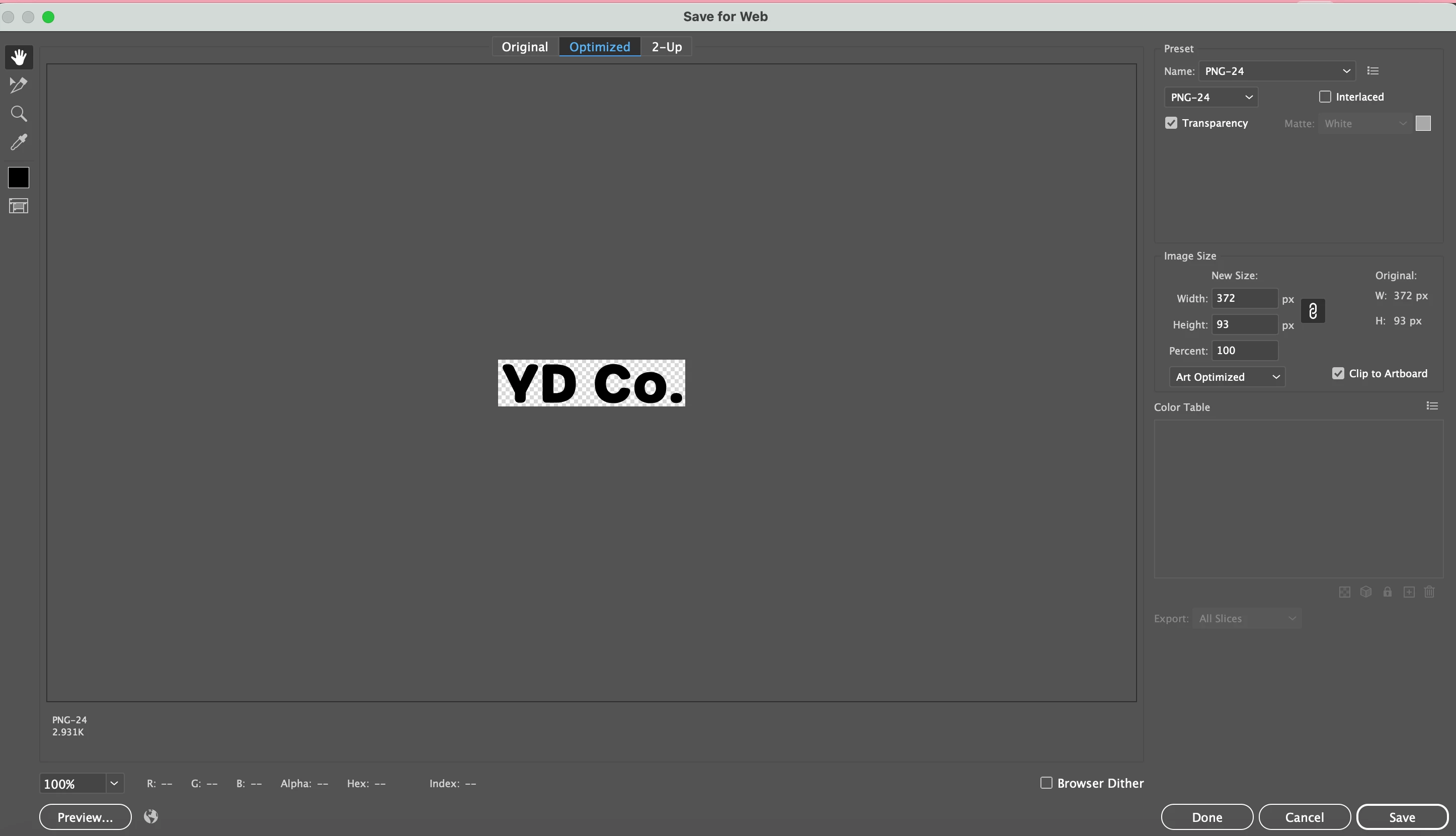
What is the target application where your "YD Co." graphic would serve as part of a letter head? Is it something like MS Word? I'm asking in case there is a possibility a better format than PNG can be used. The image in the export dialog box listed a resolution of 372px X 93px, which isn't enough for lettering that is intended to print sharp and clean.
Vector-based artwork will display and print in the best quality. The trick is whether the application where the letter head will be used can use vector-based artwork. Even if SVG could work in the target application the format isn't optimal since it is hard-wired for RGB use.
If a pixel-based image format has to be used, I'd recommend using something else besides PNG (and not use the Save for Web dialog box either). I would use a file format like TIFF since it supports CMYK, or use PSD if the image has to be CMYK and have a transparent background.
If your "YD Co." graphic is the only thing on the page/artboard (and it is sized how big you want it to be on the page), go to File>Export>Export As... When the Export dialog box pops up make sure "Use Artboards" is not checked, that way it will only export the lettering. When you click "OK" it will bring up a smaller options dialog box. The options vary depending on the file format picked. TIF and PSD will let you choose RGB, CMYK or Grayscale color models along with letting you choose standard or custom-defined image resolutions. You can export a high resolution, transparent PNG image from the Export>Export As... dialog box, but it will be a RGB-based image file (no options to save in CMYK).


 AdChoices