
Issues with imported vector icons in Word or Publisher
Hi,
I am rather new to this, so I know I might be missing a step in the process, so here is my issue and respective question.
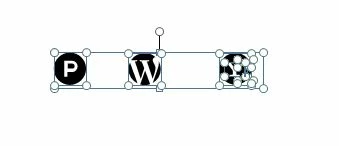
I have an svg file with some round vector icons, which I export from Illustrator as .emf and import into Word or Publisher. Once imported into Publisher (same in Word), I ungroup these, so the icons can work as separate shapes and can be individually edited (recolored). I need the circle to change color, but I also need the icon to behave as a single shape and not as multiple elements. The problem is that at this point the circle and the graphics within it become ungrouped and can no longer be edited as a single shape. I have a few icons (which I have not created) that behave as I would expect. These are the "P" and "WP" icons below, which stay as a single shape once ungrouped in Publisher. The Yahoo one (and many more) are split into separate elements once ungrouped, which I am struggling to fix.
Could someone tell me what am I doing wrong?

 AdChoices