
Jagged stair-step pattern in designs when tifs exported from Illustrator are printed on film
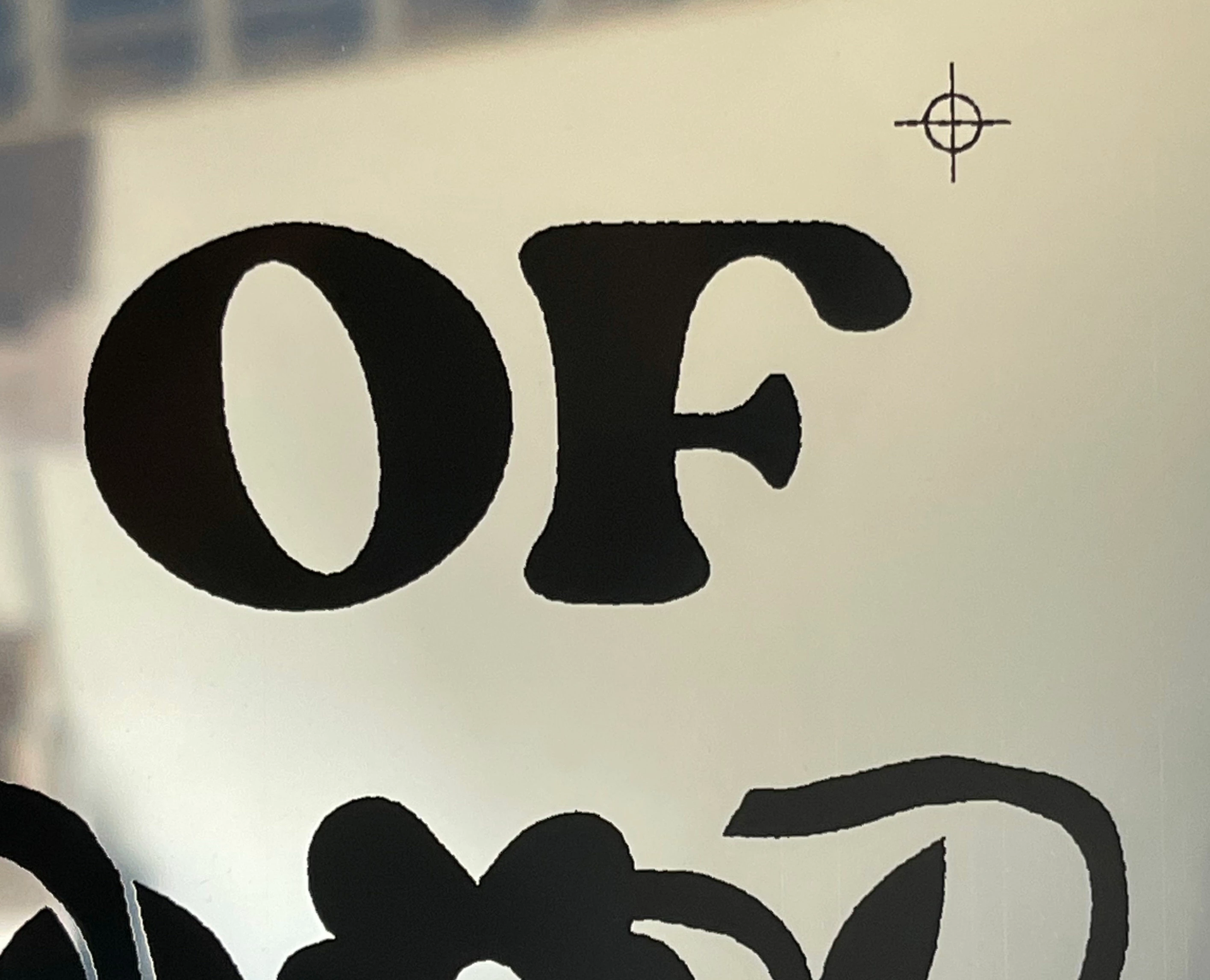
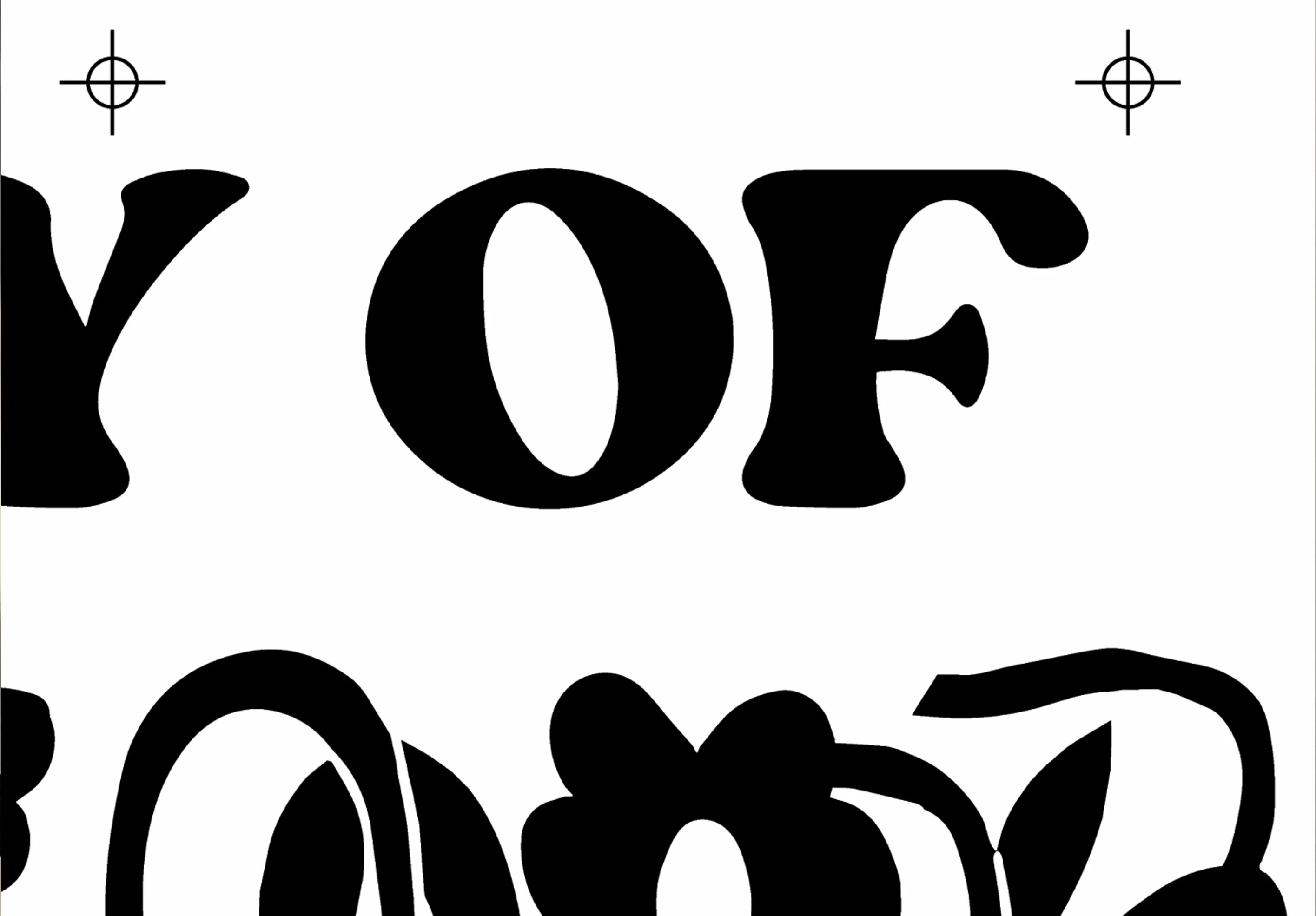
Hi all! I desperately need help with a problem I'm having. I've been working in production design for various screen printers for a long time and the problem only came up recently but is persisting. My client prefers I export separated tif files of the artwork for her to print on film and then use for screenprinting, and whenever the artwork is vector everything is fine. But when any part of the design is raster, even if the file looks sharp when previewed on screen, it gets a really dramatic stair-stepped or jagged look around every edge (images attached). I read that it might be an anti-aliasing or "art optimizing" problem when exporting but those settings are turned on. Please help if you have any idea what is happening, I need the problem fixed quickly. Thanks!
 AdChoices