
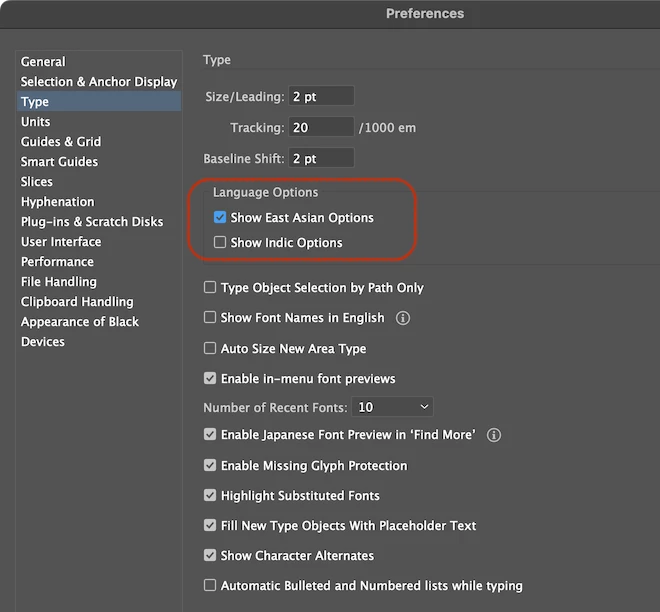
Japanese missing as Character palette language, but options visible
- February 15, 2024
- 1 Antwort
- 1932 Ansichten
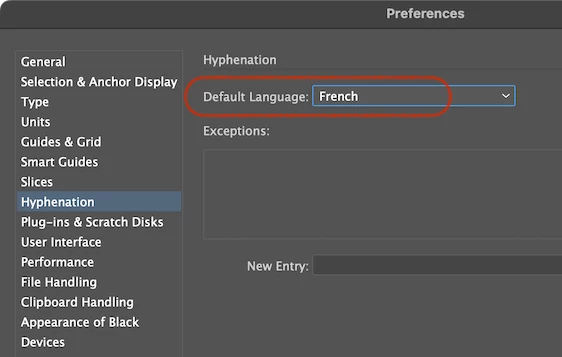
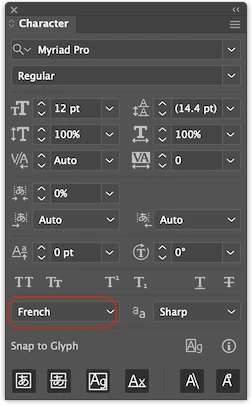
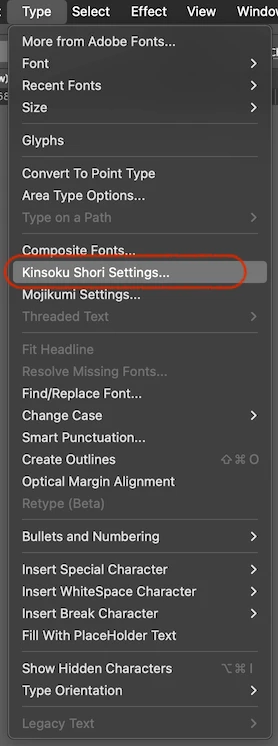
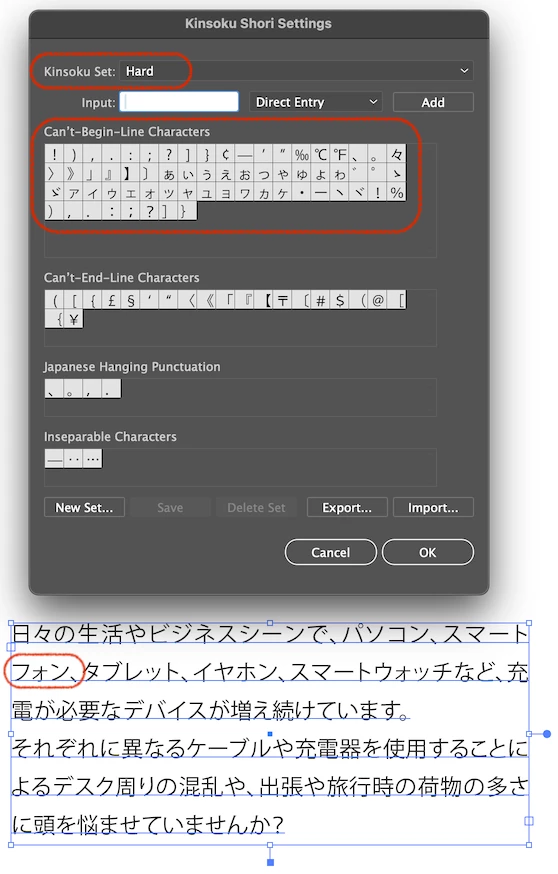
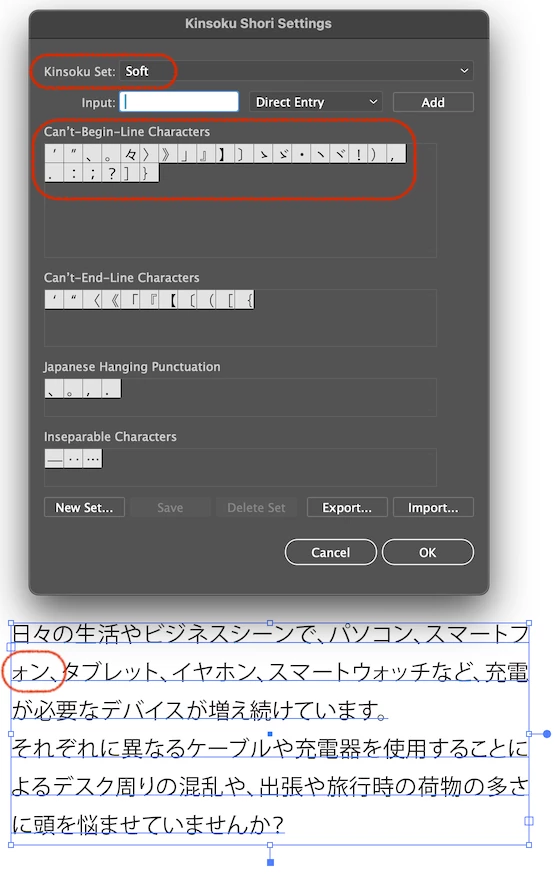
Deadline tomorrow, of course. I can see various options for Japanese, however in the language selector to get the correct renderer, there is no Japanese. The pasted Japansese translation has a strange indentation that can't be deleted, also the "punctuation" like the Japansese "commas" are floating in the middle, and there's no way to change them. Also, line breaks are wrong, I have to do them as best as I can guess manaully, though I am not a Japanese speaker.
Help! This is absolutely absurd. What is wrong with non-western type rendering? I also work with Thai, and it breaks compeltely. Are eastern languages just absolutely broken? Oddly, works fine in InDesign, but my desing is complete and ready to send in Illustrator. I've worked with both languages before, years ago, and there were no issues. It's like each release gets worse with time. Compeltely stuck.
 AdChoices