
Joining gaps in lines so I can colour fill
Hi,
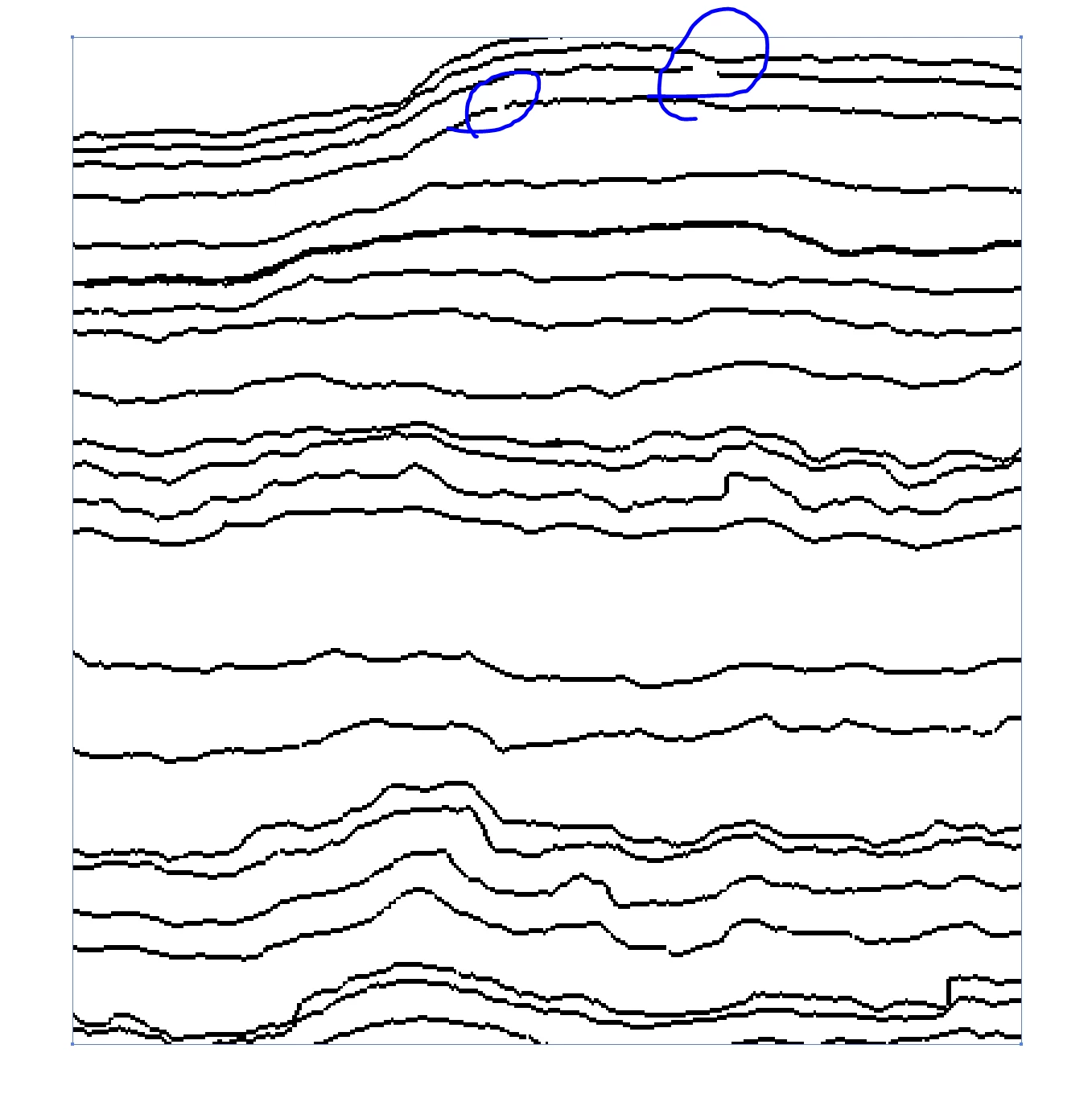
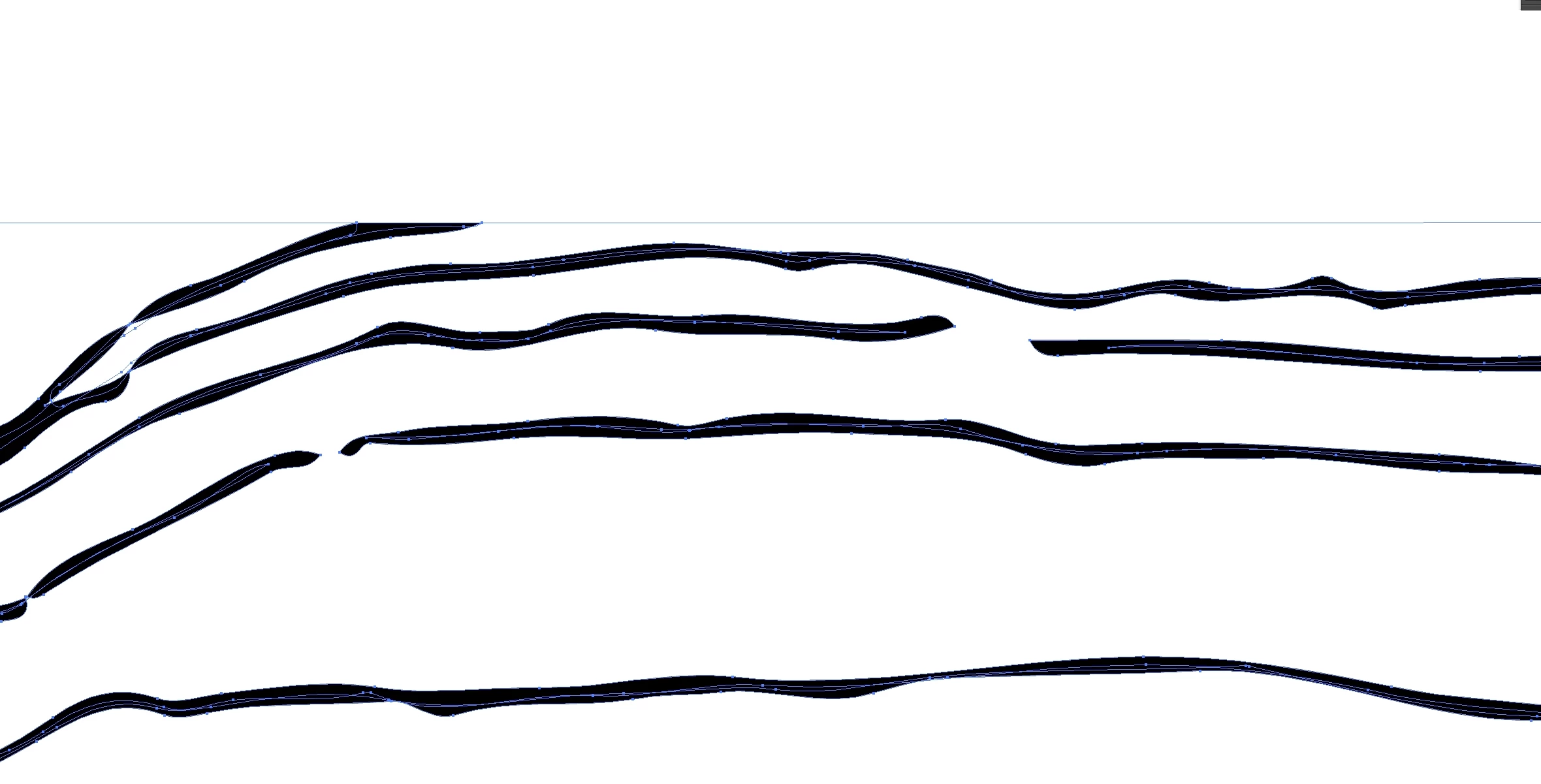
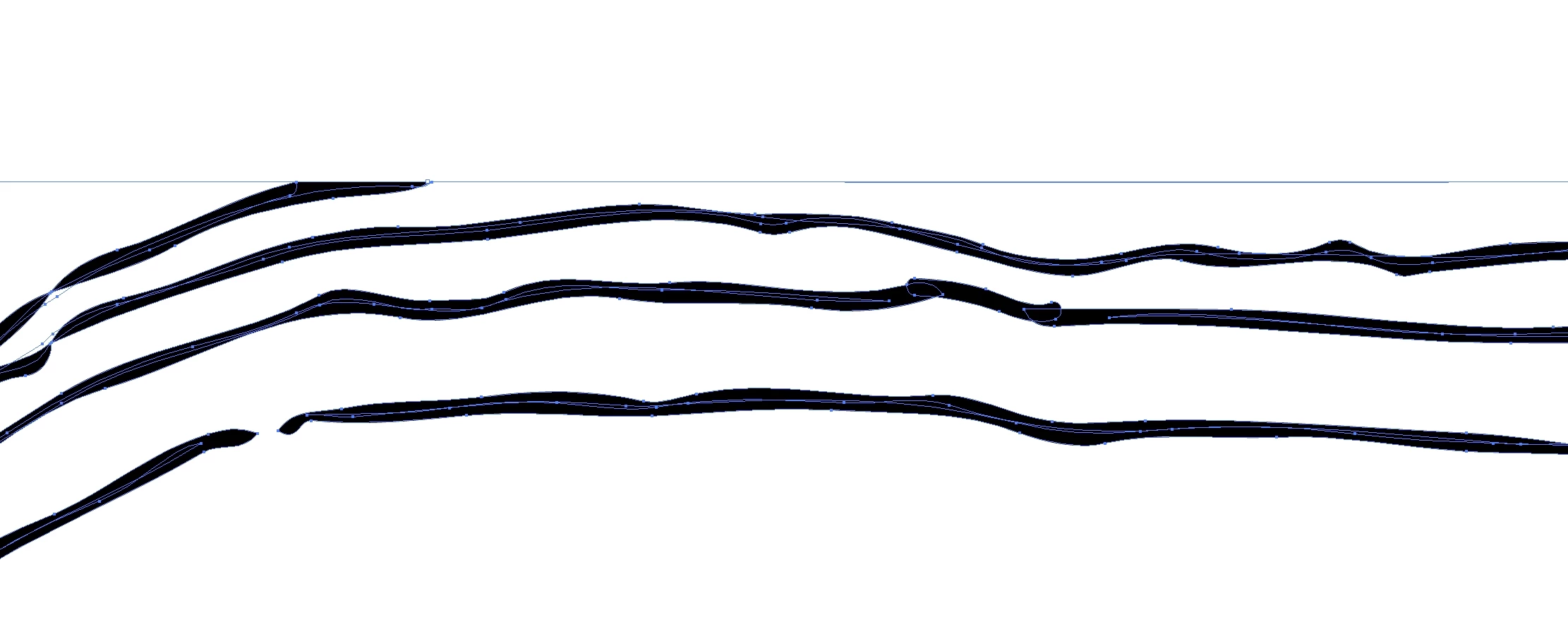
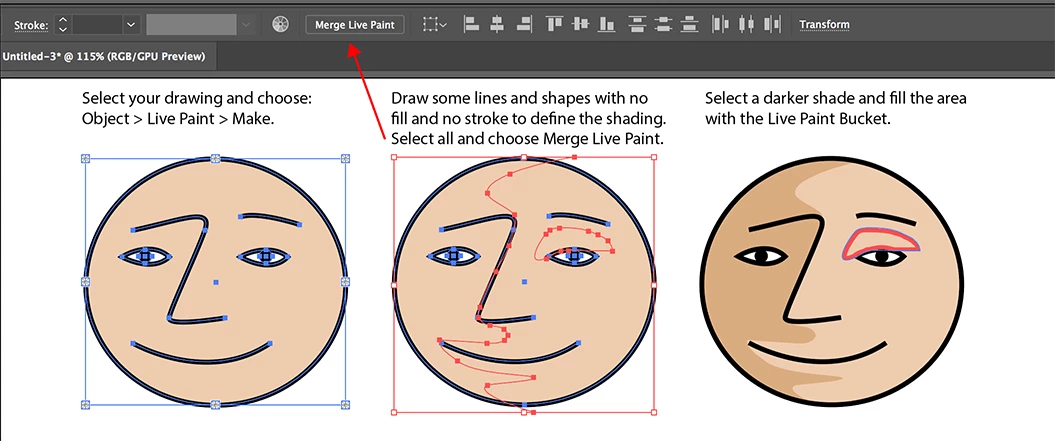
I am quite new to illustrator and probably have a bit of a rookie question, but I am lost. I have a series of lines which represent interpretations of lava flow contacts. I have exported these lines as PNG files and uploaded it to Illustrator. However, for some reason there are a bunch of gaps in the lines (associated with the interpretation program) which I want to join so I can colour fill each layer in a different colour. I have traced the image and subsequently expanded it, so all the paths show. I then tried to use the live paint bucket function so I can fill the layers with help from the gap function. This works for some, but not the larger gaps. I then opened a new page and tried to use the blob brush tool to connect the gaps, however when I try to trace and then expand the image illustrator does not recognise that the lines are now joined and shows the paths the same as if I had not used the brush. I was wondering if there was a way I can join the paths so that the selection tool recognises each layer so I can individually fill them?
See pictures below for context.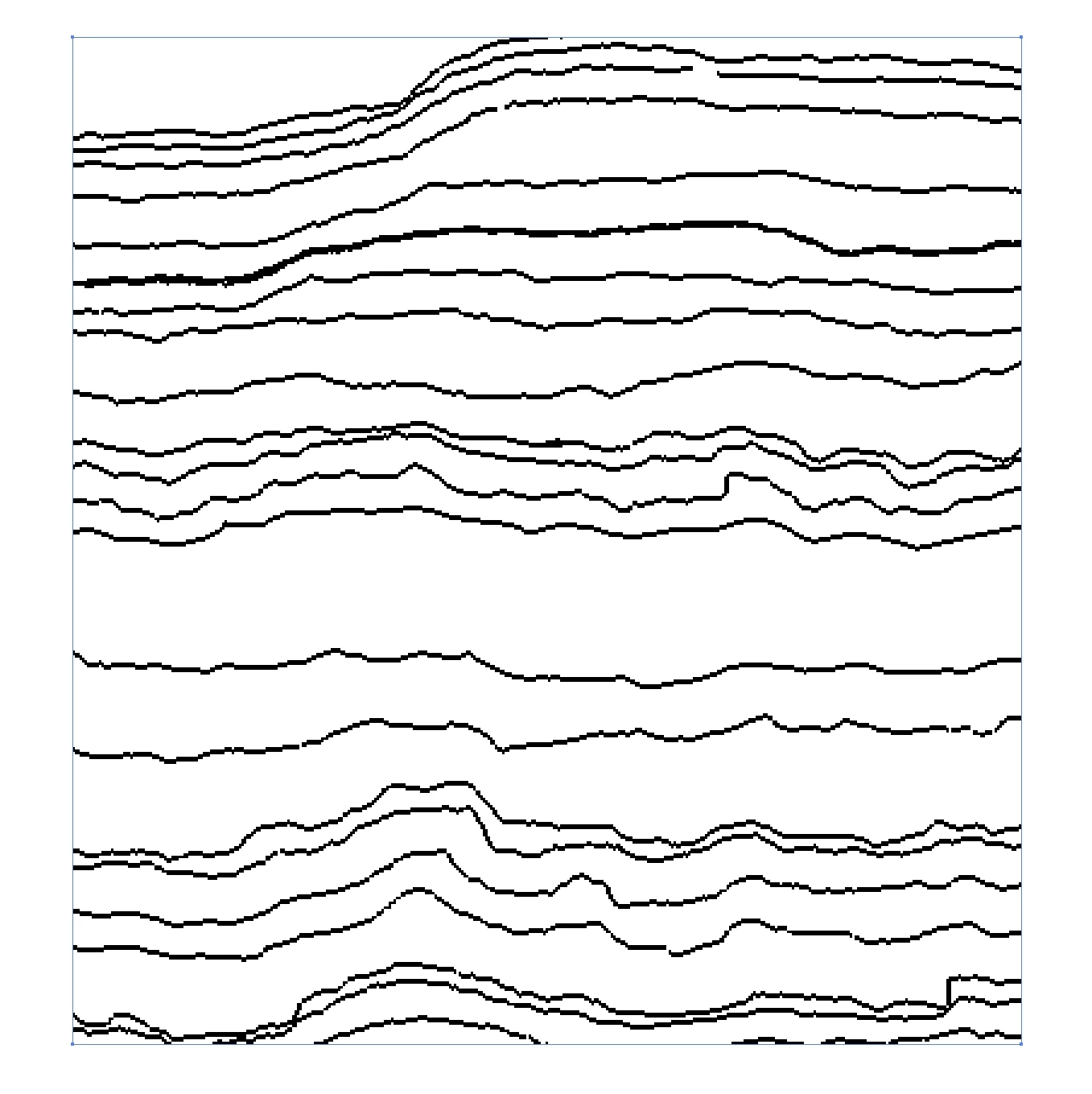
 AdChoices