
iBabs2
Inspiring
March 26, 2018
Answered

Keeping shapes from distorting along a brush path

  • March 26, 2018
  • 2 replies
  • 3788 views

Hello,

I am working on a project that seems like it would be so simple, but it has proved to be quite the challenge.

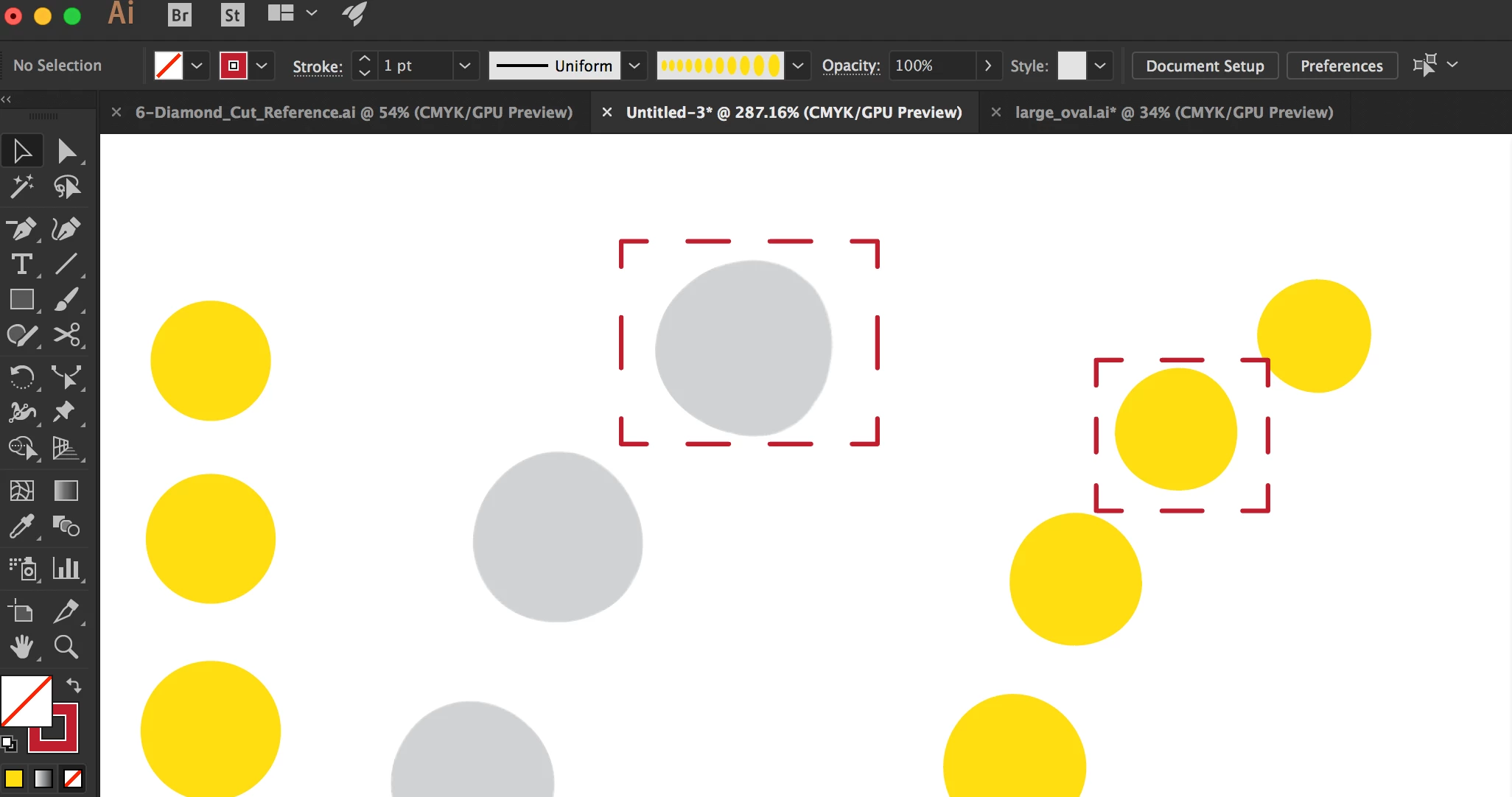
First was trying to get a circle to grow from one pre-determined size to a  secondary pre-determined size with a fixed size between the shapes.

I had some success starting with an Effect-Distort and Transform option to create the initial objects.

Now I am trying to get them around a curved shape and I am dealing with the issue of objects distorting on the path. I found dome great tutorials if I could keep the lines staring, but nothing for a curve.

Is there any known way to have a shape hold its form without distorting on a path, when applied as a brush? If not, is there a better way to create the multiple growing in size objects on a curved path from the start?

thanks

babs
    This topic has been closed for replies.
    Correct answer JETalmage

    Simply making a Brush is not going to do what you want, and not just because of the distortion, but also because your specifications require that you specify either the number of beads required or the total length of the semicircle along which you want to distribute them.

    Simply making a Blend is not going to do it either, because the required distribution of the interpolated steps of the Blend is not uniform (because their individual widths vary).

    So there is no simple "trick" with a single feature that will yield what you want. But here is one way you can do it in a few minutes:

    SpacedBeads_01of03.png

    SpacedBeads_02of03.png

    SpacedBeads_03of03.png

    But you still have to decide how many beads you want, or how long the semicircle is.

    JET

    2 replies

    JETalmage
    JETalmageCorrect answer
    Inspiring
    March 27, 2018

    Simply making a Brush is not going to do what you want, and not just because of the distortion, but also because your specifications require that you specify either the number of beads required or the total length of the semicircle along which you want to distribute them.

    Simply making a Blend is not going to do it either, because the required distribution of the interpolated steps of the Blend is not uniform (because their individual widths vary).

    So there is no simple "trick" with a single feature that will yield what you want. But here is one way you can do it in a few minutes:

    SpacedBeads_01of03.png

    SpacedBeads_02of03.png

    SpacedBeads_03of03.png

    But you still have to decide how many beads you want, or how long the semicircle is.

    JET

    iBabs2
    iBabs2Author
    Inspiring
    March 27, 2018

    Hi Jet,

    I just did a quick test....so far so good.

    Thank so much!! This definitely solves the spacing issue! Will need to test with some raster shapes to see if I can get things not to distort, but definitely getting close.

    Babs

    Monika Gause
    Community Expert
    Community Expert
    March 26, 2018

    Use a scatter brush instead of a pattern brush.

    Try a blend.

    iBabs2
    iBabs2Author
    Inspiring
    March 26, 2018

    Hi Monika,

    Thanks for the feedback.

    The blend doesn't work because I am trying to grow the circle at a very specific size and hold a specific distance.

    The spacing get's weird when using the blend.

    The scatter brush doesn't let me grow the circle on the path I am putting it on. I can do random sizes, but then it is just that random.

    The only thing that gets me close is the transform, but then after I expand and make into a group, and create a brush, that's when it all falls apart in the holding the shape.

    Can't seem to get this to work no matter what I try.


    Basically, I am making a 10mm circle and growing it to 20mm with 8 mm in between. Then I am trying to get it onto a half oval, that I will reflect to create a whole.

    If you have any other thoughts, I am all ears

    thanks!

    Babs

    Monika Gause
    Community Expert
    Community Expert
    March 27, 2018

    iBabs2  schrieb

    The scatter brush doesn't let me grow the circle on the path I am putting it on. I can do random sizes, but then it is just that random.

    You can let it grow by pen pressure when using a graphic tablet.

    But the question was how to keep shapes from distorting on a brush path. If you have further requirements then it would be good to mention them in the first post.

    I think you already posted this growing with specified distance, didn't you?