Participant
August 23, 2021
Answered

Kreis schneiden

  • August 23, 2021
  • 2 replies
  • 836 views

Hallo liebe Community,


ich bin noch recht neu in Illustrator und stehe vor einem Problem:

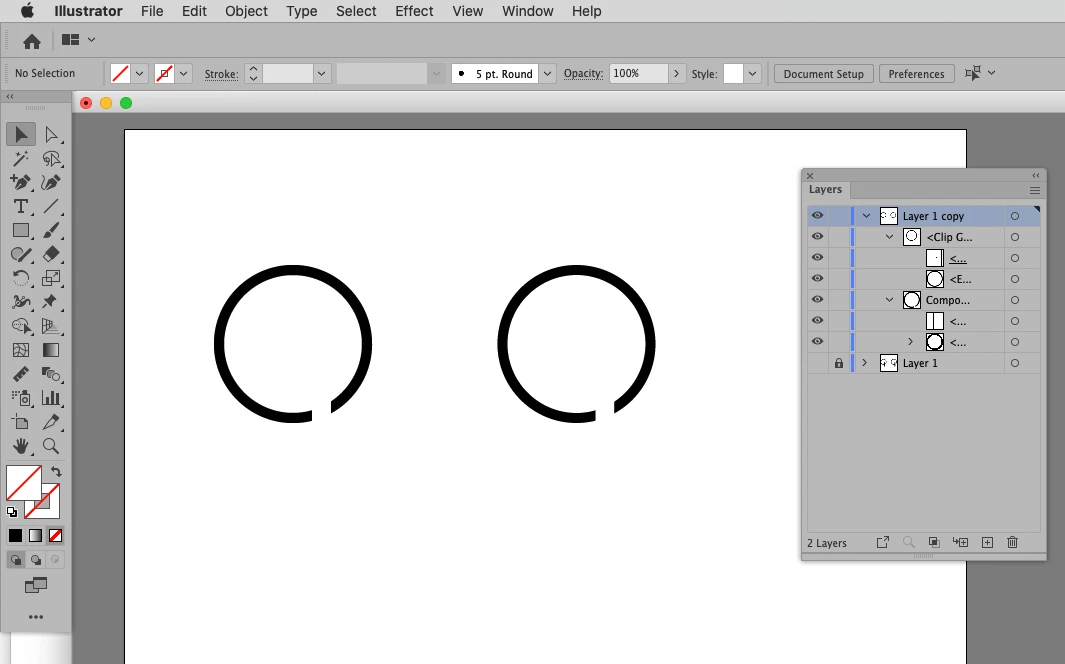
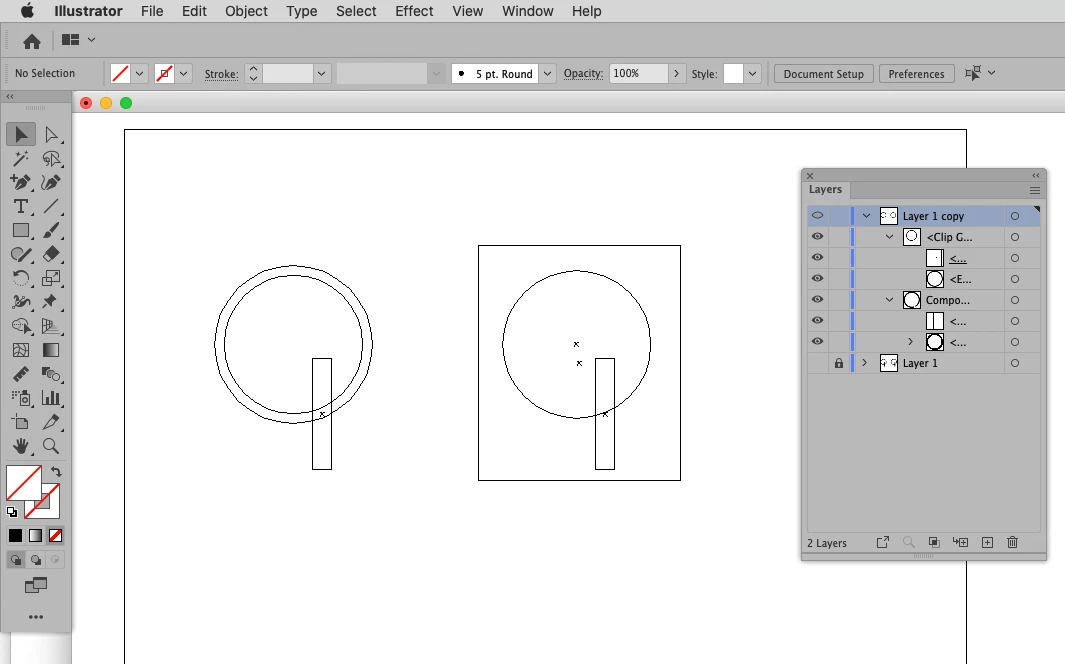
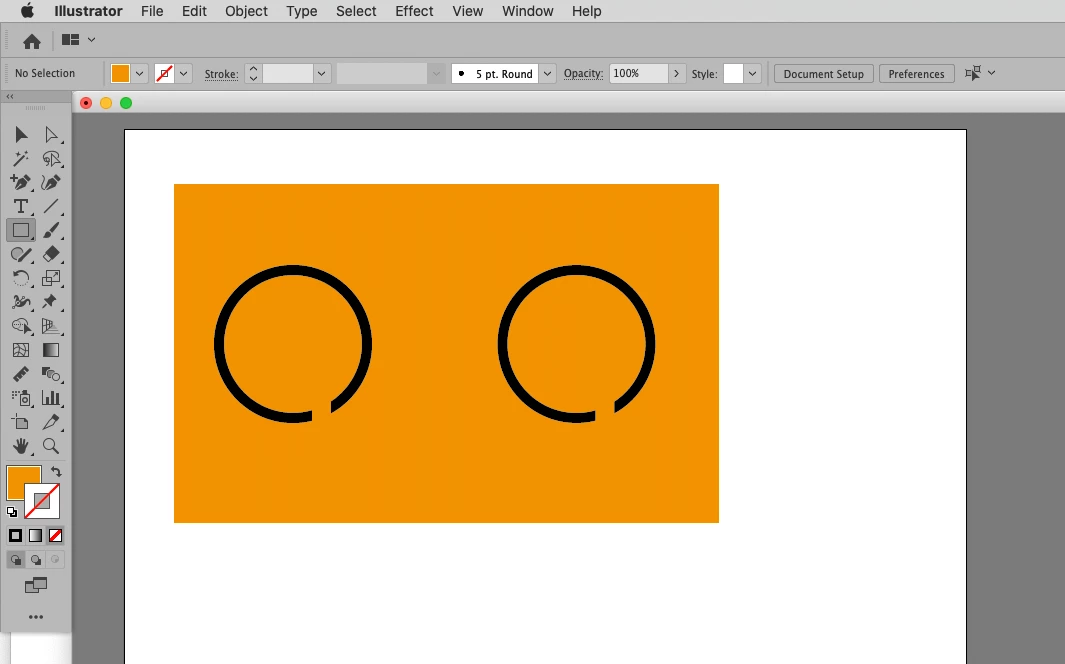
Ich würde gerne einen Kreispfad durch eine senkrechte Linie öffnen. Anbei zur Verdeutlichung ein Bild: Links die Variante mit der Schere, die mir eine Kante in Kreisrichtung gibt, in der Mitte die Variante, auf die ich hinaus will. Das Problem dabei: Ich habe das mit einem Pfad gelöst, der den Kreis schneidet und die Pfadkontur mit weiß gefüllt. Sobald sich der Hintergrund aber farblich ändert oder gar transparent wird, bleibt da natürlich der weiße Balken...

Wie bekomme ich das Ergebnis in der Mitte, ohne diesen Balken zu behalten?


Vielen vielen Dank schon mal! 

This topic has been closed for replies.
Correct answer c.pfaffenbichler

You could expand the Stroke and use Pathfinder to punch out the rectangle or you could create a Clipping Mask. 

2 replies

pixxxelschubser
Community Expert
Community Expert
August 23, 2021
Participant
August 24, 2021

This is a great option, too! I tried it and I love it. Thank you for showing.

c.pfaffenbichler
Community Expert
c.pfaffenbichlerCommunity ExpertCorrect answer
Community Expert
August 23, 2021

You could expand the Stroke and use Pathfinder to punch out the rectangle or you could create a Clipping Mask. 

Participant
August 23, 2021

Thank you very very much! Expand the stroke did the job 😉 I dont know how I would do this with a clipping mask, but thats another story since I am at the beginning and learning 😉


Thank you and have a nice week!

c.pfaffenbichler
Community Expert
Community Expert
August 23, 2021

The clipping mask in the example is actually a Compound Path itself, consisting of a larger and a smaller rectangle.