
andyd90166442
Participant
December 12, 2017
Answered

large white space outside the artboard??

  • December 12, 2017
  • 5 replies
  • 9494 views

Hello, I am still new to illustrator and am having an issue, my artboard is small but when I exit out of changing the artboard size I get a huge white space attached are
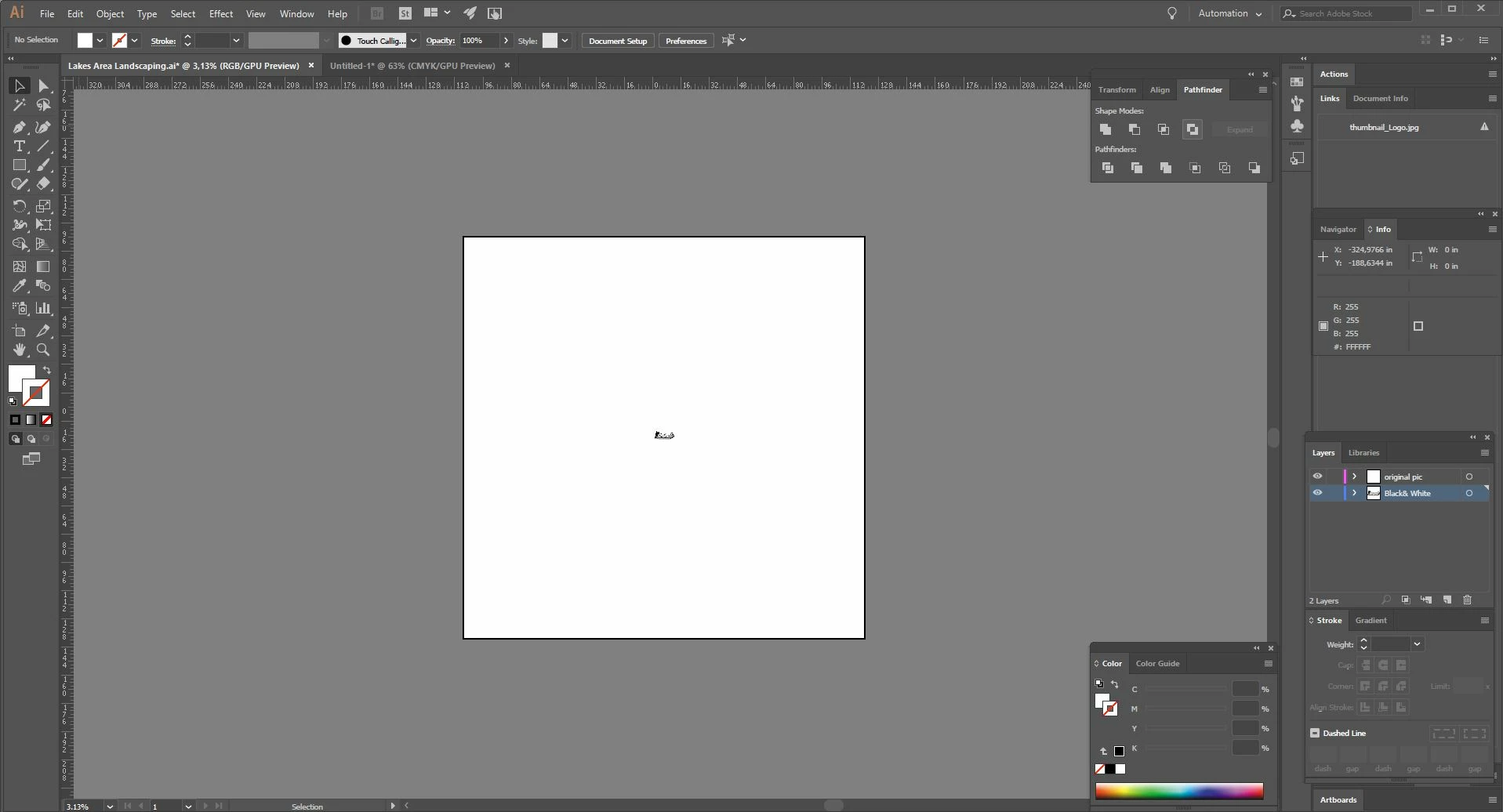
some screen shots. can anyone explain?? Thanks
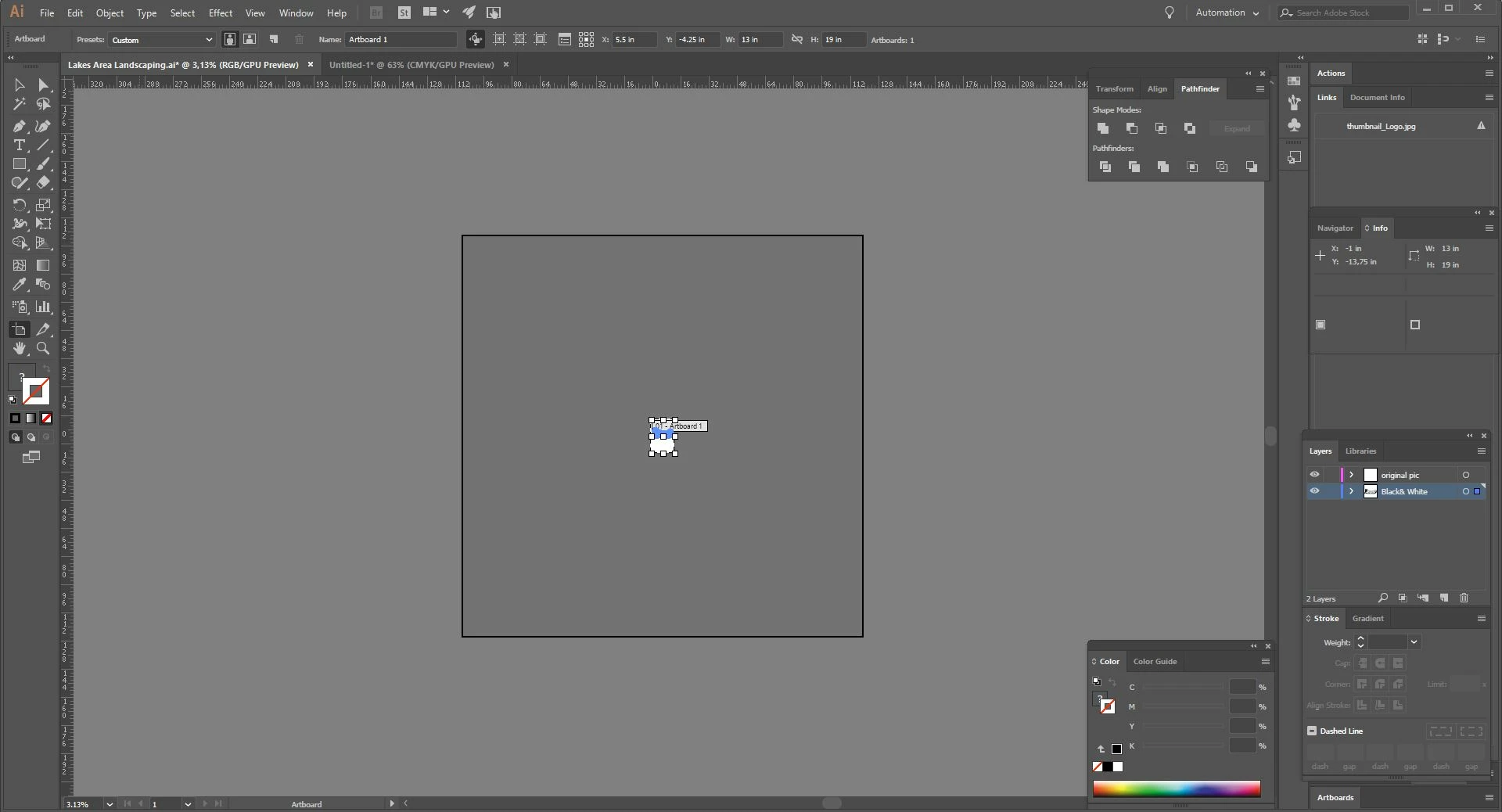
    This topic has been closed for replies.
    Correct answer Emmason Art

    Just happened to me too, I accidentally activated it while trying to use a keyboard shortcut to save my project file.

    Instead of pressing CTRL+SHIFT+S, I instead pressed CTR+SHIFT+D.

    And I just needed to press it again and the issue is gone.

    Alternatively, you can navigate to View>Show Transparency Grid.


    That's all guys,

    Good day 😉

    5 replies

    Emmason ArtCorrect answer
    Participant
    March 16, 2023

    Just happened to me too, I accidentally activated it while trying to use a keyboard shortcut to save my project file.

    Instead of pressing CTRL+SHIFT+S, I instead pressed CTR+SHIFT+D.

    And I just needed to press it again and the issue is gone.

    Alternatively, you can navigate to View>Show Transparency Grid.


    That's all guys,

    Good day 😉

    Participant
    March 20, 2019

    Go to View > Show Artboards or press Shift+Cmd+H  

    Participant
    October 25, 2020

    This is the answer to OP's question, thank you katerinak for understanding the question.

    Simmer1
    Community Expert
    Community Expert
    December 18, 2017

    Pressing Cmd + 0 should fix it.

    Michael Riordan
    Inspiring
    December 12, 2017

    You're talking about the WHITE area, correct? And it's bigger than you hoped? Did you want it to crop much closer to your calligraphy artwork that's seen at center? Is it possible that there was a different unit of measure being applied than what you thought you were using? Recheck your numbers a nd  be sure to note whether it is inches, mm, cm, etc.

    Hope that helps

    Monika Gause
    Community Expert
    Community Expert
    December 12, 2017

    You are zoomed waaaayyy out. This is the canvas. You cannot change its size.

    andyd90166442
    Participant
    December 12, 2017

    I am zoomed out o show whats going on, if its the canvas how come other files I work on don't have it??

    Monika Gause
    Community Expert
    Community Expert
    December 12, 2017

    They all have it.

    Your other apps might show differently, but they all have it.