
Answered
Layering changes appearance of colors
I am having difficulties with the appearance of colors on my map. It seems that the layers are distorting each other. There are two issues:
- Having a layer 'inside' another layers masks the color of the layer inside. (See picture, on left, the pink object within the blue object should be the same pink as the one to the left of it, but looks masked.)
- Colors of objects on my map appear different than the ones in my legend, even though they are the same and have the same opacity (ex. Transvaal Supergroup color should be the same as the khaki brown on map, but it is different.)
Thank you for your help. I am still trying to figure out Illustrator.
Using 24.0.2
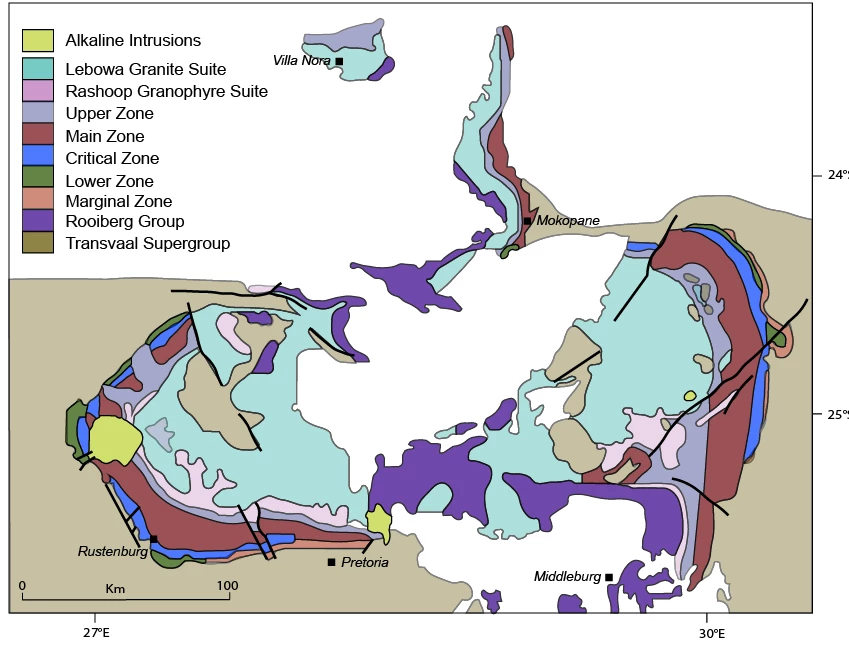
[ attachment inserted as inline image by moderator ]
 AdChoices