Exit
  • Global community
    • Language:
      • Deutsch
      • English
      • Español
      • Français
      • Português
  • 日本語コミュニティ
  • 한국 커뮤니티
0

Library & Vectors without Clipping Mask

New Here ,
Dec 20, 2019 Dec 20, 2019

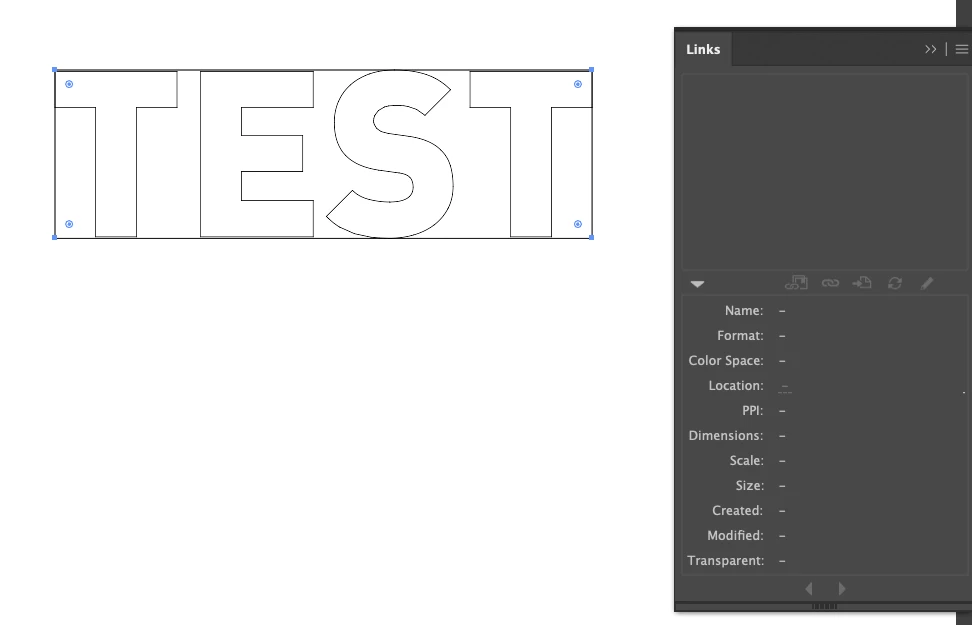
Is there a way to embed a vector asset from the library panel into illustrator without putting a rectangle clipping path around it?

EXAMPLE:

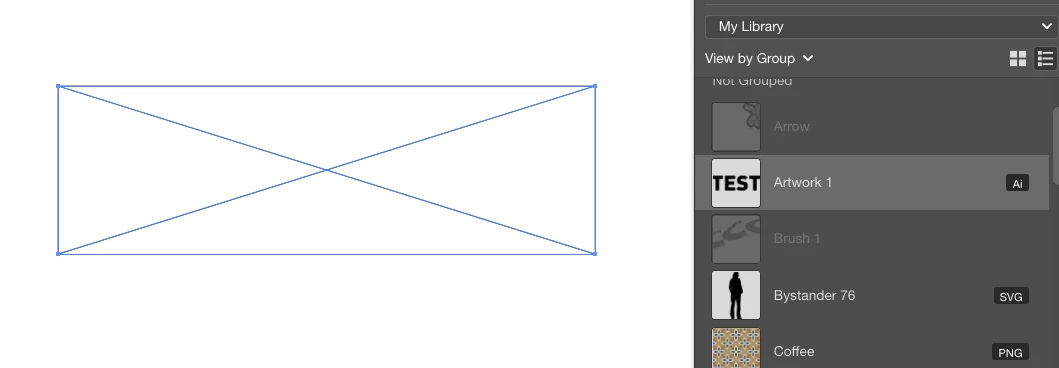
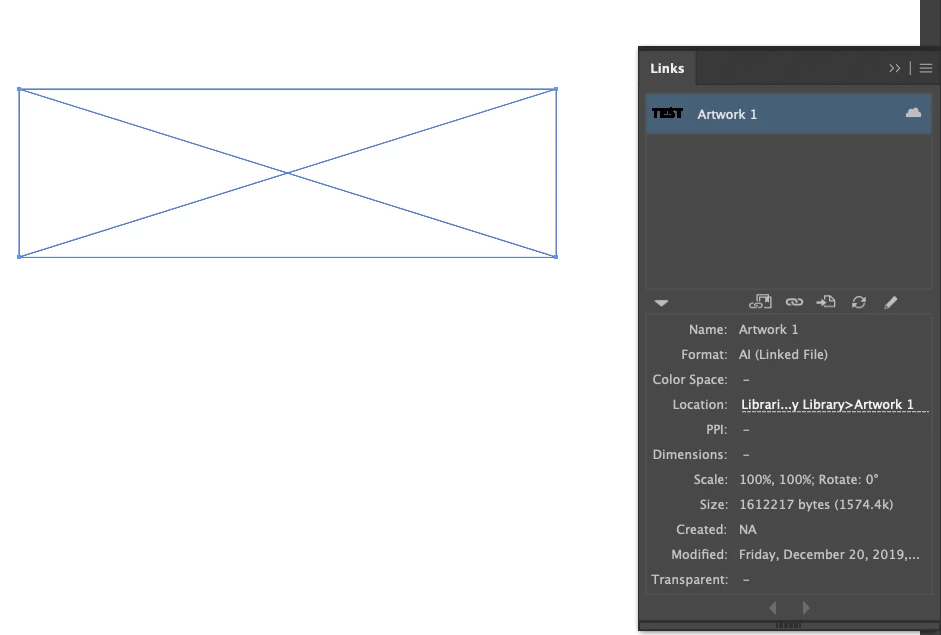
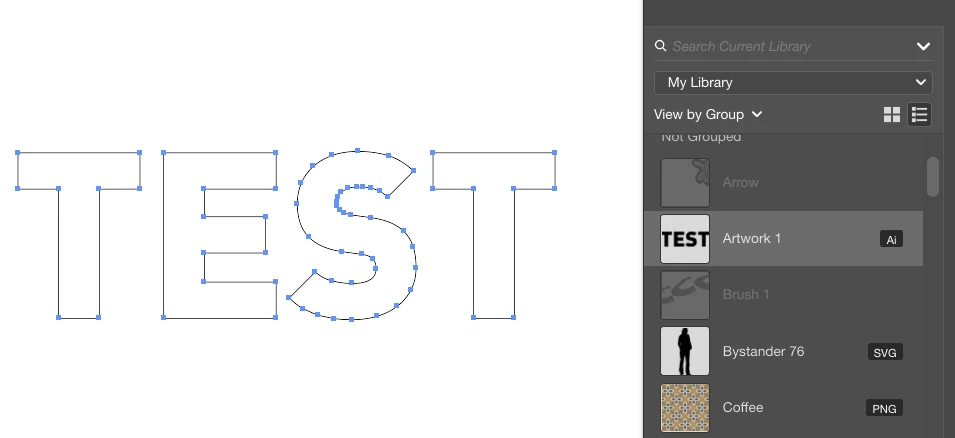
Starting with the outlined text 'TEST'  > Make a Library Asset > View Asset in Outline > Embed Asset in Links > Addes Rectangle Clipping Mask? See BleowScreen Shot 2019-12-20 at 3.51.11 PM.pngScreen Shot 2019-12-20 at 3.51.47 PM.pngScreen Shot 2019-12-20 at 3.52.05 PM.pngScreen Shot 2019-12-20 at 3.52.17 PM.png


TOPICS
Bug , Feature request
755
Translate
Report
Community guidelines
Be kind and respectful, give credit to the original source of content, and search for duplicates before posting. Learn more
community guidelines
Adobe
Community Expert ,
Dec 20, 2019 Dec 20, 2019

You have placed a link to the item in the library.

Drag the artwork from the CC Library while holding down the Alt key.

Or choose Place Copy when Ctrl clicking the item in the library.


Translate
Report
Community guidelines
Be kind and respectful, give credit to the original source of content, and search for duplicates before posting. Learn more
community guidelines
New Here ,
Dec 31, 2019 Dec 31, 2019

Ton,

Thank You. This is really helpful. Converting sign people from Corel is challenging but I am making headway.

Translate
Report
Community guidelines
Be kind and respectful, give credit to the original source of content, and search for duplicates before posting. Learn more
community guidelines
Community Expert ,
Jan 01, 2020 Jan 01, 2020
LATEST

midtown signs,


Outside the actual question, that is a most astonishing S weighted down by unecessary Anchors (or at least Anchor Points).


Translate
Report
Community guidelines
Be kind and respectful, give credit to the original source of content, and search for duplicates before posting. Learn more
community guidelines