Answered
Line length Information in Illustrator CC 2018
Hello everybody,
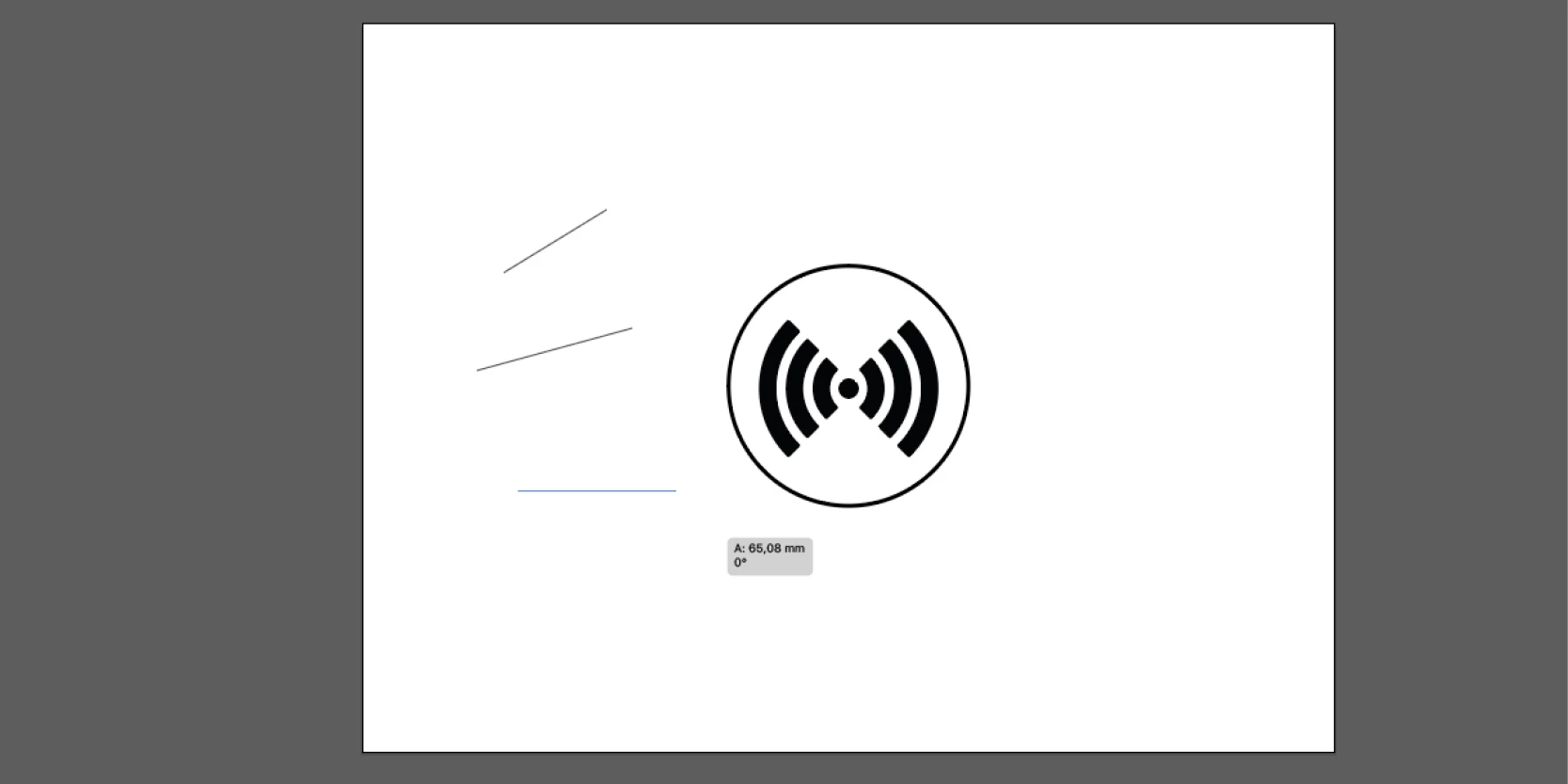
how can I show these lines length information?
A: xxxx
0°
(Illustrator CC 2018 iMac)
Thanks a lot in advance for your fast reply.
BR, Fabian

Hello everybody,
how can I show these lines length information?
A: xxxx
0°
(Illustrator CC 2018 iMac)
Thanks a lot in advance for your fast reply.
BR, Fabian
Preferences > Smart Guides > Display Options > (tick) Measurement Labels
Then, if necessary, enable Smart Guides; (View > Smart Guides; or toggle with Cmd+U)
Already have an account? Login
Enter your E-mail address. We'll send you an e-mail with instructions to reset your password.
 AdChoices