acnaibinidrat3064477
Participating Frequently
June 11, 2019
Question

Lineweight appears correct on Illustrator but too thick when printed

  • June 11, 2019
  • 3 replies
  • 7917 views

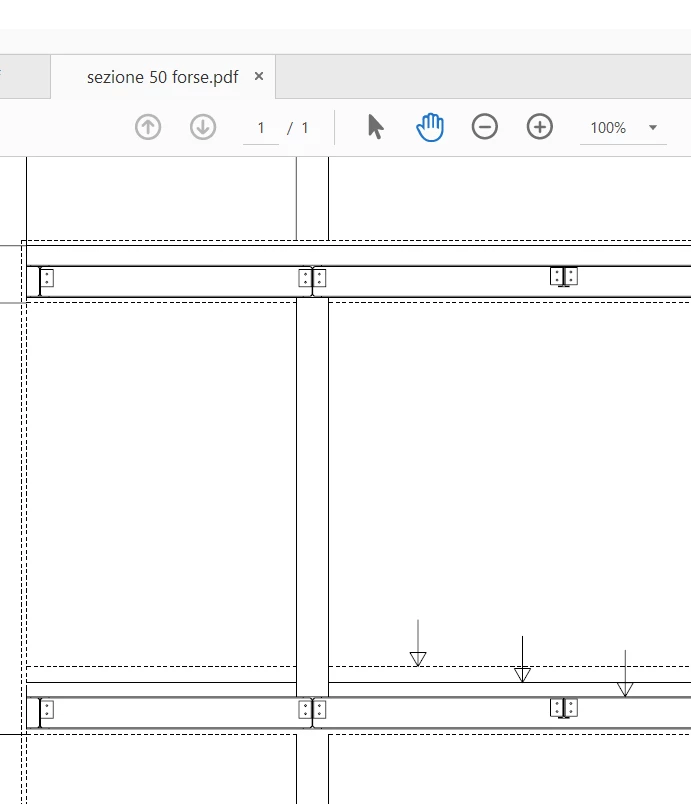
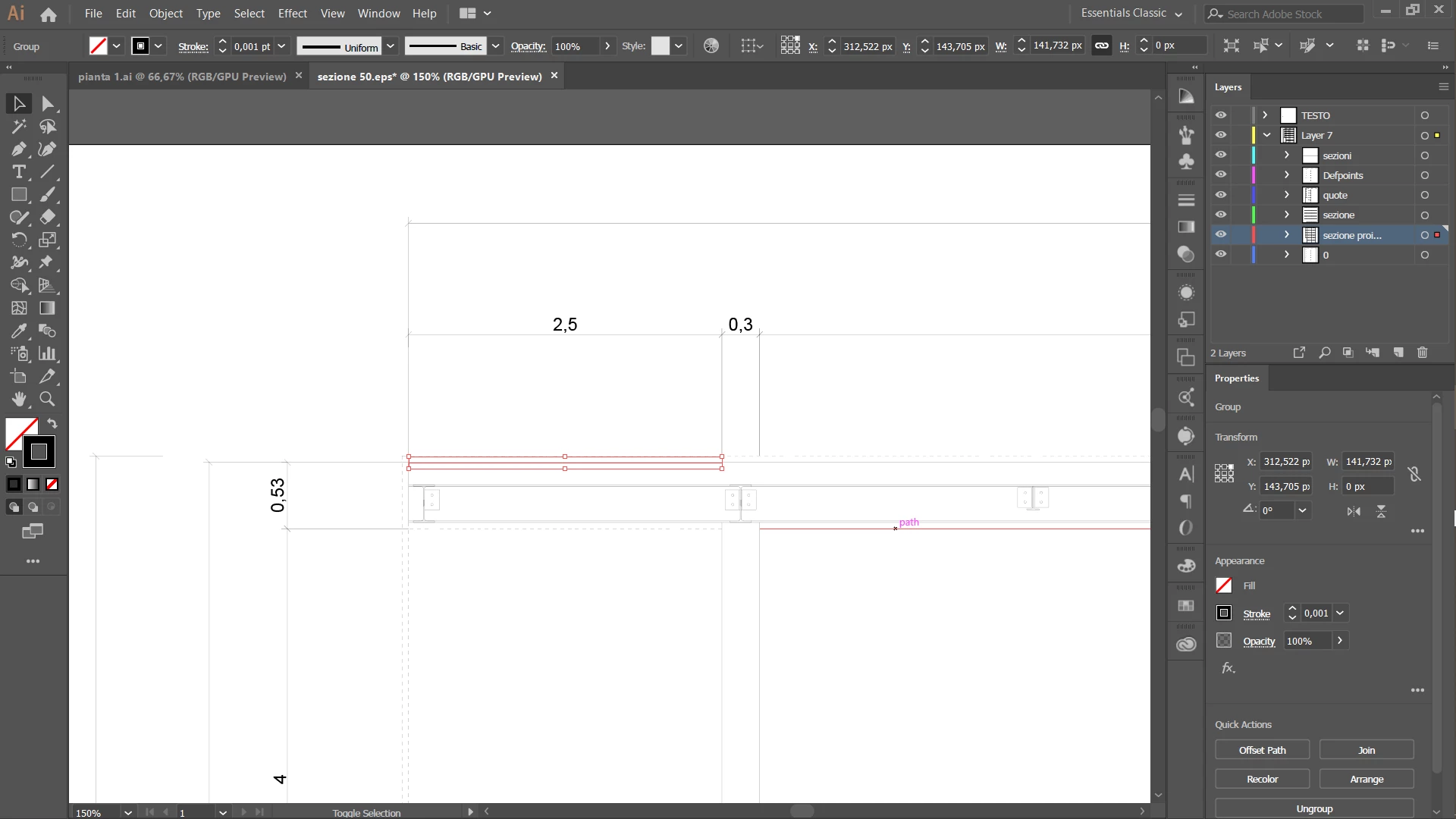
I have recently encountered a problem when working with illustrator: I used to work with very thin lines (0.001 pt) and they would show on pdf and print just fine, but lately they appear way too thick when on pdf (which I solved by deactivating the enhance thin lines option on Acrobat) but still they appear too thick when printed. 0.001pt looks like a 0.5pt for comparison. I have tried reading into discussions but for everyone else the problem seems to go away once the file is physically printed.

I am running the latest version of Illustrator, 2019, same with Acrobat... I usually import AutoCAD files, and the cad version is the student version for 2018.
Attached you will find a screenshot of how the file looks on Illustrator and then what it looks like on pdf and therefore printed.

Note that the problem started all of a sudden, never had this kind of problem until a month ago
This topic has been closed for replies.

3 replies

Inspiring
June 11, 2019

Can you print a test copy at home to see if the problem persists?  If so, seems like it's got to be the file.  If not, something has likely changed with your print shop.

Monika Gause
Community Expert
Community Expert
June 11, 2019

Are you sure the printer is capable of printing lines that thin?

acnaibinidrat3064477
Participating Frequently
June 11, 2019

I have always printed from the same shop and they have never failed. Also I usually have the need to rpint larger formats which come out from plotters and therefore have an higher printing quality

acnaibinidrat3064477
Participating Frequently
June 11, 2019

acnaibinidrat  schrieb

I have always printed from the same shop and they have never failed.

Great. So you're not printing this yourself. Have you asked the shop about the issue?


I have tried asking them but unfortunately they do not seem to know what could cause the problem

I have also been printing in different shops over the years and they were all able to print such thin lines, but lately no one seem able to print them anymore! I even tried printing at home, with a thicker line weight (around 0.01 and 0.03) and they still came out way thicker than expected, so I am left guessing the problem must be with my files and not with the printers...

italosan
Community Expert
Community Expert
June 11, 2019

Hi, we are sorry that you have encountered this problem with Adobe Illustrator.

However, have you tried doing a reset of Adobe Illustrator preferences? To do this, press and hold Alt + Control + Shift (Windows) or Option + Command + Shift (macOS) while starting Illustrator. You will be asked if you want to delete the current settings. New preferences files will be created the next time Illustrator is started.

acnaibinidrat3064477
Participating Frequently
June 11, 2019

Thank you for the advice, I have tried doing as you suggested but no window asking me to delete the settings appeared. However my recent files are not showing up on the initial page anymore and Illustrator looks as though it had been resetted. I shall try opneing a file and printing it again