
Participant
March 26, 2020
Question

Lineweight becomes darker when exported as pdf

  • March 26, 2020
  • 1 reply
  • 17992 views

Hi, 

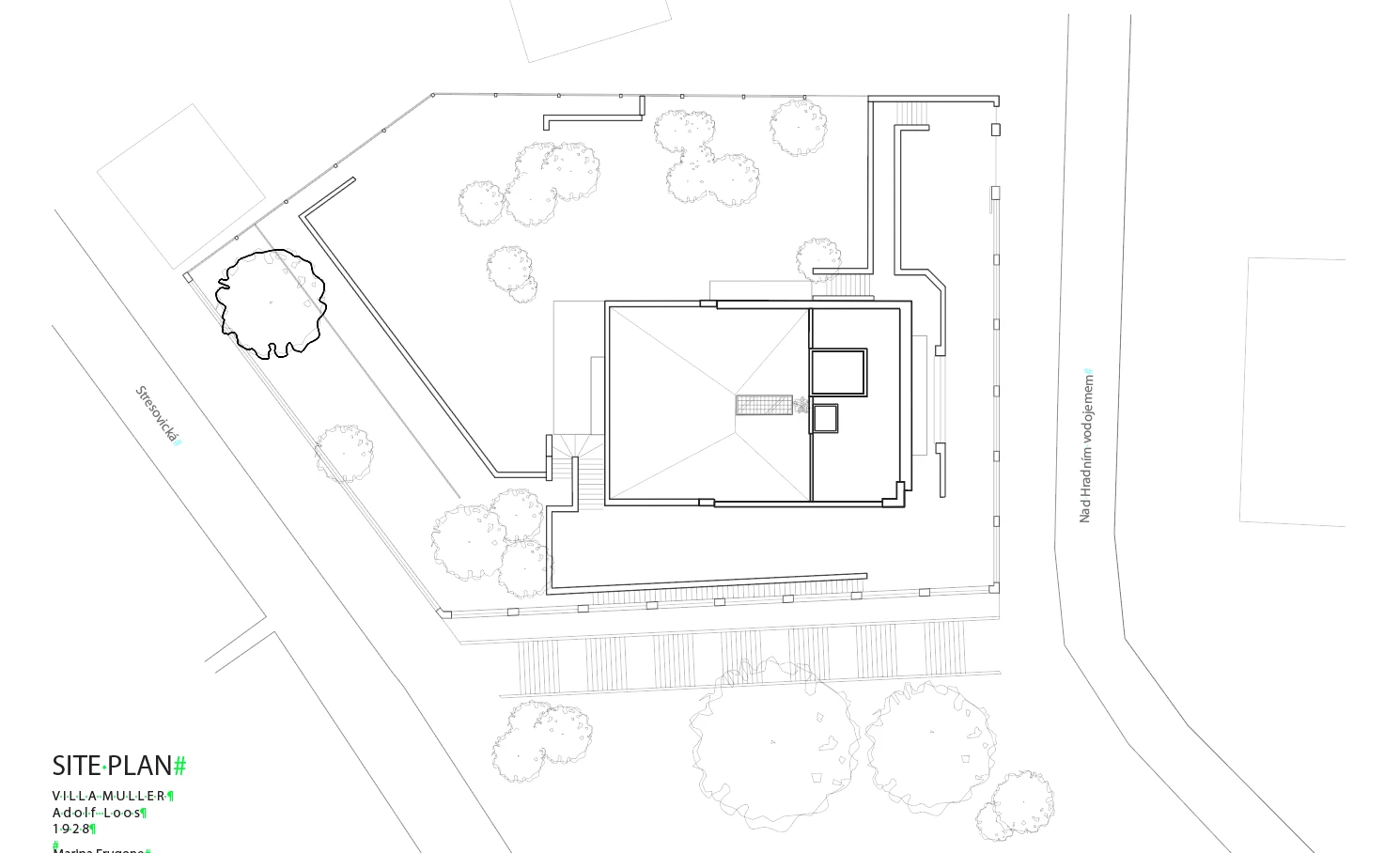
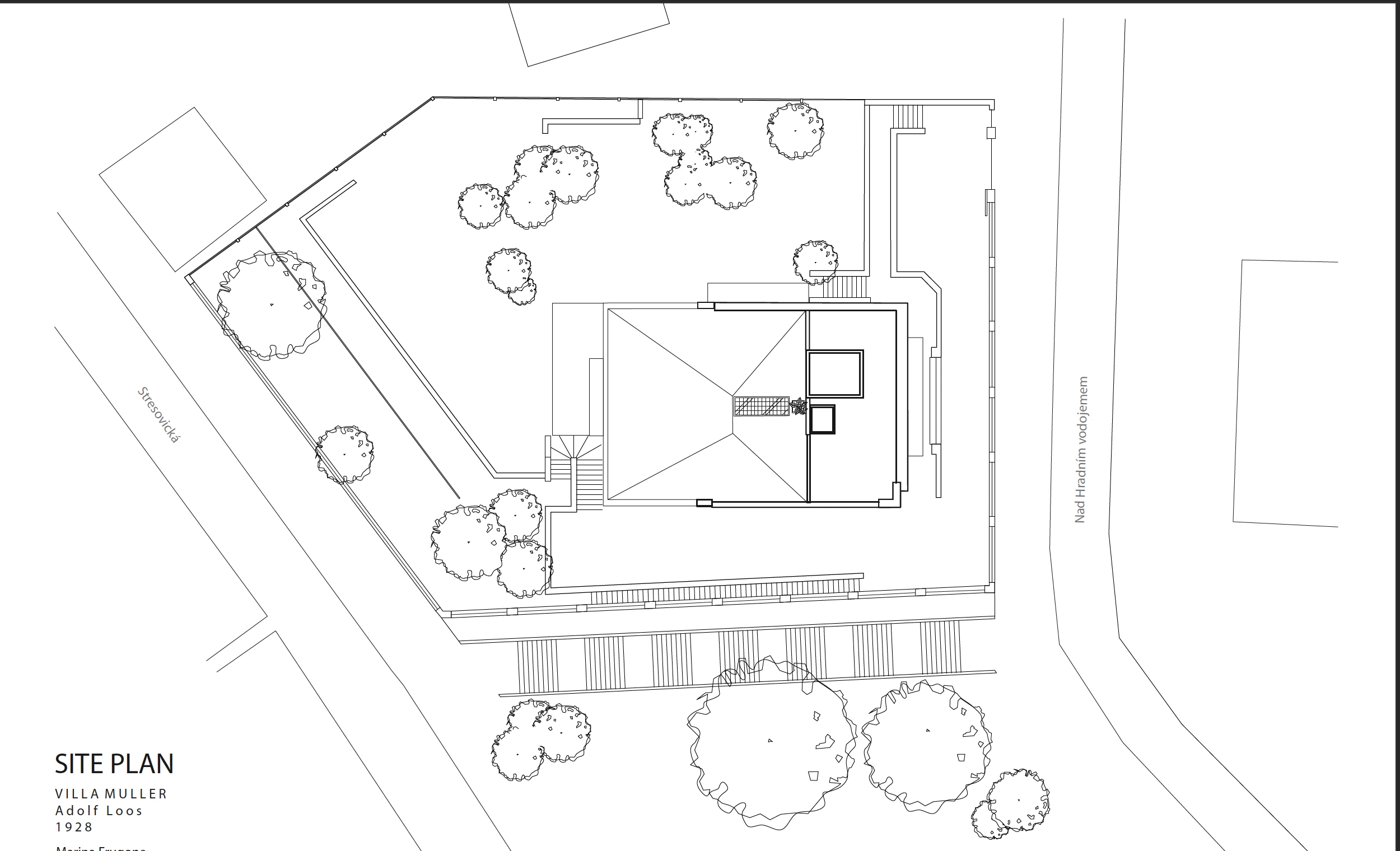
In drawing a vector based line site plan on .ai, i am able to apply lineweights. However, when exported as a pdf and viewing it on a pdf reader or uploading it, the file lineweights become thicker or darker. When I view the pdf file on illustrator, the line weights are correct. The problem happens when i view the .pdf file on any other program or platform.
 

1 reply

Ton Frederiks
Community Expert
Community Expert
March 26, 2020

Is Enhance Thin Lines checked in Acrobat Preferences > Pge Display?

la__marAuthor
Participant
March 28, 2020

Thank you! this worked! I uncheck enchance thin lines, smooth images and checked smooth line art. This setting gave me exactly what I have in AI.


zacharyg18710938
Participant
September 27, 2020

Remember that this is a user controlled option and anyone else viewing the PDF may have it enabled. You might want to add something like "Best viewed with Enhanced Thin Lines turned off in Preferences ".


You can also open the file in Photoshop (which automatically converts the vector artwork to a pixel based image) and save it as a PDF. This will keep your lineweights applied in Illustrator as original. This is a bit more time consuming but ensures any other users will see your intended lineweights without having to change their Acrobat preferences.