The_Kitty
Inspiring
January 7, 2023
Answered

live paint bucket tool shows white lines

  • January 7, 2023
  • 2 replies
  • 1252 views

Hi.

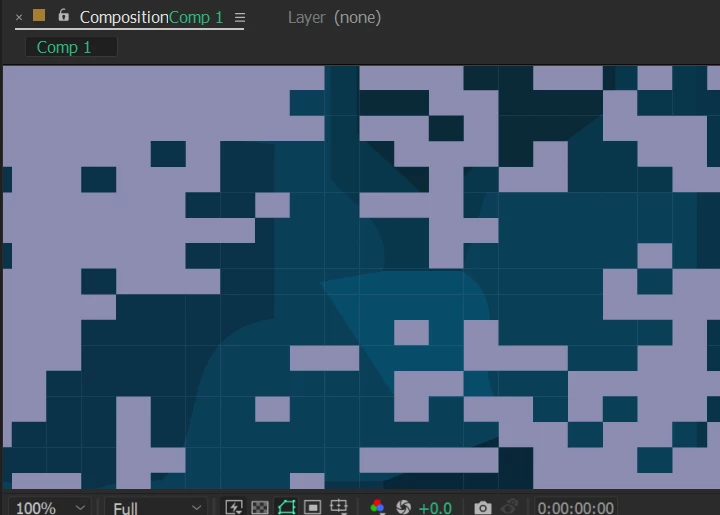
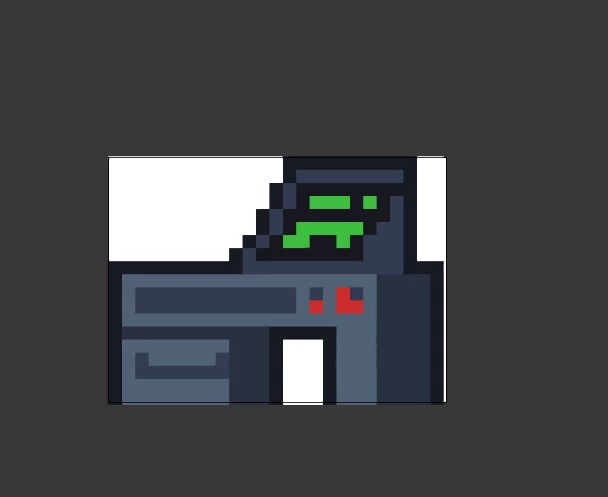
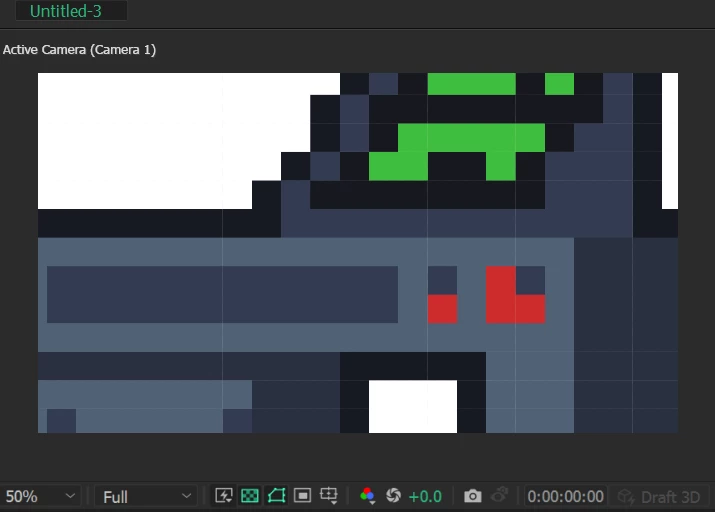
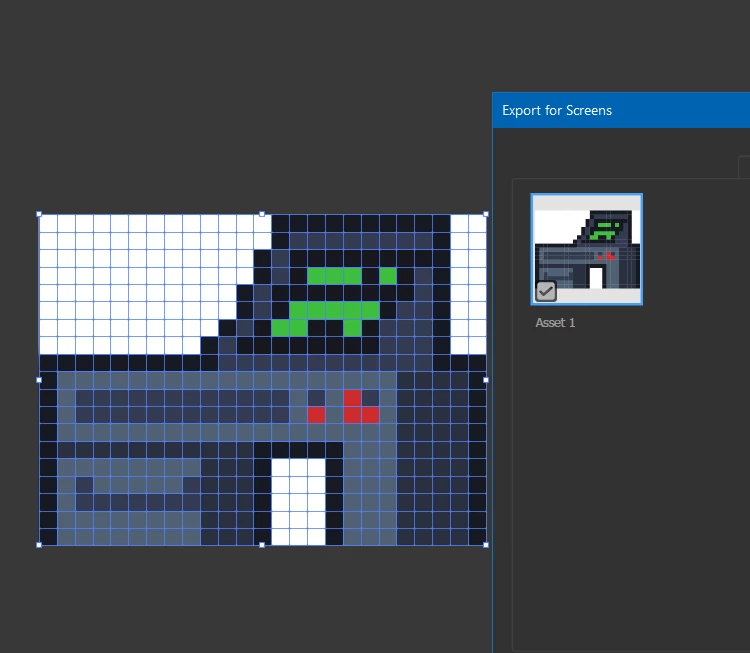
I use the Paint Bucket tool to draw an image, but when I import it into After Effects, it shows white lines, how can I not show these lines? Thank a lot


This topic has been closed for replies.
Correct answer Monika Gause

When you are done with the live paint, you could Expand it (hit the expand button)

Then use the Merge button in the Pathfinder panel. This would eliminate the white lines inside areas of the same color.

2 replies

Monika Gause
Community Expert
Monika GauseCommunity ExpertCorrect answer
Community Expert
January 7, 2023

When you are done with the live paint, you could Expand it (hit the expand button)

Then use the Merge button in the Pathfinder panel. This would eliminate the white lines inside areas of the same color.

The_Kitty
The_KittyAuthor
Inspiring
January 7, 2023

Oh, it's gone, thank you so much !!!

Monika Gause
Community Expert
Community Expert
January 7, 2023

Glad you could solve at least those white lines. What might still stay are the white lines between shapes of different colors. If you cannot align your shapes to the pixel grid, then your only option is to make the shapes overlapping. Live paint will always make neighboured shapes.

Mylenium
Legend
January 7, 2023

This is nothing new and has nothing to do with AI. It's simply that AE doesn't know anything about overprinting and its rasterization works differently, anyway. That's the old thing with unwanted antialiasing due to sub-pixel sampling. And that is basically the answer. Just like with AE shape layers you need to make sure your shapes are designed with full pixels and also placed on full pixel increments.


Mylenium