
Live Paint Selection not selecting individual segments
Hey guys, I'm looking for some help; I started using Illustrator few weeks ago and learnt the basics of the live paint tool. When I learnt it, whenever I used the live paint selection tool, it allowed me to select single strokes / segments of lines of a shape, not just intersections.
Now, whenever I try to do this, the whole shape / area of the stroke gets selected and it's very annoying.
I tried:
- reverting to an older version of Illustrator but that didn't solve it.
- checking the tool options that I only have select by stroke selected.
Am I stupid and just forgot to click an option somewhere or is the tool not behaving as it should?
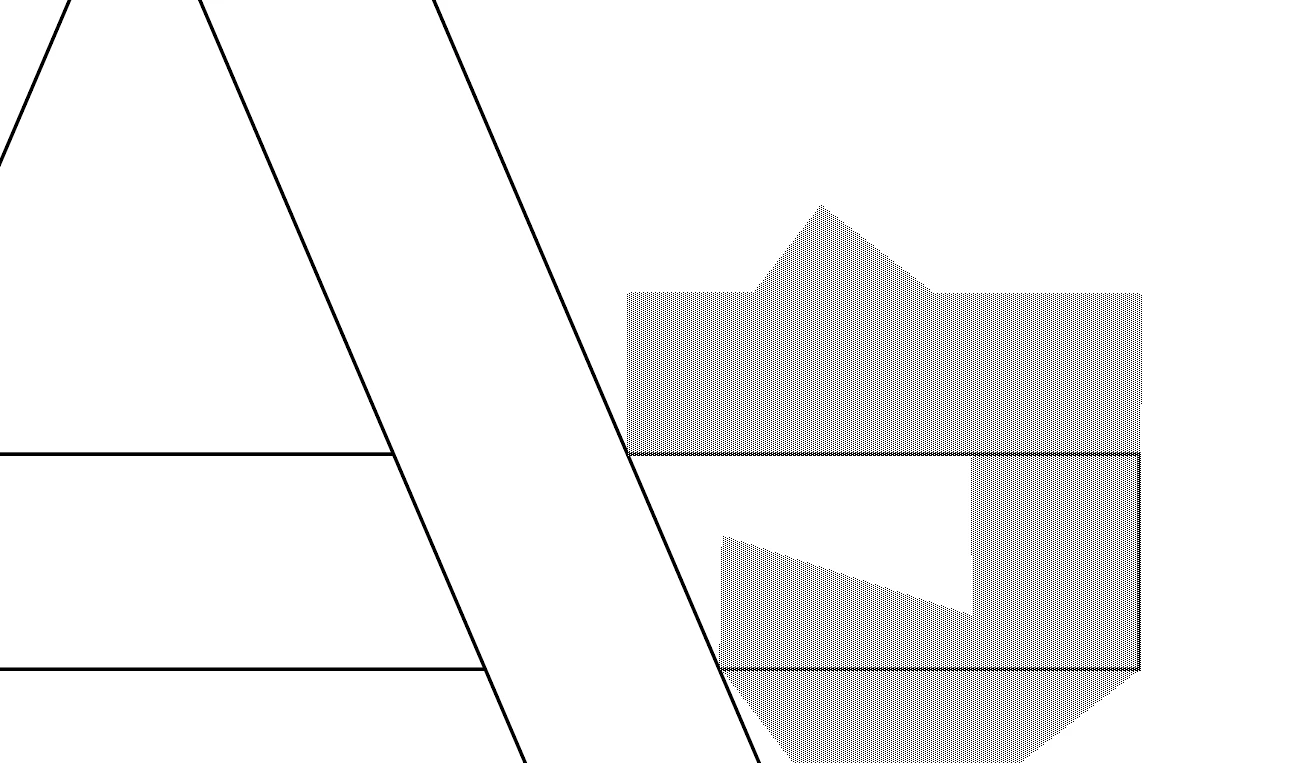
(it also started making a weird outline after the selection, you'll be able to see it in the screenshot.)
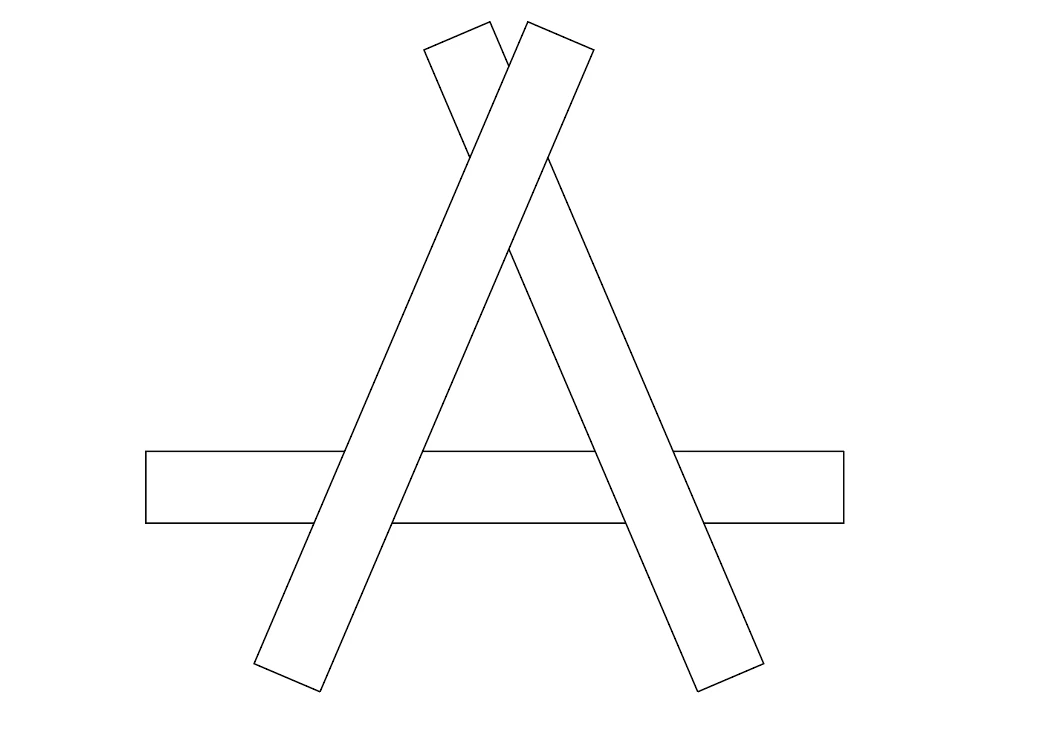

<- Shape I'm working with.
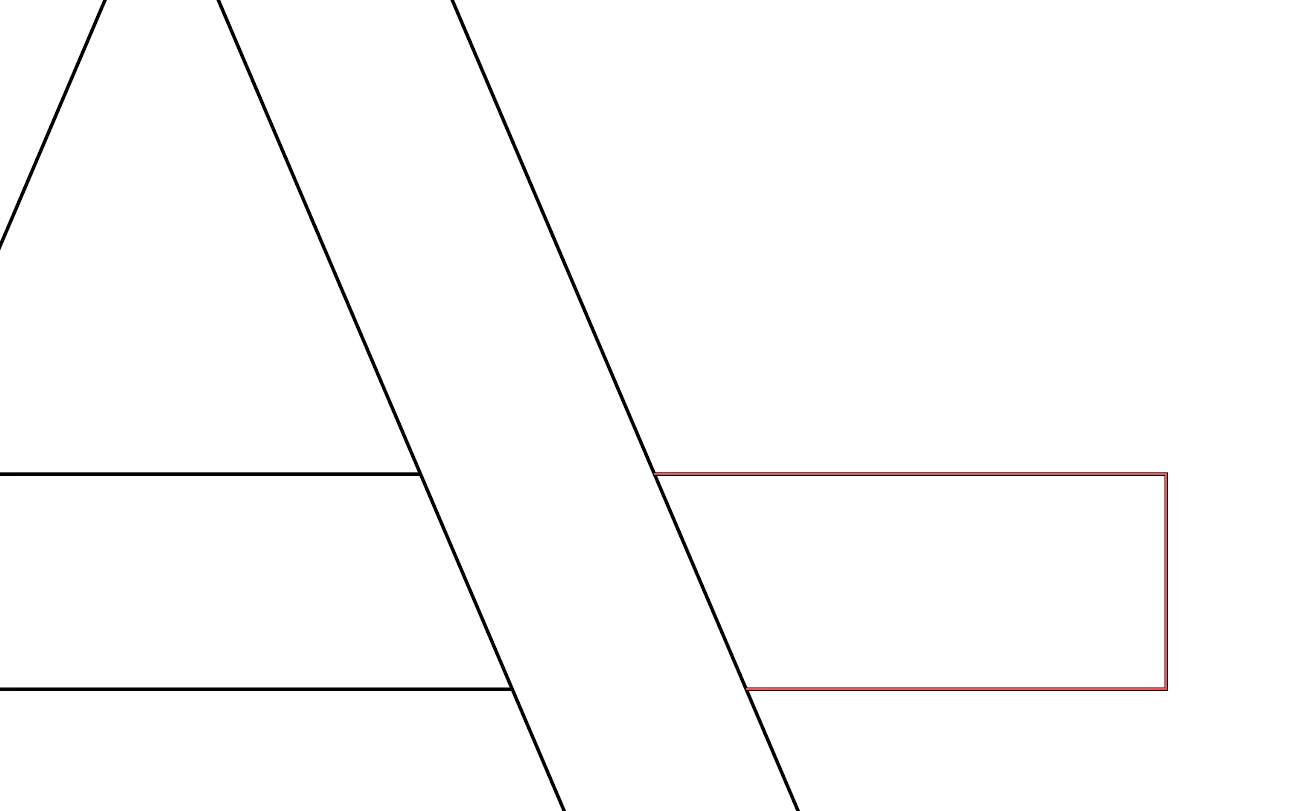
<- What happens when I hover an area with live paint selection tool.
<- Actually making that selection.
<- What I want to actually select
 AdChoices